AIバーチャル試着

自分の写真と服のアイテムをアップロード — AI が瞬時にその服を着せます。トップス、ドレス、ジャケットなどを試着室なしで試せます。

クリックまたはドラッグ 1–2 画像をここに

JPEG、PNG、WebP — 自動変換、最大1280px

画像 1: あなたの写真 · 画像 2: 服のアイテム

5

コミュニティショーケース

このツールで作成された実際の結果。

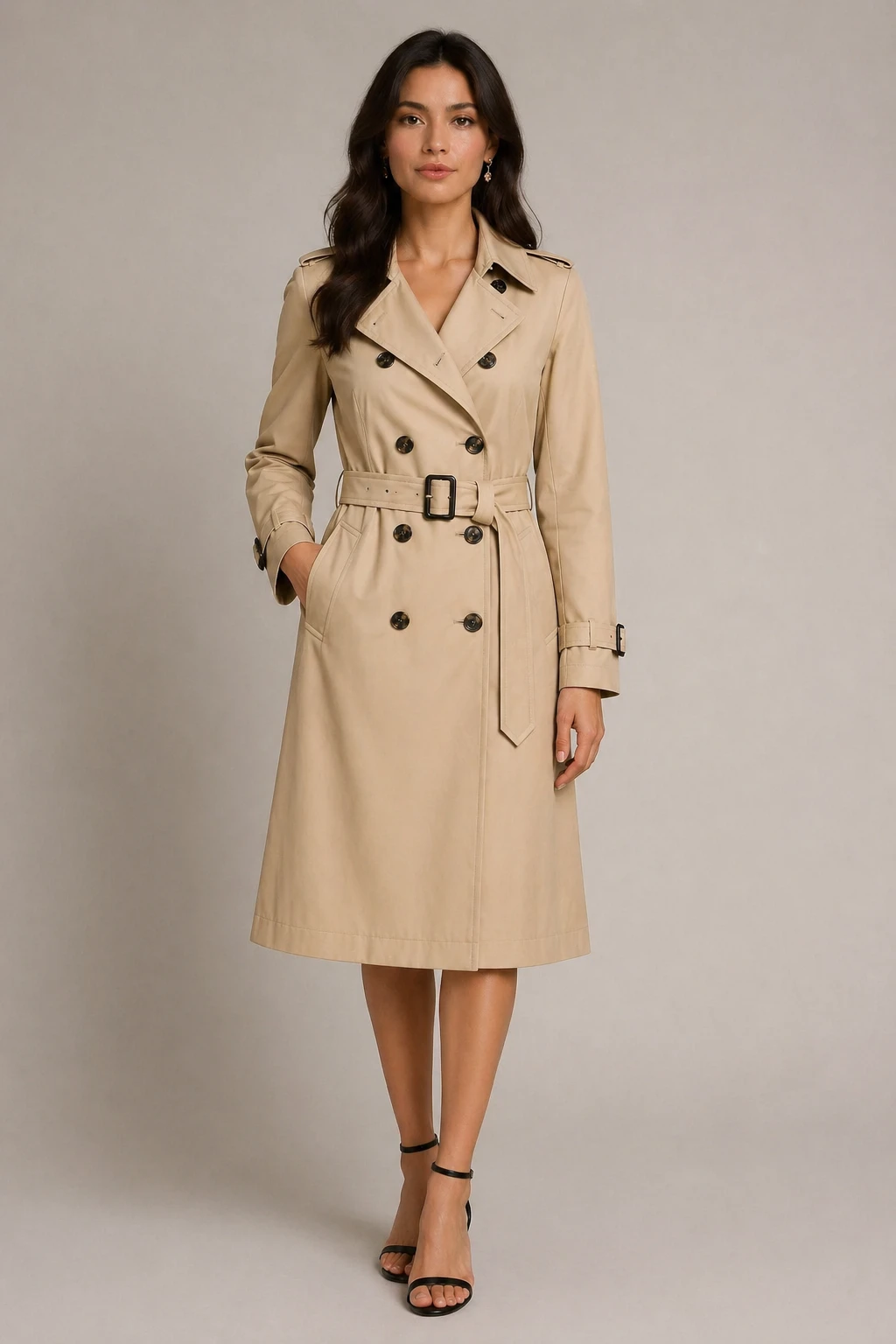
virtual try-on fashion editorial style: dress the person in the first image with the clothing from the second image, chic fashion look, preserve face  — GPT Image 2
GPT Image 2

virtual try-on fashion editorial style: dress the person in the first image with the clothing from t…
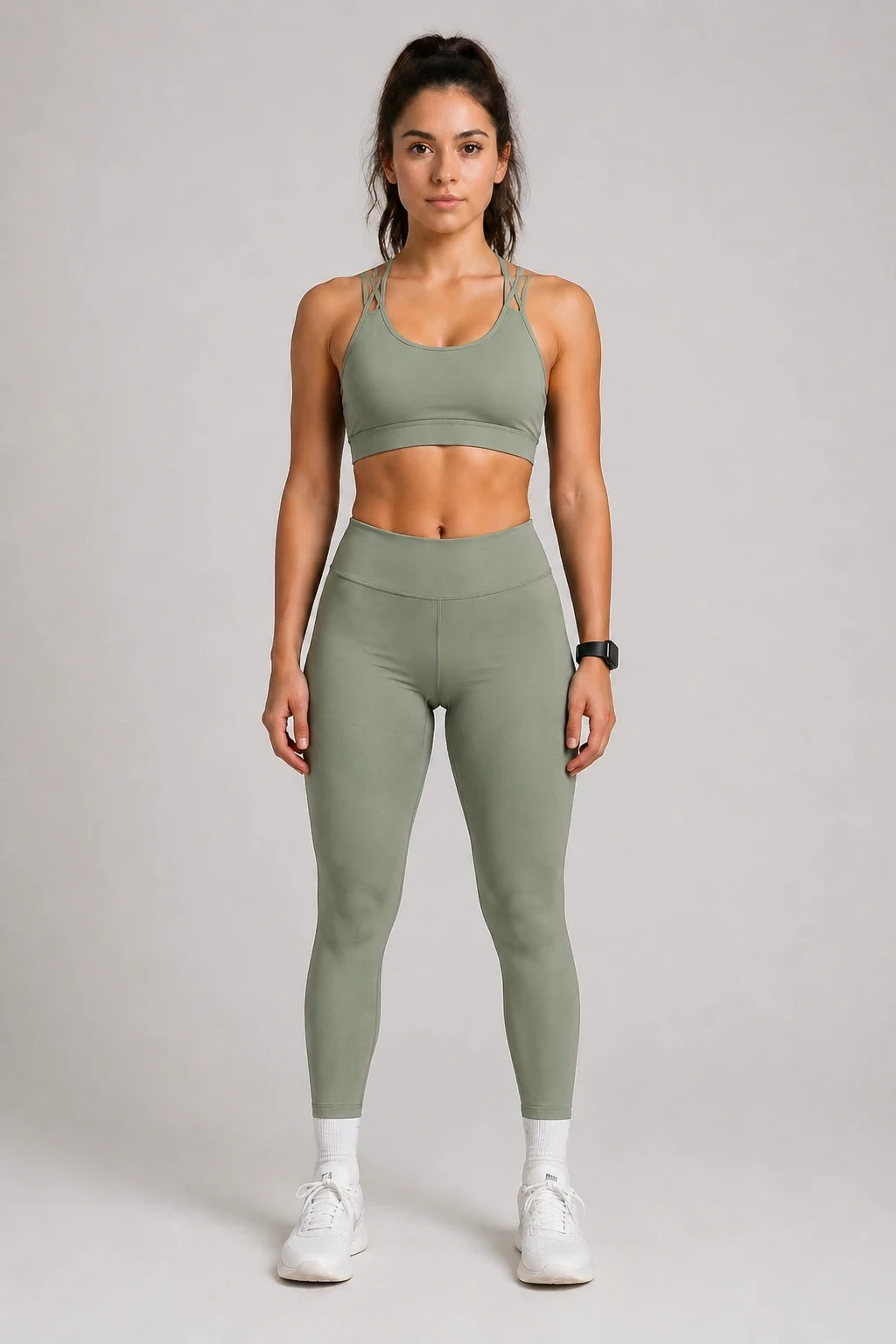
virtual try-on: dress the person in the first image with the clothing from the second image, sporty lifestyle look, natural fit, preserve face and pos — GPT Image 2
GPT Image 2

virtual try-on: dress the person in the first image with the clothing from the second image, sporty …
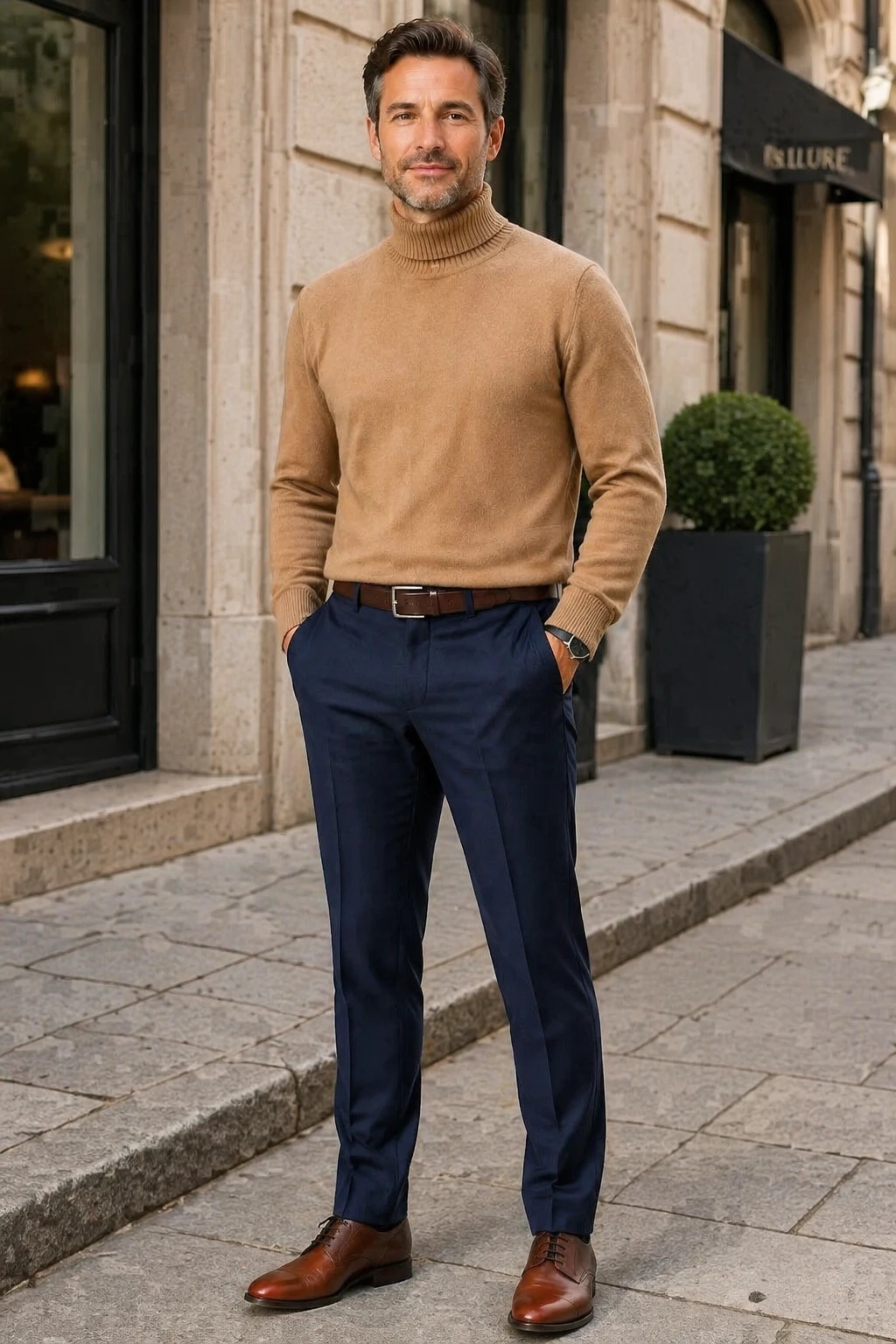
virtual try-on casual street style: dress the person in the first image with the clothing from the second image, sophisticated casual look, preserve f — GPT Image 2
GPT Image 2

virtual try-on casual street style: dress the person in the first image with the clothing from the s…
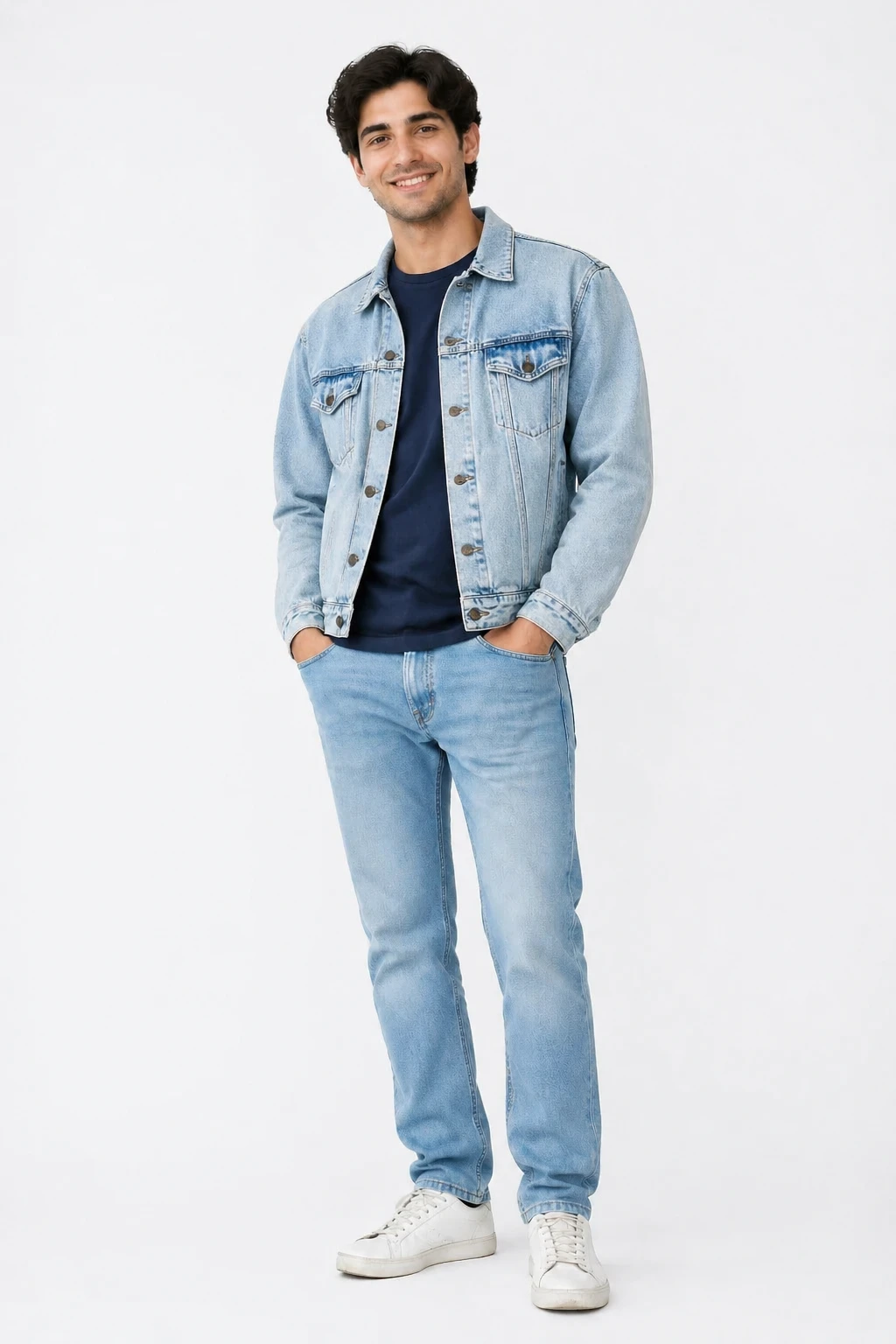
virtual try-on casual street style: dress the person in the first image with the clothing from the second image, natural street fashion look, preserve — GPT Image 2
GPT Image 2

virtual try-on casual street style: dress the person in the first image with the clothing from the s…
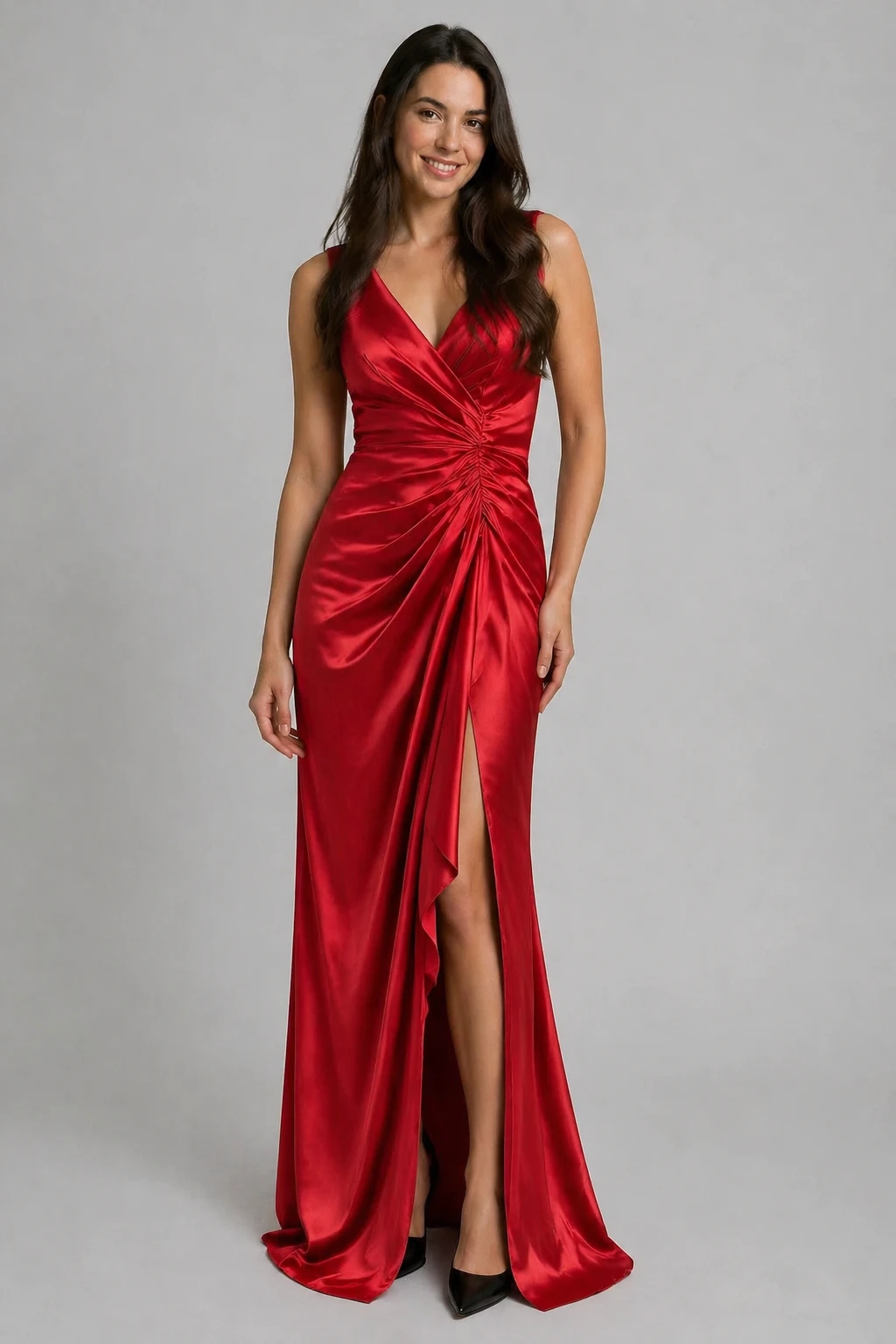
virtual try-on: dress the person in the first image with the clothing from the second image, preserve the person's face and pose, natural elegant look — GPT Image 2
GPT Image 2

virtual try-on: dress the person in the first image with the clothing from the second image, preserv…
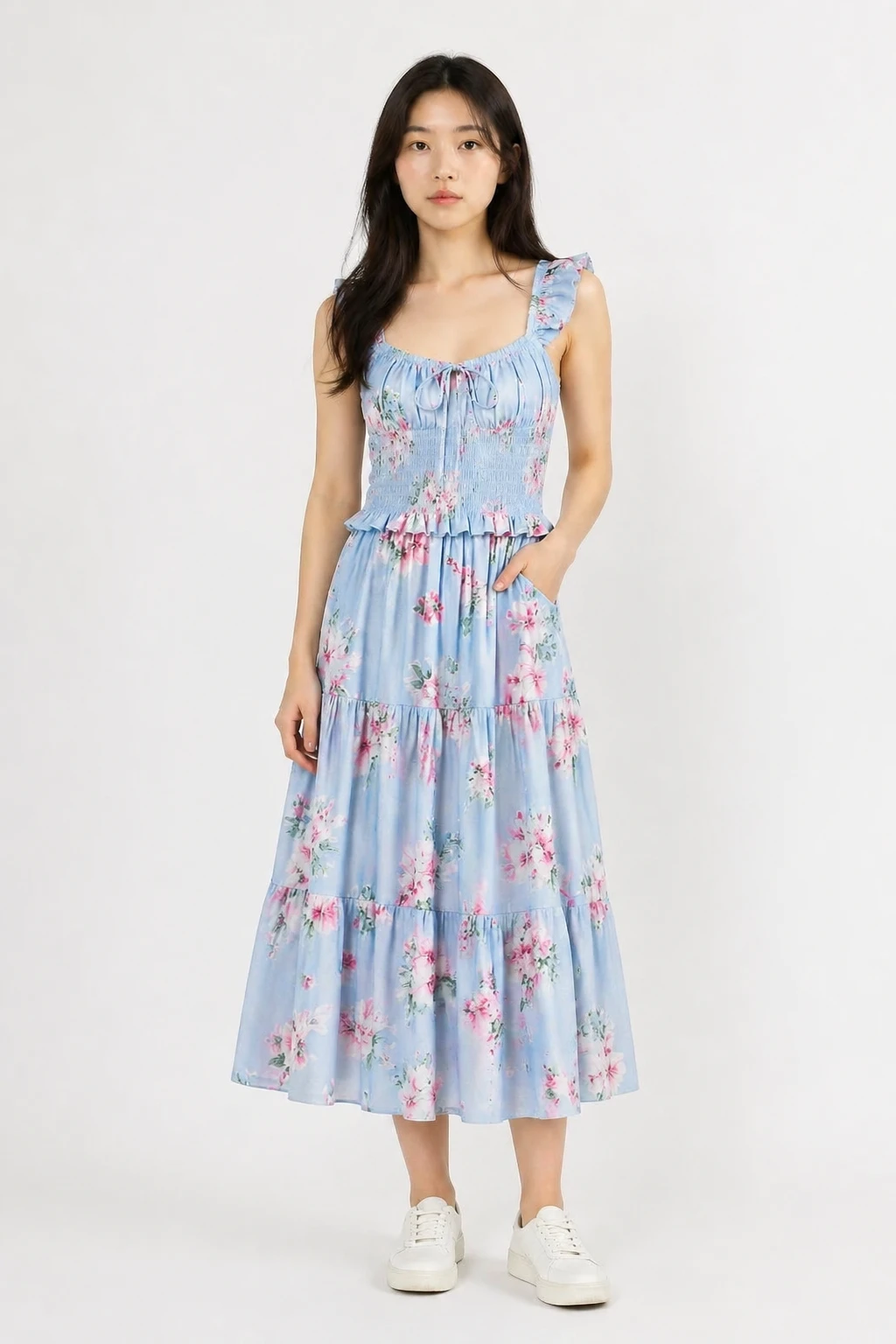
virtual try-on: dress the person in the first image with the clothing from the second image, natural realistic fit, preserve the person's face body an — GPT Image 2
GPT Image 2

virtual try-on: dress the person in the first image with the clothing from the second image, natural…

機能

任意の衣類

トップス、ドレス、ジャケット、コート、スーツなどに対応しています。服の写真をアップロードするだけです。

あなたの個性を保ちます

AIはあなたの顔・体型・ポーズをそのままに、服だけを変更します。

複数のスタイルプリセット

ナチュラルフィット、ファッションエディトリアル、カジュアルストリート、スタジオルックから選んで、あなたの雰囲気に合わせてください。

複数の服装を試す

「再生成」を使って写真を保持したまま別の服アイテム画像に差し替えたり、別のスタイルプリセットを試したりできます。

カスタム出力サイズ

出力サイズはデフォルトであなたの写真の寸法に合わせられます。必要に応じてサイズコントロールで調整してください。

失敗時の自動払い戻し

クレジットは成功した結果にのみ課金されます。失敗したジョブは自動的に返金されます。

仕組み

1

写真をアップロード

ポートレートまたは全身写真を最初の画像として追加してください。

2

服をアップロード

服のアイテム写真を2番目の画像として追加してください。フラットレイまたは商品撮影が最適です。

3

スタイルを選択&生成

見た目のプリセットを選び、AIがその服装であなたを着せてくれます。結果をすぐにダウンロードしてください。

ユースケース

購入前に服を試着 オンラインショッピングの試着 ファッションコーディネート計画 ドレスリハーサル写真 ソーシャルメディアファッションコンテンツ ギフト用衣類の可視化 ワードローブ計画 Eコマース商品モデリング

よくある質問

どんな自分の写真をアップロードすればいいですか?
フロントを向いたポートレートや、上半身がはっきり見える全身写真が最適です。良い照明とシンプルな背景が結果を向上させます。
どの衣服写真が最適ですか?
フラットレイの製品写真、平坦な背景の衣類写真、またはマネキンショットはすべて良好です。衣服が大きく隠れている画像は避けてください。
顔は変わりますか?
いいえ。AIはあなたの顔、体、ポーズを保護するよう指示されています。衣服だけが置き換えられます。
同じ写真で違うコーディネートを試せますか?
はい—生成後、リジェネレートをクリックして写真を保持します。服装画像を置き換えて再生成し、再アップロードする必要はありません。
試着には何クレジットが必要ですか?
試着1回あたり5クレジットです。生成が失敗した場合、クレジットは自動的に返金されます。