
AI Virtual Try-On
Upload your photo and a clothing item — AI dresses you in the outfit instantly. Try tops, dresses, jackets and more without a fitting room.
Click or drag 1–2 images here
JPEG, PNG, WebP — auto-converted, max 1280px
Image 1: your photo · Image 2: the clothing item
Processing...
Processing failed
Community Showcase
Real results created with this tool.
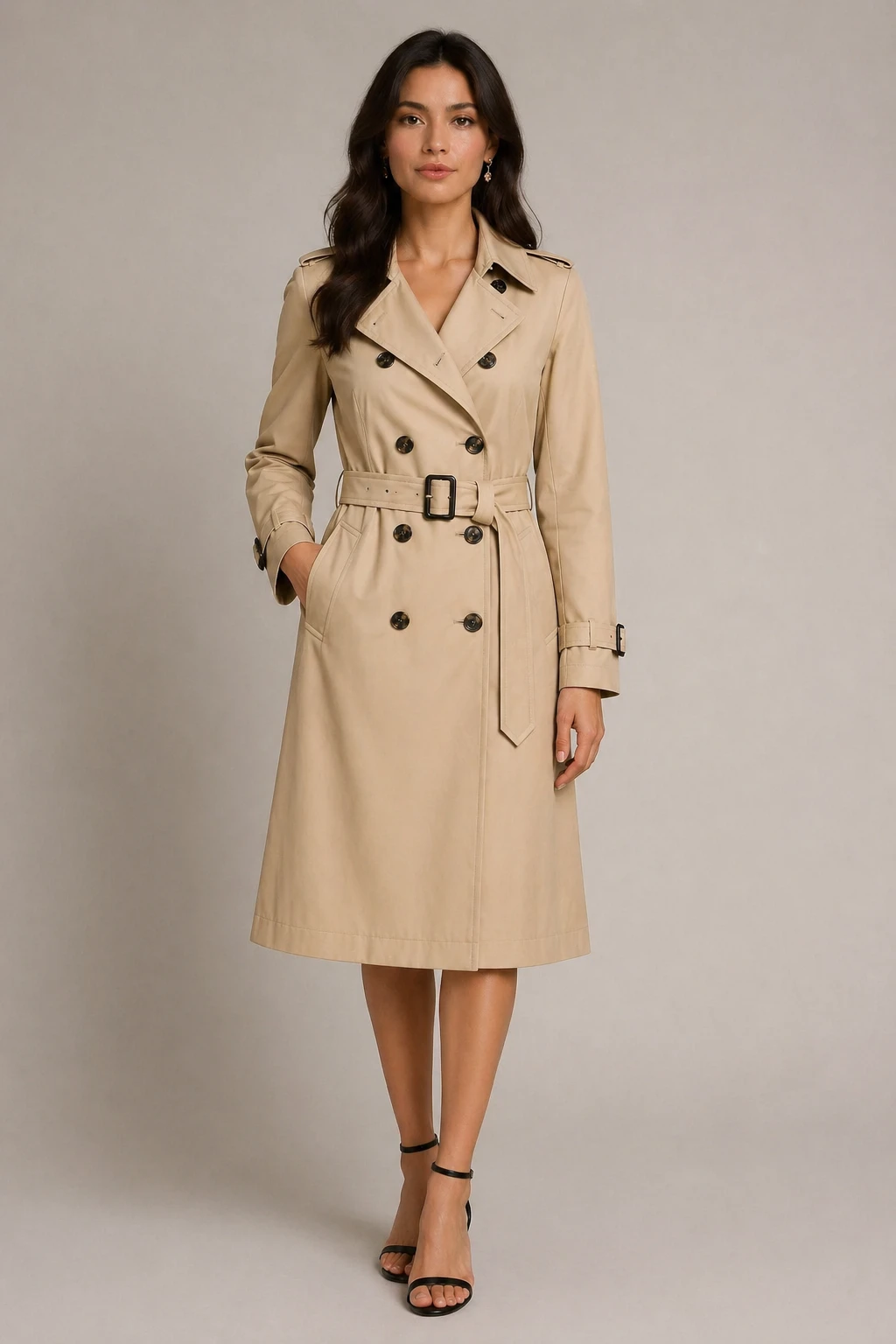
virtual try-on fashion editorial style: dress the person in the first image with the clothing from t…
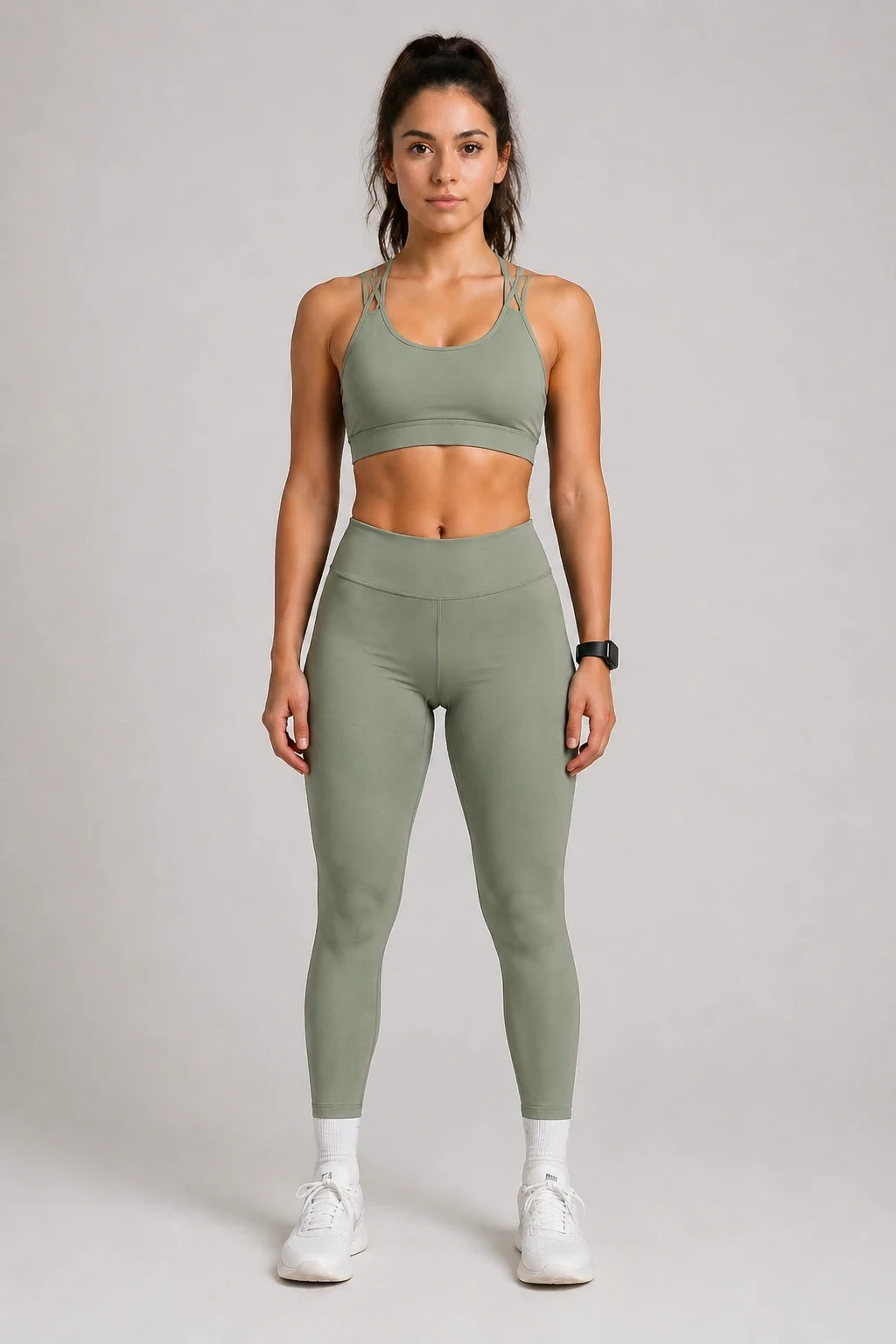
virtual try-on: dress the person in the first image with the clothing from the second image, sporty …
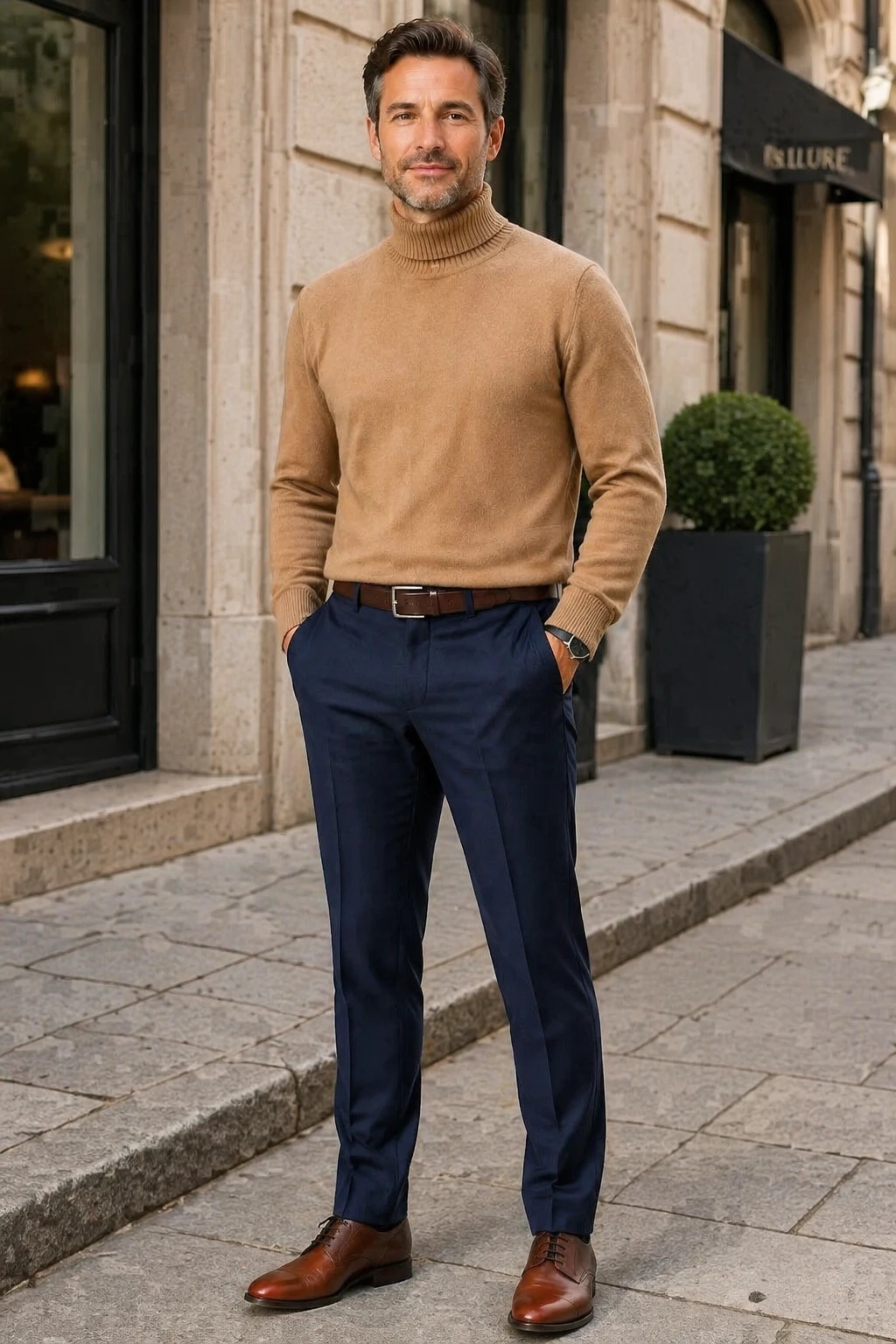
virtual try-on casual street style: dress the person in the first image with the clothing from the s…
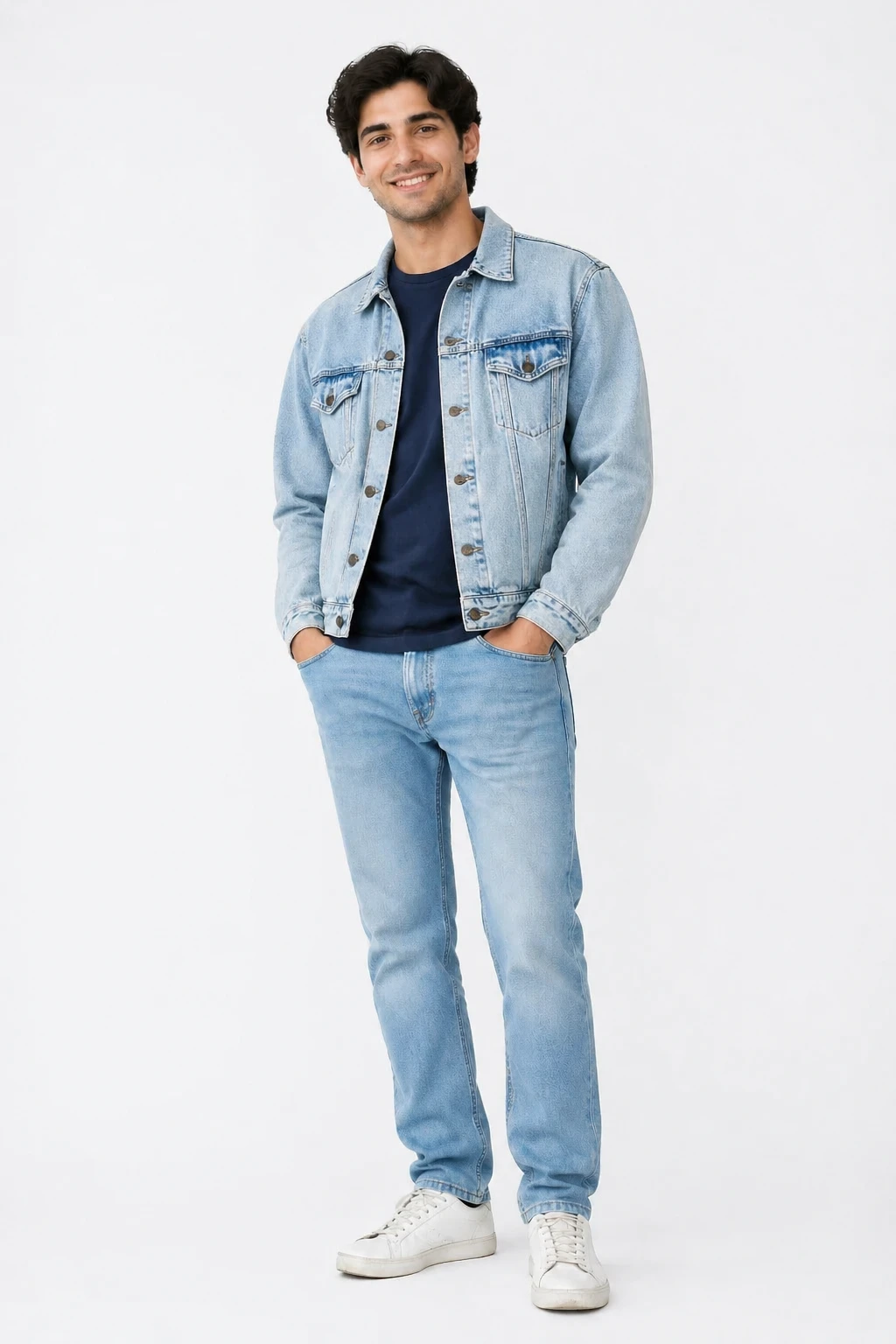
virtual try-on casual street style: dress the person in the first image with the clothing from the s…
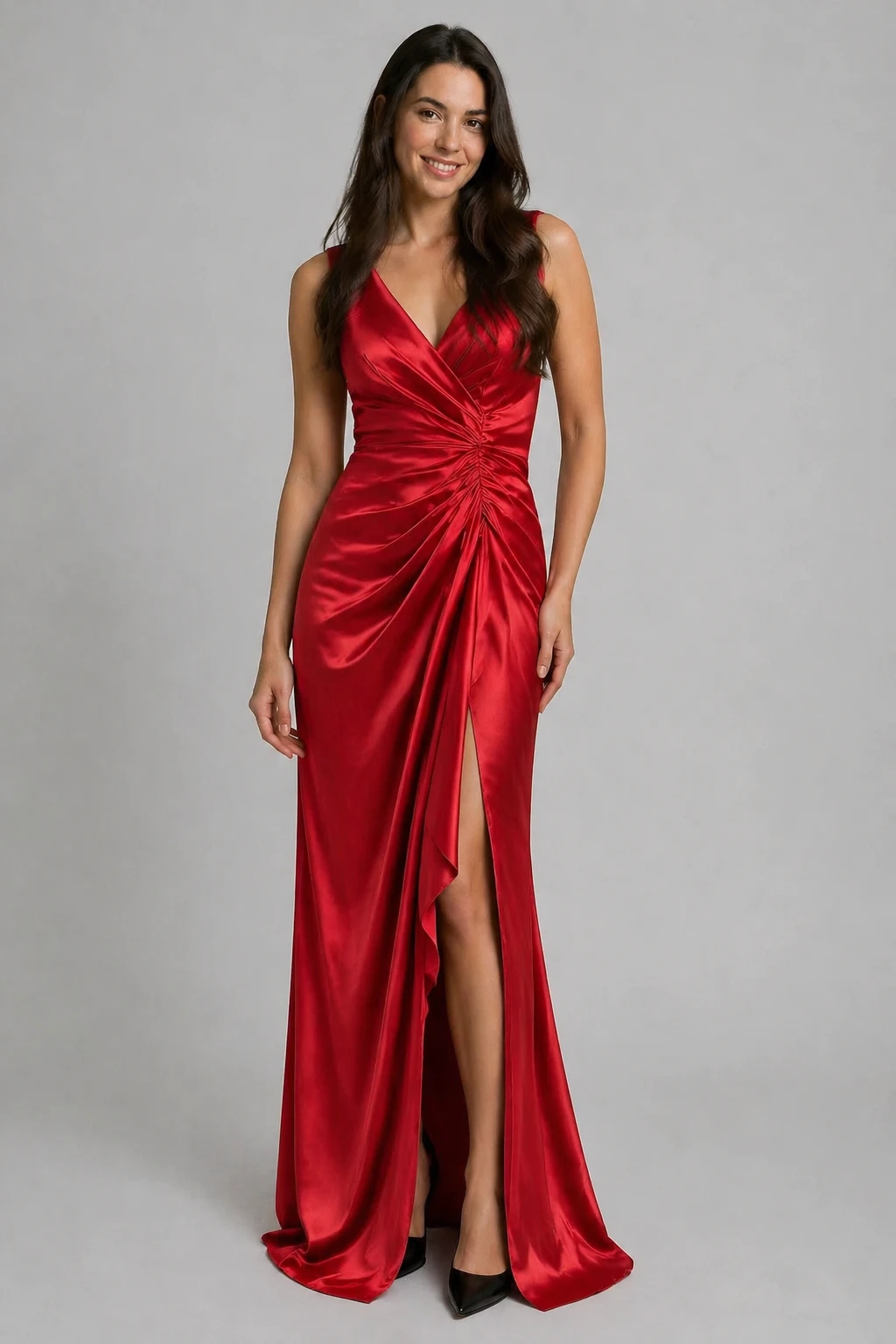
virtual try-on: dress the person in the first image with the clothing from the second image, preserv…
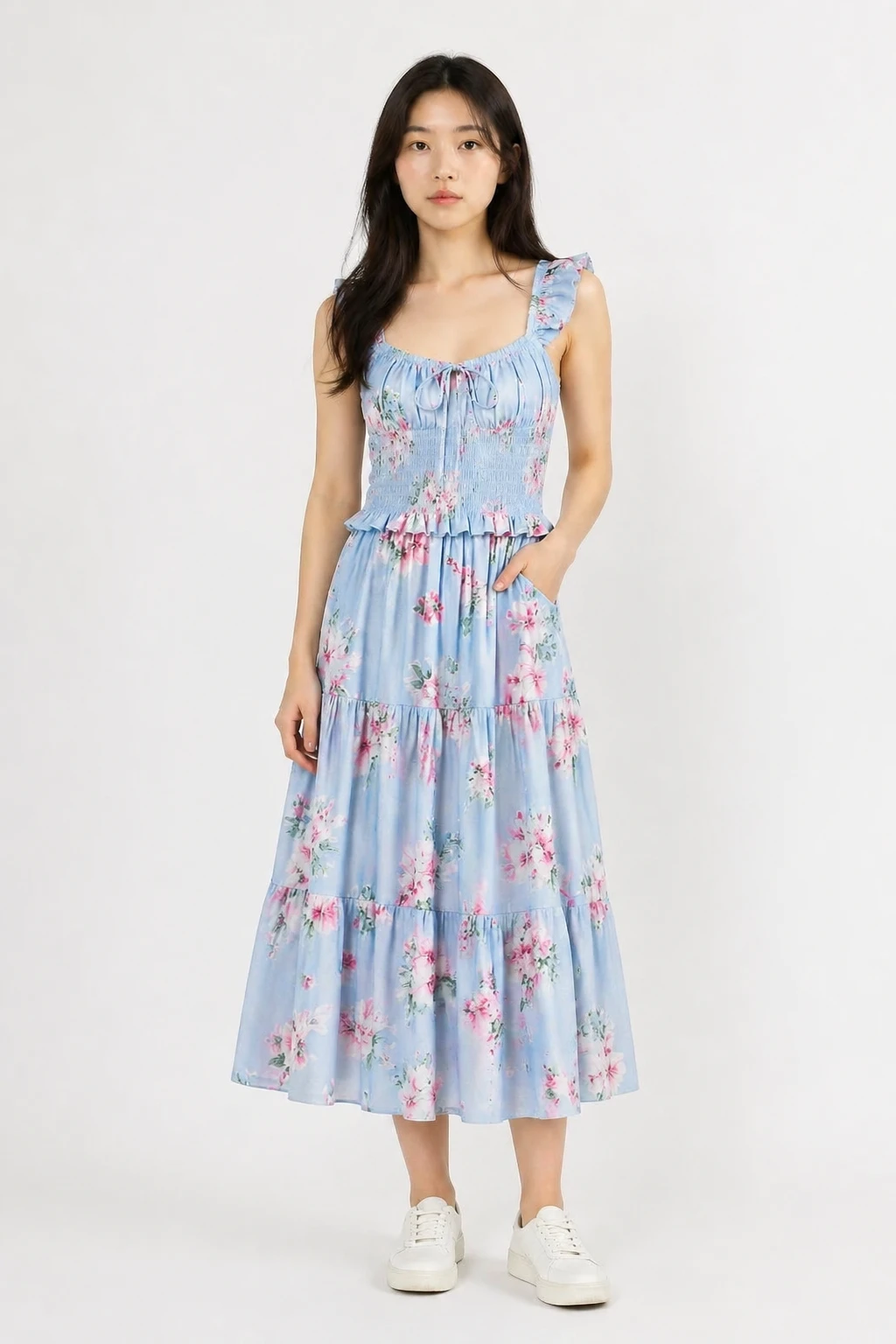
virtual try-on: dress the person in the first image with the clothing from the second image, natural…
Features
Any Clothing Item
Works with tops, dresses, jackets, coats, suits and more. Just upload a photo of the garment.
Preserves Your Identity
The AI keeps your face, body shape and pose intact — only the clothing changes.
Multiple Style Presets
Choose from natural fit, fashion editorial, casual street, or studio look to match your vibe.
Try Multiple Outfits
Use Regenerate to keep your photo and swap in a different clothing item image, or try a different style preset.
Custom Output Size
The output size defaults to your photo dimensions. Adjust with the size controls if needed.
Auto-Refund on Failure
Credits are only charged for successful results. Failed jobs are refunded automatically.
How It Works
Upload Your Photo
Add your portrait or full-body photo as the first image.
Upload the Clothing
Add the clothing item photo as the second image. A flat-lay or product shot works best.
Choose a Style & Generate
Pick a look preset and let the AI dress you in the outfit. Download the result instantly.