AI 虚拟试衣

上传您的照片和一件衣物 — AI 会立即为您换上该服装。无需试衣间,即可试穿上衣、连衣裙、夹克等。

点击或拖拽 1–2 图片到此处

JPEG、PNG、WebP — 自动转换,最大 1280px

图片 1:您的照片 · 图片 2:衣物图片

5

社区展示

使用此工具创作的真实成果。

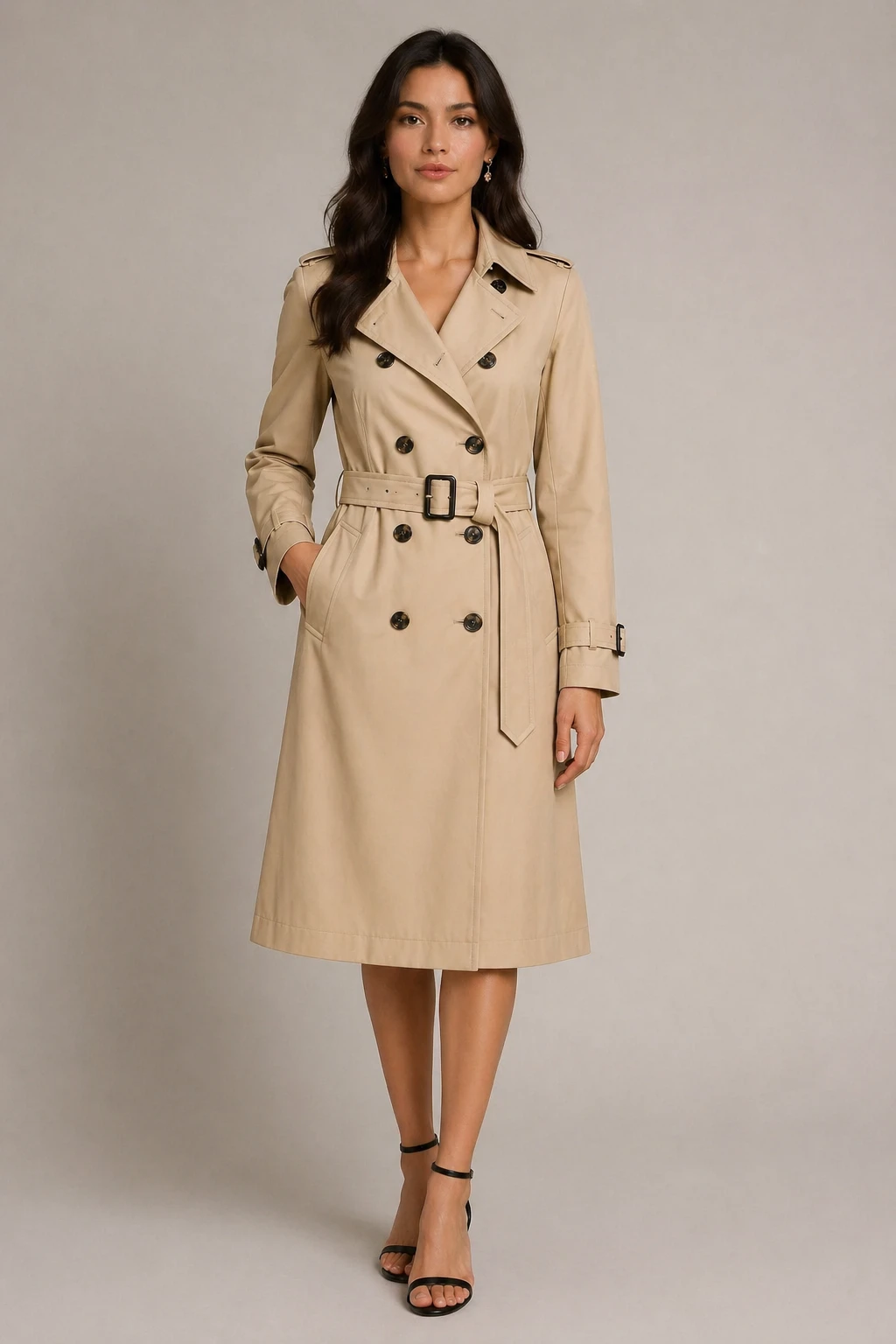
virtual try-on fashion editorial style: dress the person in the first image with the clothing from the second image, chic fashion look, preserve face  — GPT Image 2
GPT Image 2

virtual try-on fashion editorial style: dress the person in the first image with the clothing from t…
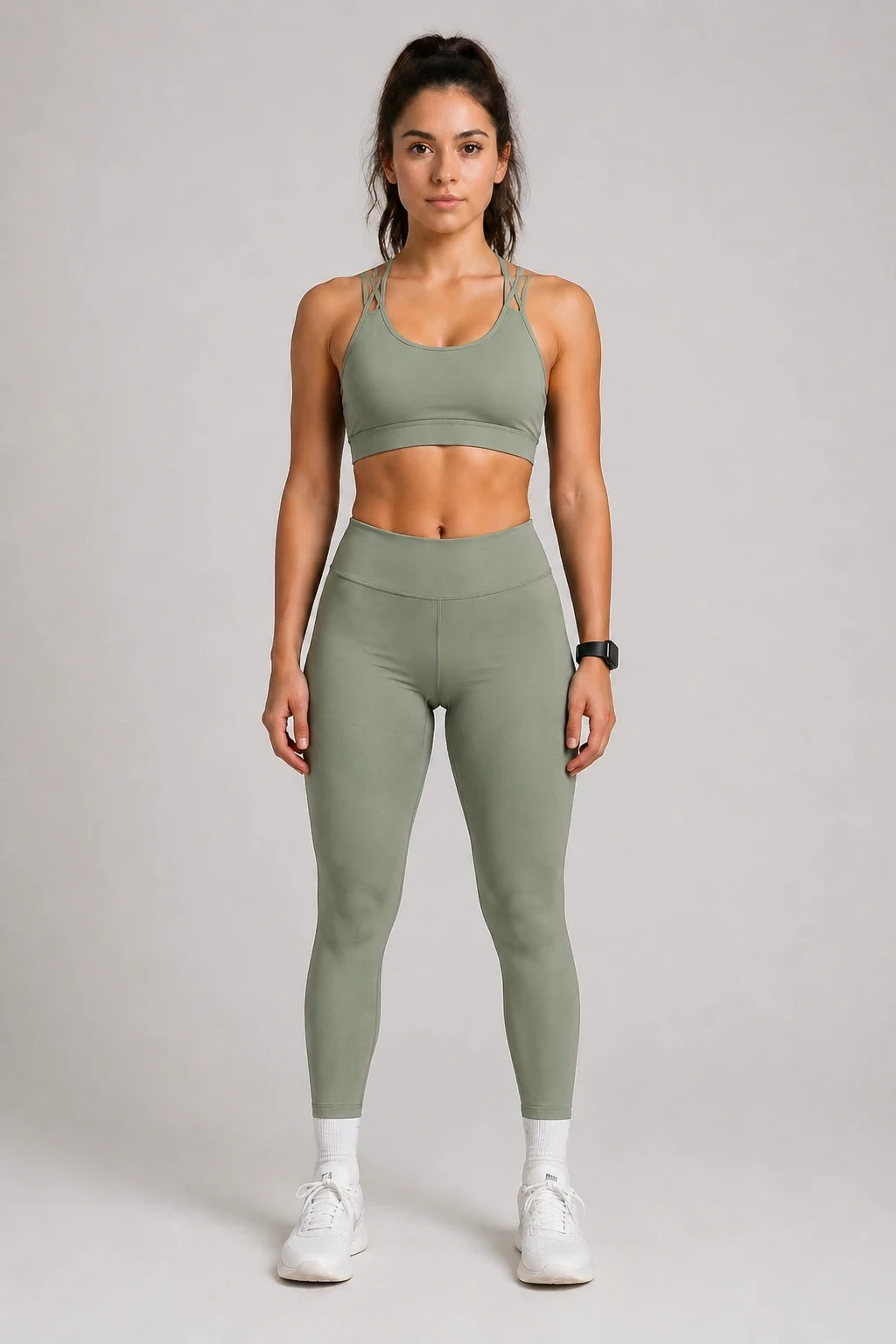
virtual try-on: dress the person in the first image with the clothing from the second image, sporty lifestyle look, natural fit, preserve face and pos — GPT Image 2
GPT Image 2

virtual try-on: dress the person in the first image with the clothing from the second image, sporty …
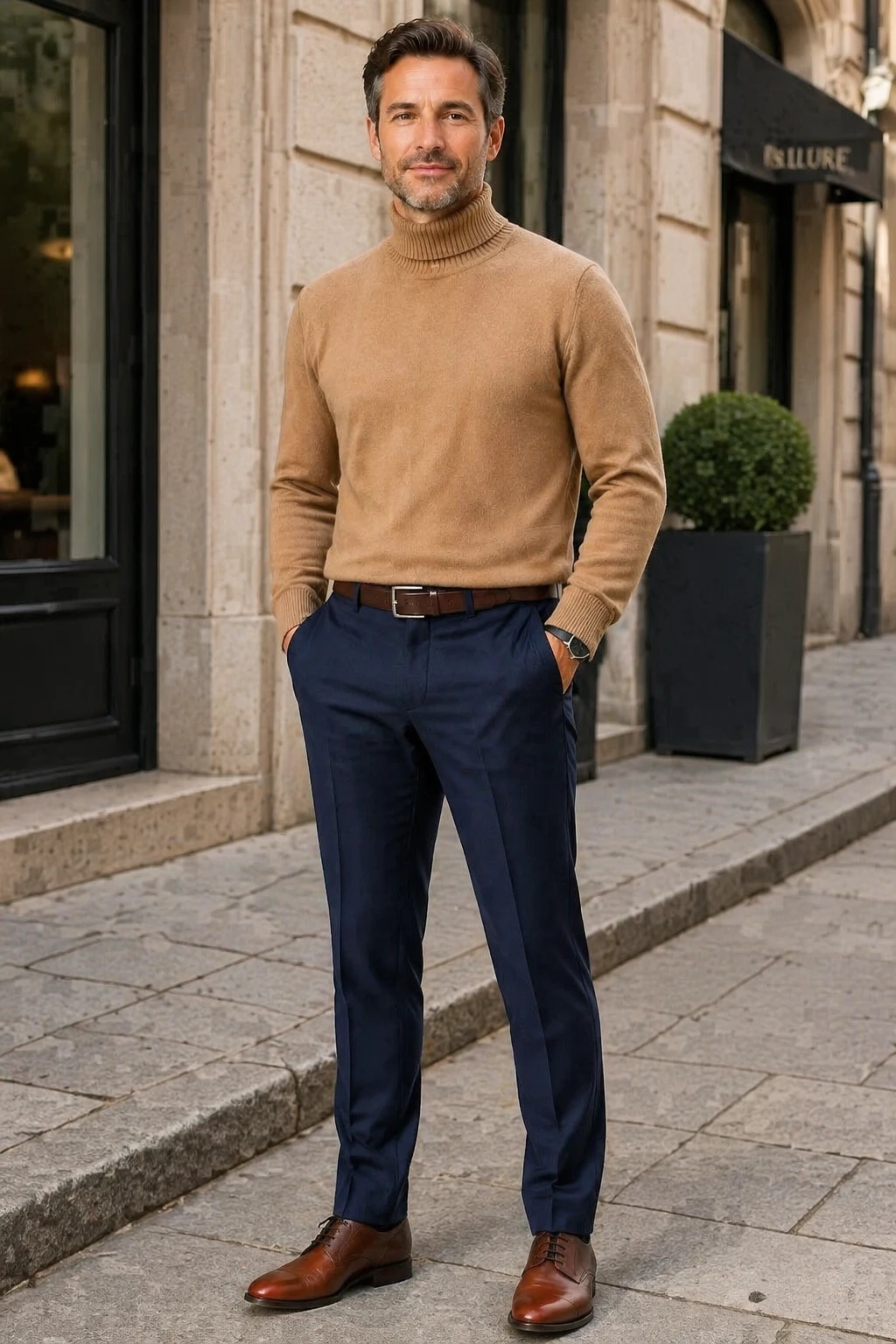
virtual try-on casual street style: dress the person in the first image with the clothing from the second image, sophisticated casual look, preserve f — GPT Image 2
GPT Image 2

virtual try-on casual street style: dress the person in the first image with the clothing from the s…
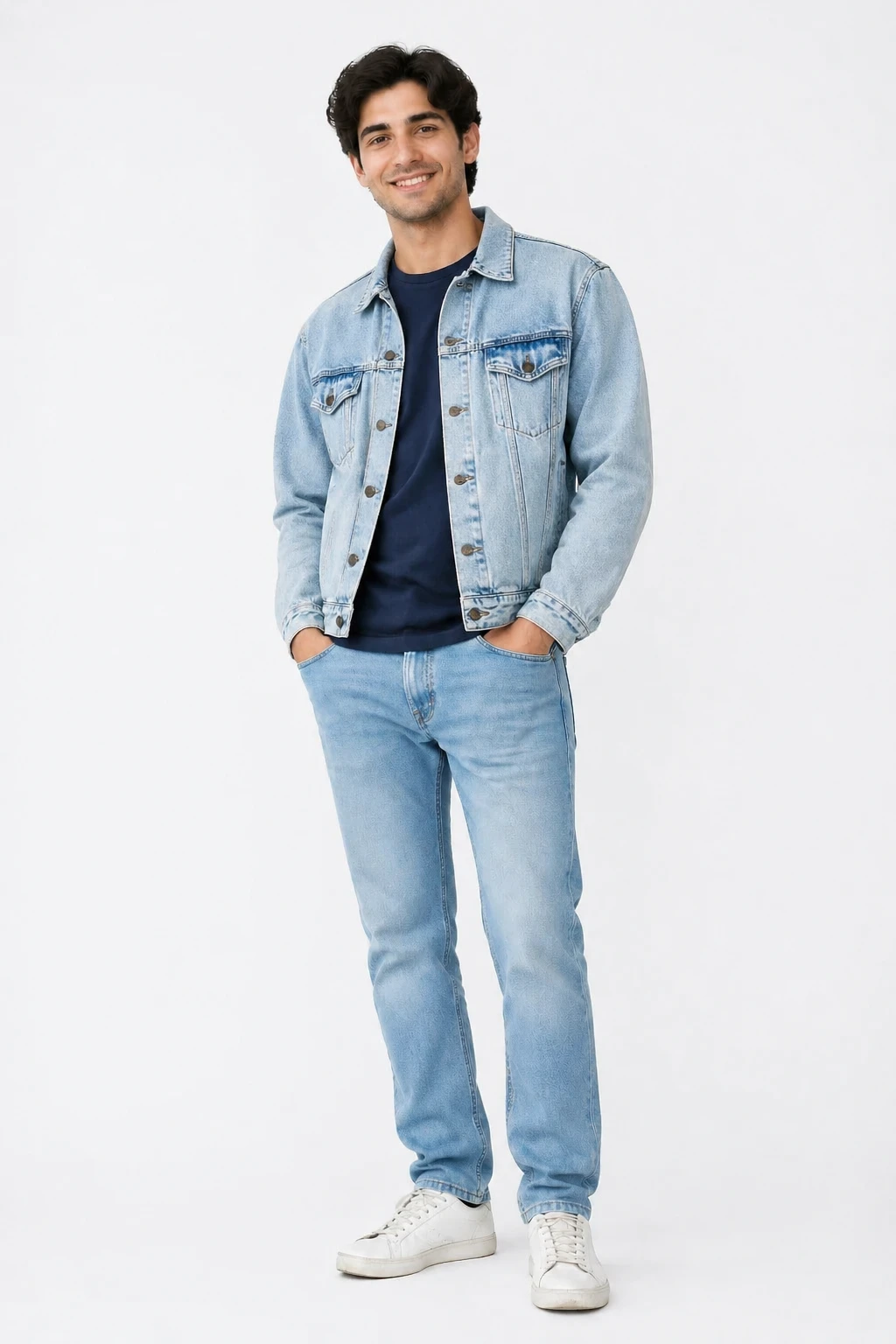
virtual try-on casual street style: dress the person in the first image with the clothing from the second image, natural street fashion look, preserve — GPT Image 2
GPT Image 2

virtual try-on casual street style: dress the person in the first image with the clothing from the s…
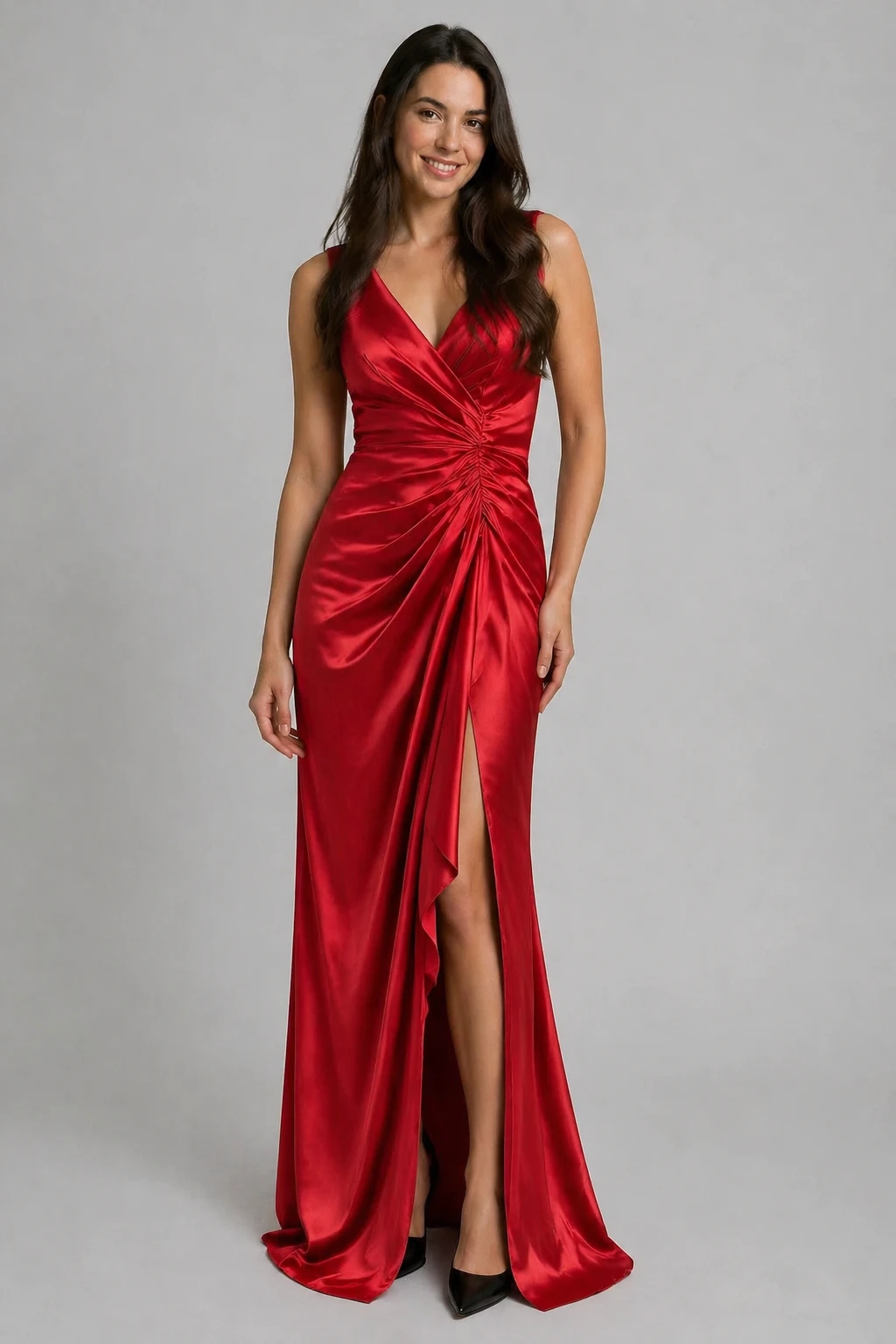
virtual try-on: dress the person in the first image with the clothing from the second image, preserve the person's face and pose, natural elegant look — GPT Image 2
GPT Image 2

virtual try-on: dress the person in the first image with the clothing from the second image, preserv…
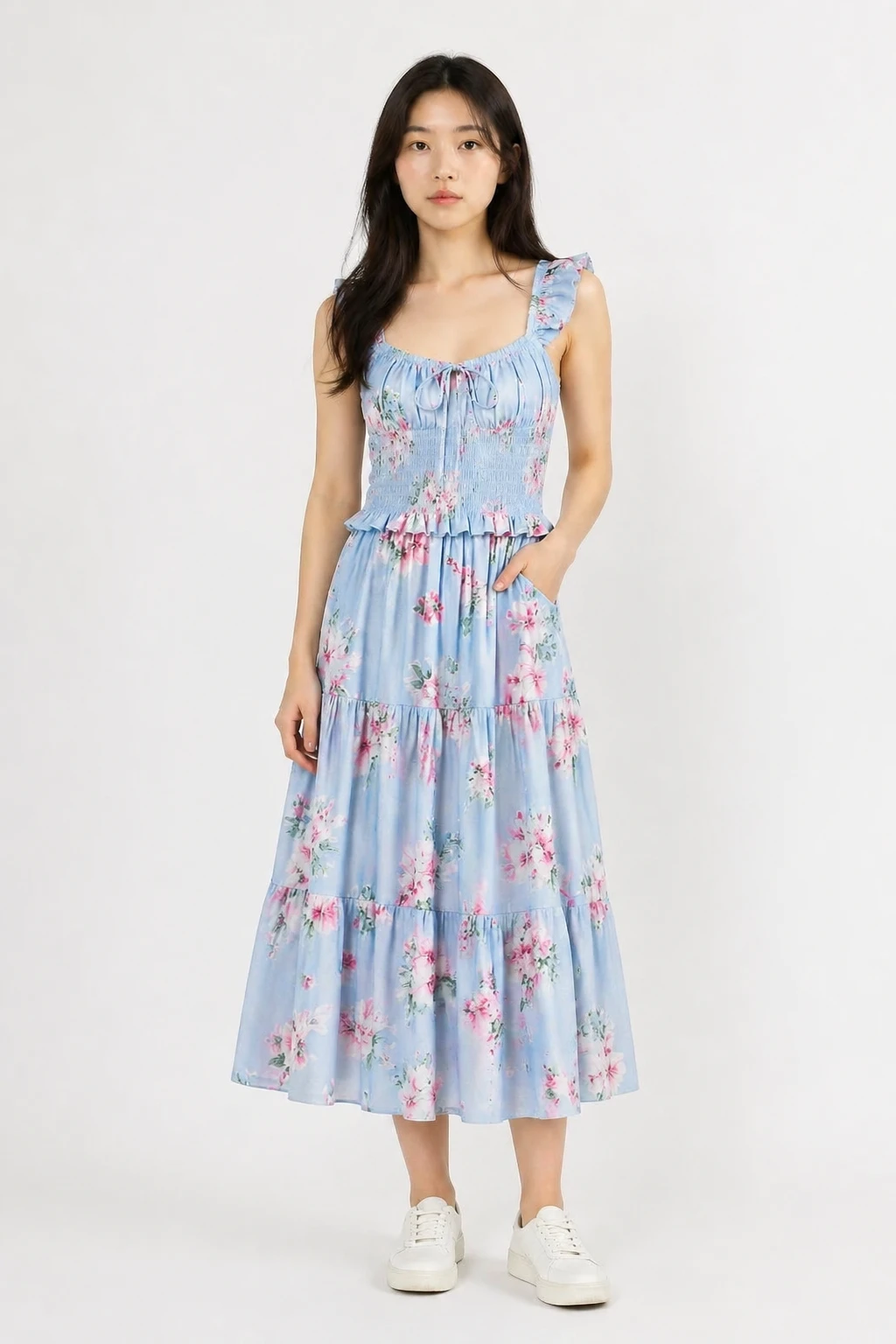
virtual try-on: dress the person in the first image with the clothing from the second image, natural realistic fit, preserve the person's face body an — GPT Image 2
GPT Image 2

virtual try-on: dress the person in the first image with the clothing from the second image, natural…

功能

任何衣物

适用于上衣、连衣裙、夹克、外套、西装等。只需上传衣物照片即可。

保留您的个人特征

AI 会保持您的面部、体型和姿势不变 — 仅更换服装。

多种风格预设

从自然贴合、时尚大片、休闲街拍或摄影棚风格中进行选择,以匹配您的氛围。

尝试多种服装

使用“重新生成”功能,在保留原照片的同时更换不同的服装图片,或者尝试不同的风格预设。

自定义输出尺寸

输出尺寸默认为您的照片尺寸。如有需要,请使用尺寸控件进行调整。

失败自动退款

仅在成功生成结果时扣除积分。失败的任务将自动退还积分。

工作原理

1

上传您的照片

添加您的肖像照或全身照作为第一张图片。

2

上传服装

添加服装单品照片作为第二张图片。平铺图或产品拍摄效果最佳。

3

选择风格并生成

选择一个外观预设,让 AI 为您穿上这套服装。立即下载结果。

使用场景

购买前先试穿 网购试穿 时尚穿搭规划 试装彩排照片 社交媒体时尚内容 服装礼物可视化 衣橱规划 电商产品建模

常见问题

我应该上传什么样的个人照片?
正面肖像照或能清晰看到上半身的全身照效果最好。良好的光线和简洁的背景能提升生成效果。
什么样的服装照片效果最好?
平铺的产品照、纯色背景下的服装照或模特展示照效果都不错。请避免使用服装被严重遮挡的图片。
我的脸会被改变吗?
不会。AI 会被指令保留您的面部、身体和姿势。仅替换服装。
我可以在同一张照片上尝试不同的服装吗?
可以。生成后,点击“重新生成”以保持当前照片加载。替换服装图片并再次生成,无需重新上传您自己的照片。
一次试穿需要多少积分?
每次试穿消耗 5 个积分。如果生成失败,积分将自动退还。