OG 图片生成器

为您的网站、应用和社交媒体预览生成惊艳的 Open Graph 图片。

5

社区展示

使用此工具创建的真实结果。

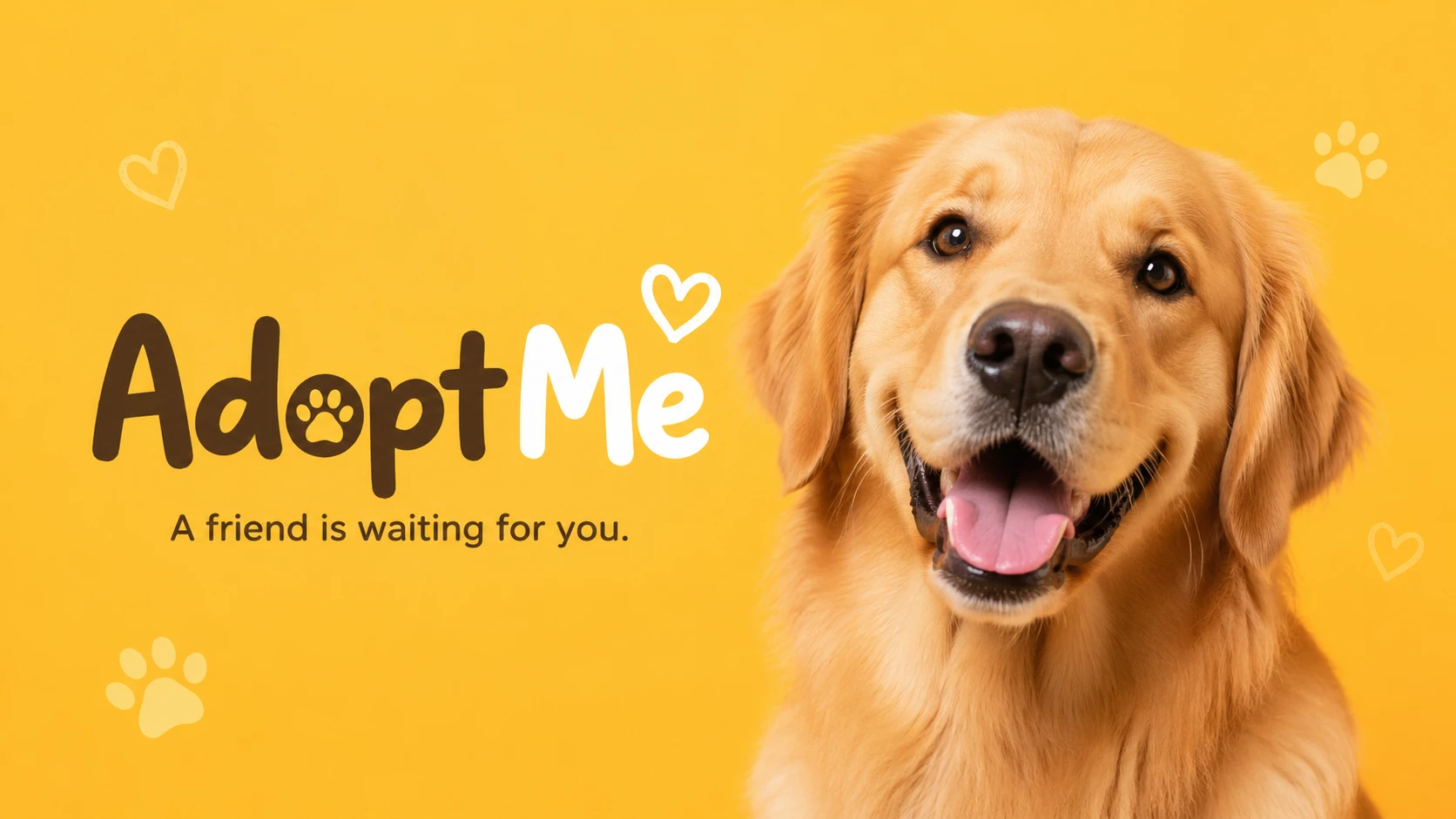
OG image for a pet adoption platform "AdoptMe", joyful golden retriever looking at camera against warm yellow background, friendly and heartwarming — GPT Image 2
GPT Image 2

OG image for a pet adoption platform "AdoptMe", joyful golden retriever looking at camera against warm yellow background…

OG image for a developer documentation site "DocsHub", clean sans-serif typography mockup on soft gray, code snippet style decorative elements — GPT Image 2
GPT Image 2

OG image for a developer documentation site "DocsHub", clean sans-serif typography mockup on soft gray, code snippet sty…
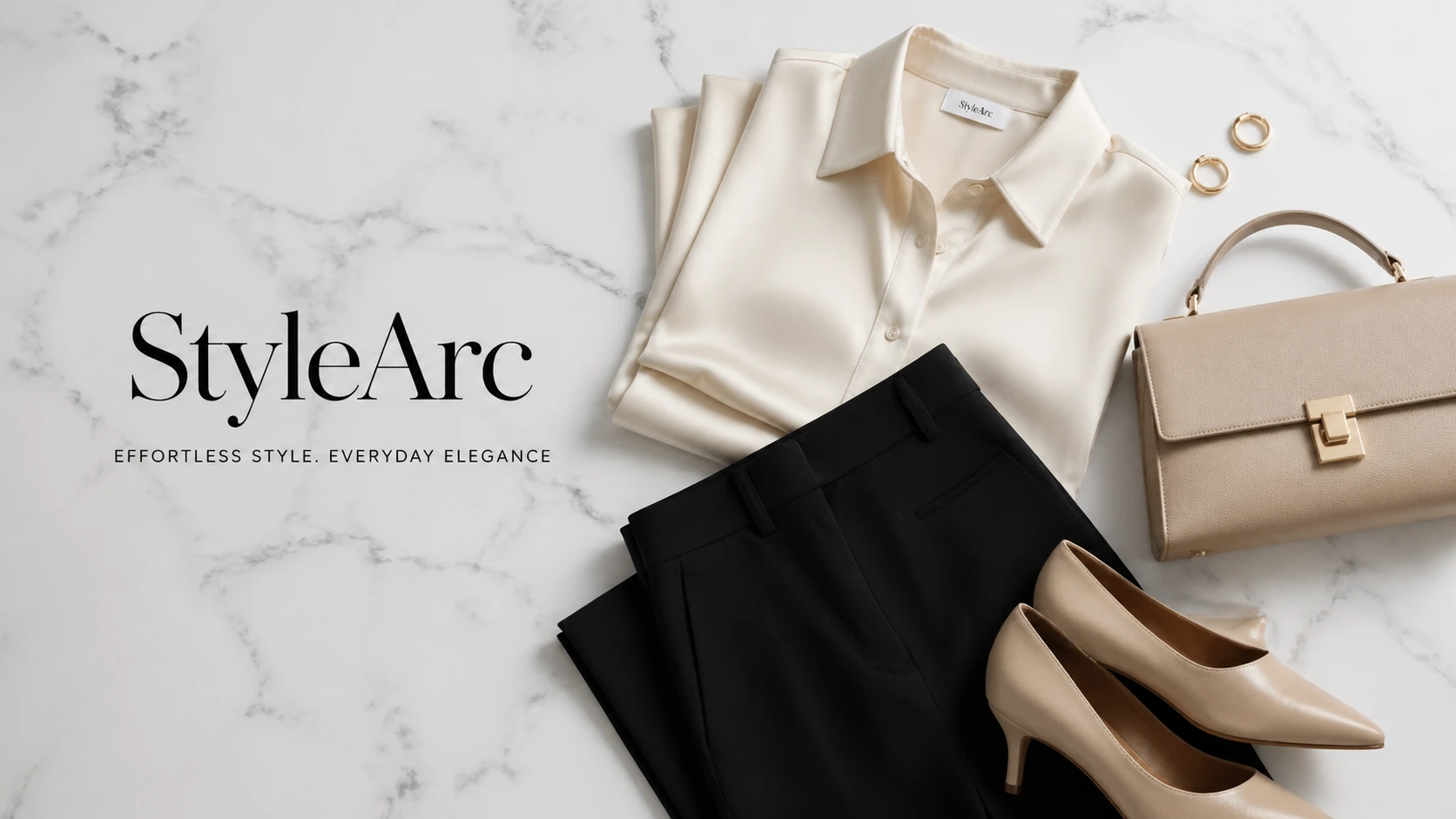
OG image for an e-commerce fashion brand "StyleArc", elegant editorial flat lay of minimalist clothing on white marble, luxury fashion aesthetic — GPT Image 2
GPT Image 2

OG image for an e-commerce fashion brand "StyleArc", elegant editorial flat lay of minimalist clothing on white marble, …

OG image for a mental health platform "Serenity", pastel watercolor wash with gentle abstract human silhouette, calming lavender and peach tones — GPT Image 2
GPT Image 2

OG image for a mental health platform "Serenity", pastel watercolor wash with gentle abstract human silhouette, calming …

OG image for a crypto analytics dashboard "ChainLens", abstract blockchain network visualization, deep space blue with glowing gold nodes, premium dat — GPT Image 2
GPT Image 2

OG image for a crypto analytics dashboard "ChainLens", abstract blockchain network visualization, deep space blue with g…

OG image for a travel booking platform "WanderRoute", split panorama of iconic global landmarks, soft gradient sky, clean white text area at bottom — GPT Image 2
GPT Image 2

OG image for a travel booking platform "WanderRoute", split panorama of iconic global landmarks, soft gradient sky, clea…

OG image for a food delivery startup "QuickBite", vibrant flat-design illustration of diverse food items arranged in a circle, bright orange brand col — GPT Image 2
GPT Image 2

OG image for a food delivery startup "QuickBite", vibrant flat-design illustration of diverse food items arranged in a c…

OG image for an online coding course platform "DevLaunch", abstract circuit board pattern in neon green on dark, bold headline space, hacker aesthetic — GPT Image 2
GPT Image 2

OG image for an online coding course platform "DevLaunch", abstract circuit board pattern in neon green on dark, bold he…

功能

平台优化尺寸

内置 Facebook、Twitter、LinkedIn 等预设。选择预设并使用滑块微调。

直接提示生成

描述您的网站或页面氛围,AI 将直接根据您的描述生成匹配的 OG 图片。

品牌一致视觉效果

描述您的品牌颜色和氛围 — AI 将创建与您的品牌形象匹配的图片。

多种变体

生成最多 4 个独特设计,让您总能选择最佳选项。

工作原理

1

描述您的网站

输入您的网站或页面描述、品牌颜色和所需氛围。

2

生成您的图片

AI 根据您的描述直接生成您的 OG 图片。查看社区示例,了解经过验证的提示风格。

3

下载 & 部署

立即下载您的 OG 图片并将其添加到网站的元标签中。

使用案例

网站元 og:image 博客文章预览 Twitter / X 卡片 LinkedIn 文章 Facebook 链接预览 新闻通讯标题 产品登陆页面 应用商店截图

常见问题

什么是 OG 图片?
Open Graph (OG) 图片是当您的页面在 Facebook、Twitter 或 LinkedIn 等社交媒体平台上分享时显示的预览图片。推荐尺寸为 1200×640 像素。
我应该使用哪种尺寸?
所有平台预设(OG/Facebook、Twitter Card、LinkedIn)均使用 1200×640 — 一种通用的横向尺寸。您也可以为其他用例生成 1024×1024 的正方形图片。
我可以在网站上使用这些图片吗?
是的,所有生成的图片均可由您自由使用,包括商业用途。下载它们并在 HTML 元标签中引用。
如何将 OG 图片添加到我的网站?
将 <meta property='og:image' content='YOUR_IMAGE_URL' /> 添加到页面的 <head> 部分。同时也为 Twitter 添加 <meta name='twitter:image' content='YOUR_IMAGE_URL' />。