OG-Bildgenerator

Generieren Sie beeindruckende Open-Graph-Bilder für Ihre Website, App und Social-Media-Vorschauen.

5

Community-Showcase

Echte Ergebnisse, die mit diesem Tool erstellt wurden.
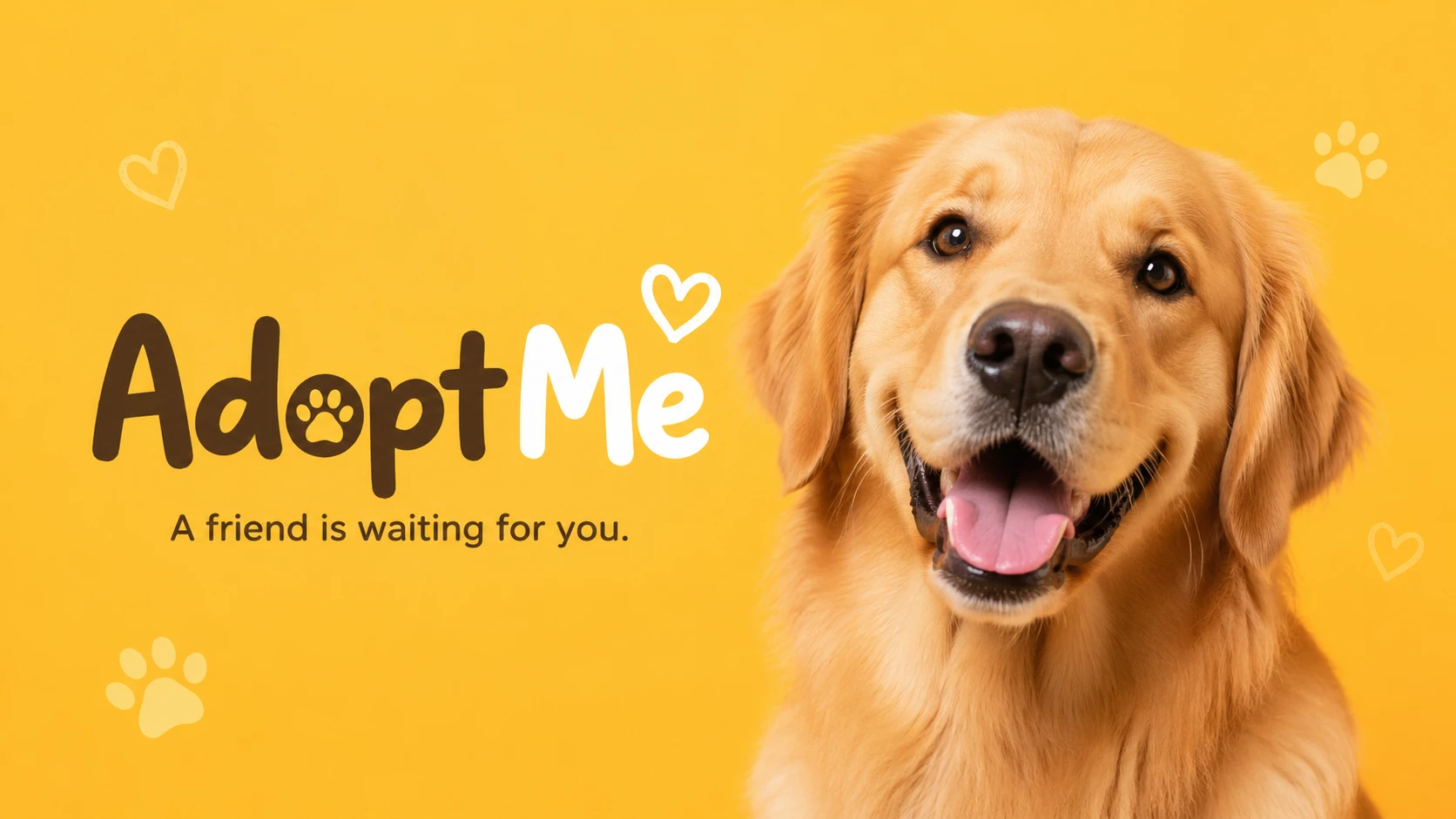
OG image for a pet adoption platform "AdoptMe", joyful golden retriever looking at camera against warm yellow background, friendly and heartwarming — GPT Image 2
GPT Image 2

OG image for a pet adoption platform "AdoptMe", joyful golden retriever looking at camera against warm yellow background…
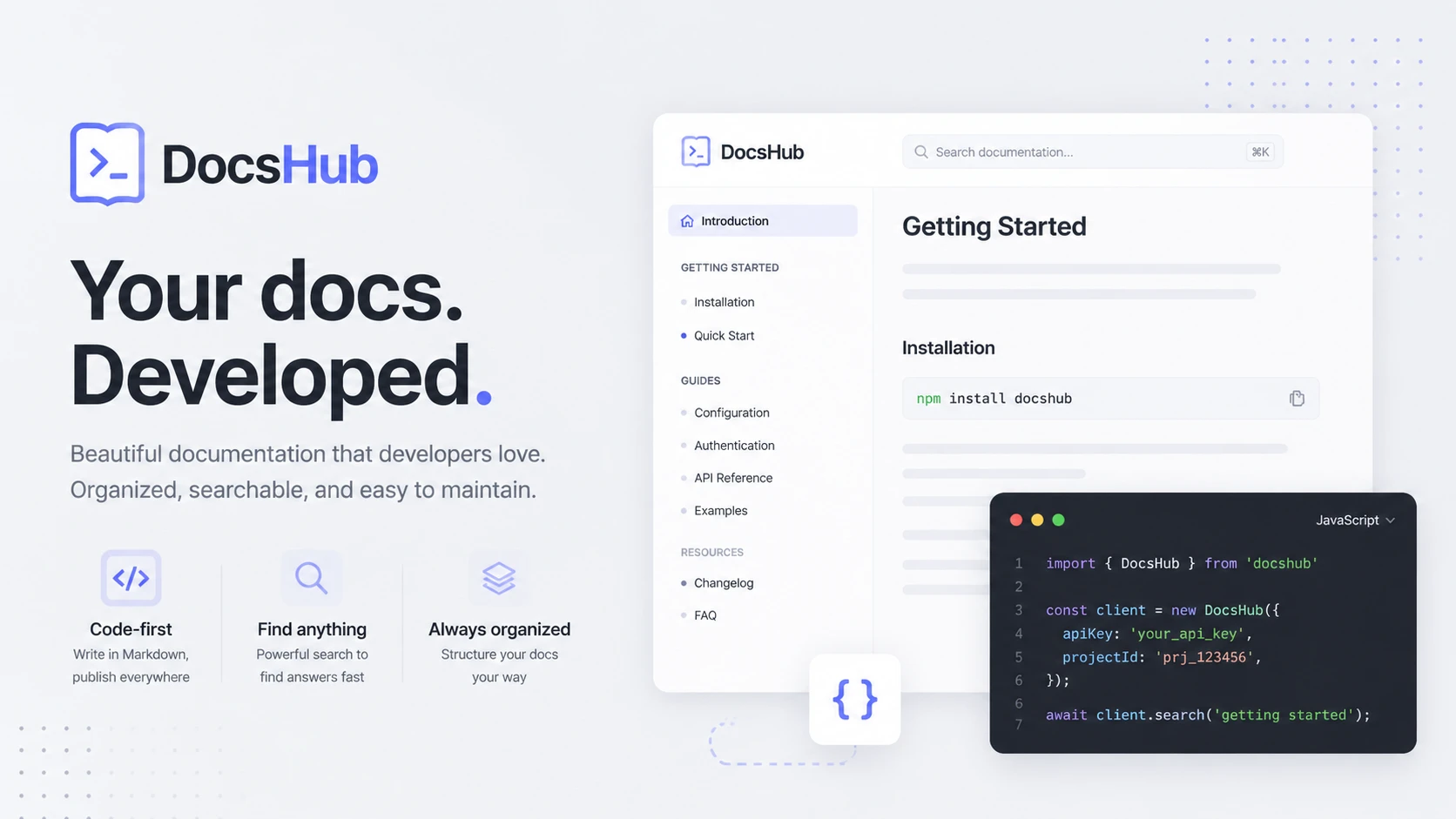
OG image for a developer documentation site "DocsHub", clean sans-serif typography mockup on soft gray, code snippet style decorative elements — GPT Image 2
GPT Image 2

OG image for a developer documentation site "DocsHub", clean sans-serif typography mockup on soft gray, code snippet sty…
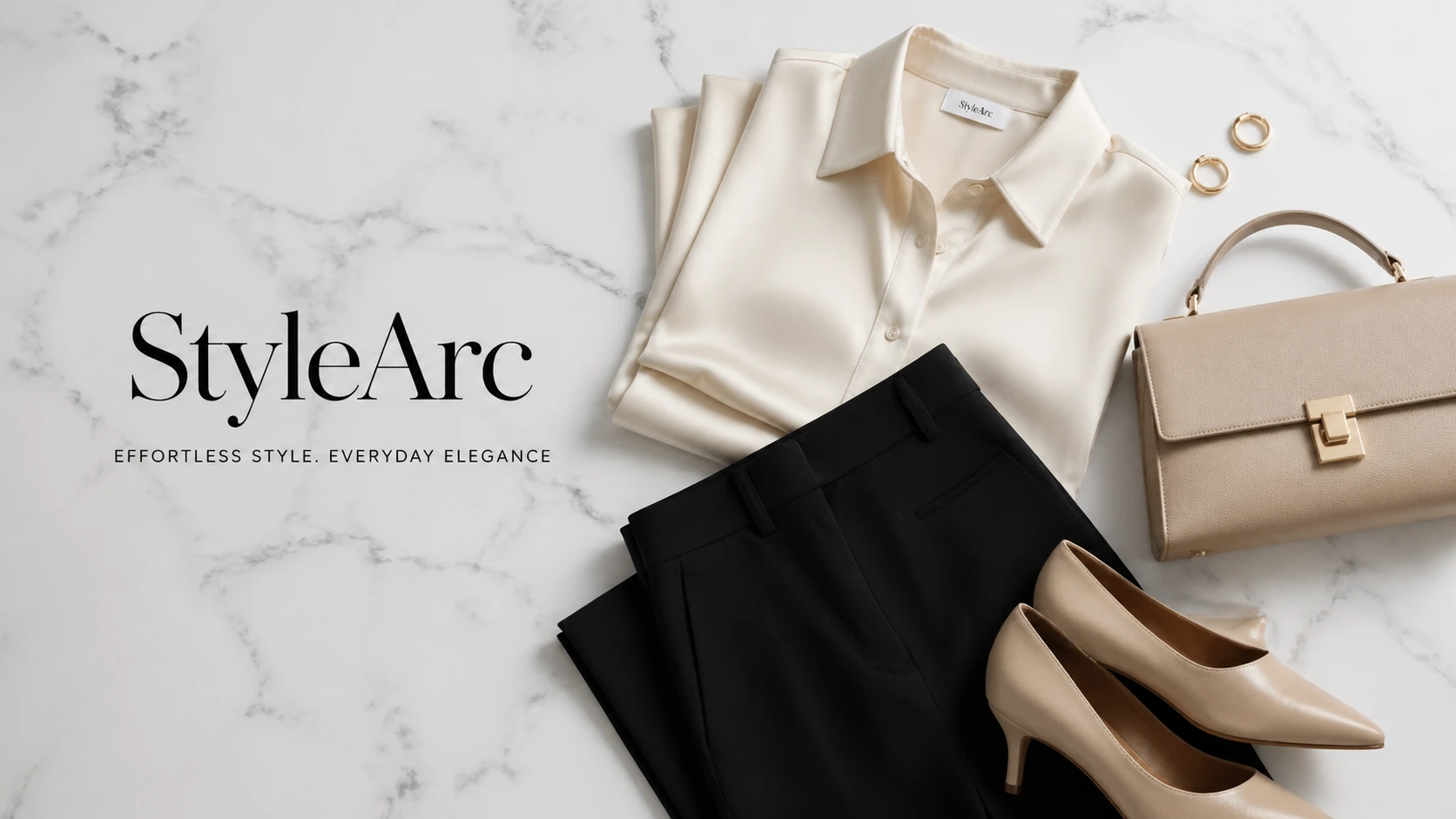
OG image for an e-commerce fashion brand "StyleArc", elegant editorial flat lay of minimalist clothing on white marble, luxury fashion aesthetic — GPT Image 2
GPT Image 2

OG image for an e-commerce fashion brand "StyleArc", elegant editorial flat lay of minimalist clothing on white marble, …
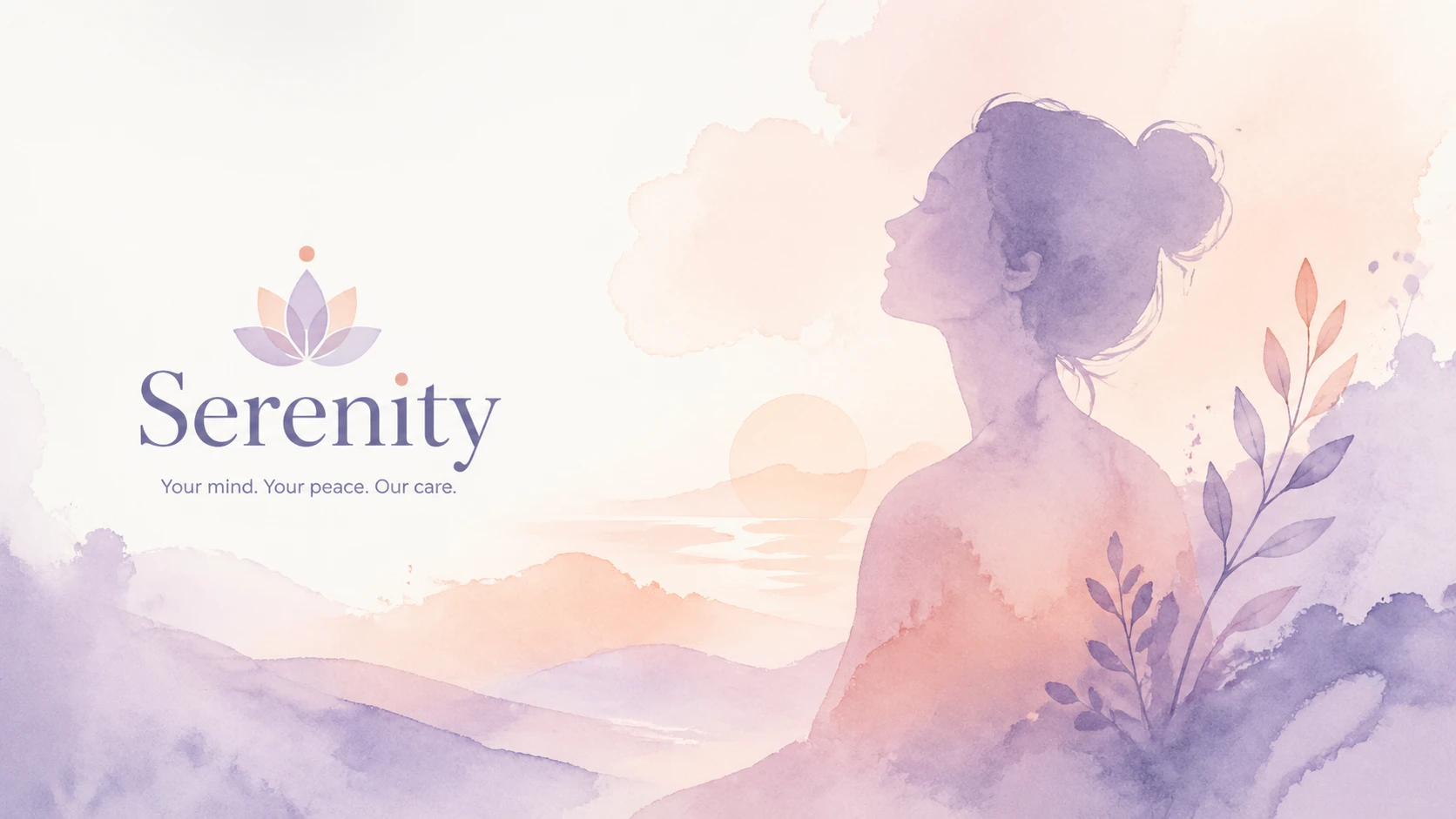
OG image for a mental health platform "Serenity", pastel watercolor wash with gentle abstract human silhouette, calming lavender and peach tones — GPT Image 2
GPT Image 2

OG image for a mental health platform "Serenity", pastel watercolor wash with gentle abstract human silhouette, calming …

OG image for a crypto analytics dashboard "ChainLens", abstract blockchain network visualization, deep space blue with glowing gold nodes, premium dat — GPT Image 2
GPT Image 2

OG image for a crypto analytics dashboard "ChainLens", abstract blockchain network visualization, deep space blue with g…
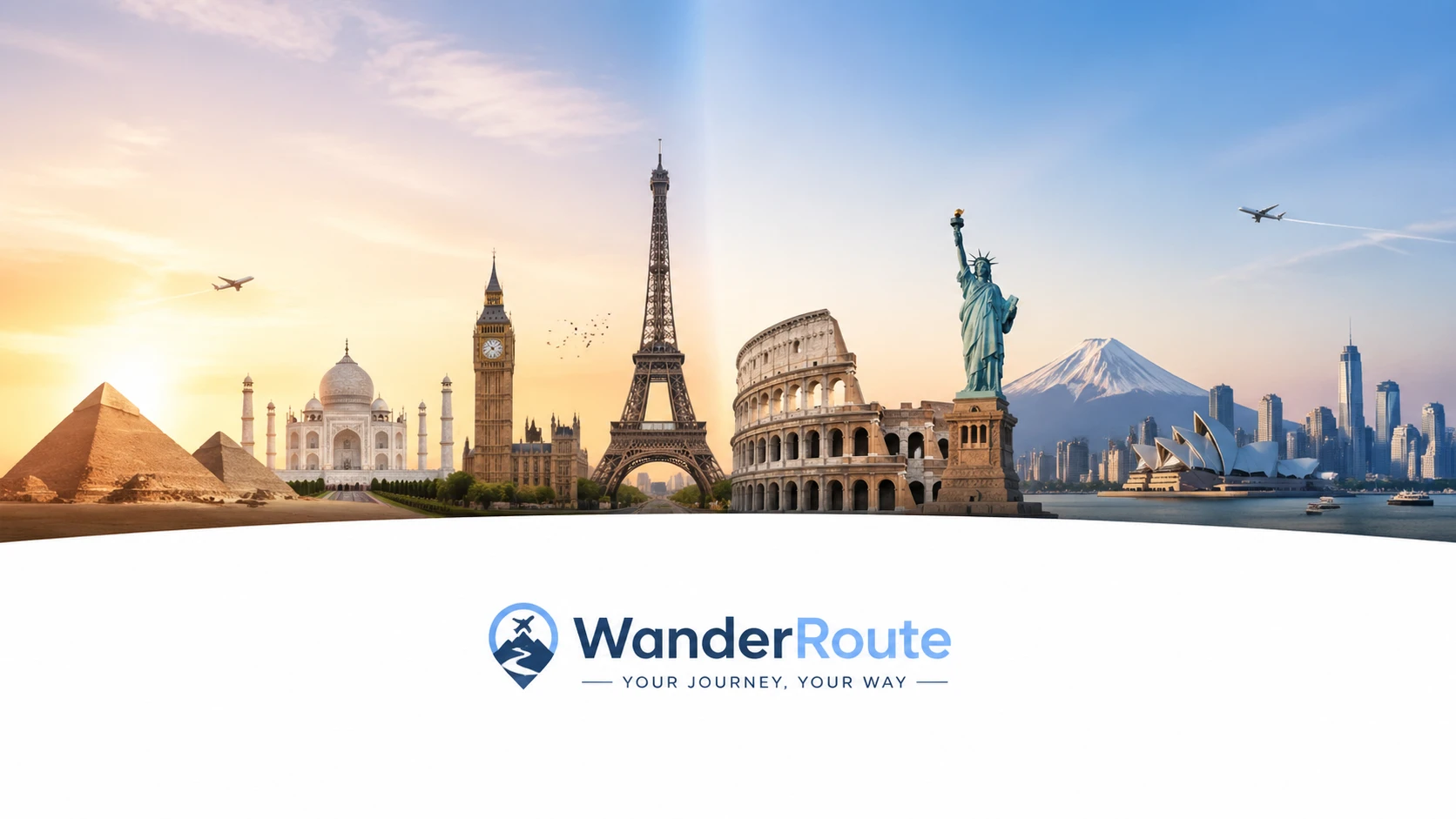
OG image for a travel booking platform "WanderRoute", split panorama of iconic global landmarks, soft gradient sky, clean white text area at bottom — GPT Image 2
GPT Image 2

OG image for a travel booking platform "WanderRoute", split panorama of iconic global landmarks, soft gradient sky, clea…
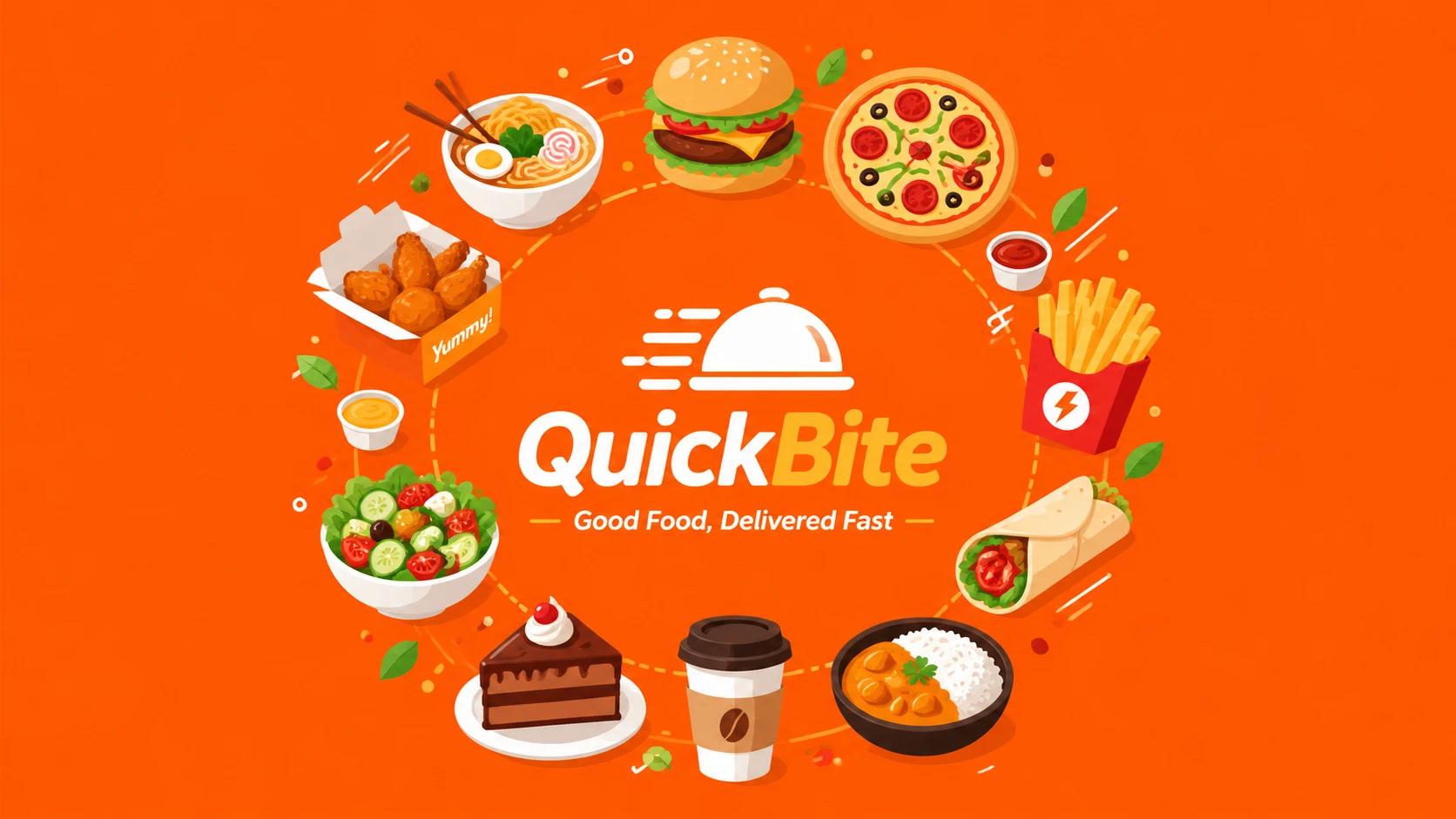
OG image for a food delivery startup "QuickBite", vibrant flat-design illustration of diverse food items arranged in a circle, bright orange brand col — GPT Image 2
GPT Image 2

OG image for a food delivery startup "QuickBite", vibrant flat-design illustration of diverse food items arranged in a c…

OG image for an online coding course platform "DevLaunch", abstract circuit board pattern in neon green on dark, bold headline space, hacker aesthetic — GPT Image 2
GPT Image 2

OG image for an online coding course platform "DevLaunch", abstract circuit board pattern in neon green on dark, bold he…

Funktionen

Plattform-optimierte Größen

Integrierte Voreinstellungen für Facebook, Twitter, LinkedIn und mehr. Wählen Sie eine Voreinstellung und passen Sie sie mit Schiebereglern an.

Direkte Prompt-Generierung

Beschreiben Sie die Stimmung Ihrer Website oder Seite und die KI generiert ein passendes OG-Bild direkt aus Ihren Worten.

Markenkonforme Visuelle

Beschreiben Sie Ihre Markenfarben und Stimmung — die KI erstellt Bilder, die zu Ihrer Identität passen.

Mehrere Varianten

Generieren Sie bis zu 4 einzigartige Designs, damit Sie immer die beste Option zur Auswahl haben.

So funktioniert's

1

Beschreiben Sie Ihre Website

Geben Sie die Beschreibung Ihrer Website oder Seite, Markenfarben und gewünschte Stimmung ein.

2

Bild generieren

KI erstellt dein OG-Bild direkt aus deiner Beschreibung. Schau dir Community-Beispiele für bewährte Prompt-Stile an.

3

Herunterladen & Bereitstellen

Lade deine OG-Bilder herunter und füge sie sofort in die Meta-Tags deiner Website ein.

Anwendungsfälle

Website-Meta og:image Vorschauen von Blog-Beiträgen Twitter / X Cards LinkedIn-Artikel Facebook-Link-Vorschauen Newsletter-Header Product-Landingpages App-Store-Screenshots

FAQ

Was ist ein OG-Bild?
Ein Open Graph (OG)-Bild ist das Vorschau-Bild, das angezeigt wird, wenn deine Seite auf Social-Media-Plattformen wie Facebook, Twitter oder LinkedIn geteilt wird. Die empfohlene Größe beträgt 1200×640 Pixel.
Welche Größe sollte ich verwenden?
Alle Plattform-Voreinstellungen (OG/Facebook, Twitter Card, LinkedIn) verwenden 1200×640 – eine universell kompatible Querformatgröße. Du kannst auch ein quadratisches 1024×1024-Bild für andere Anwendungsfälle generieren.
Kann ich diese Bilder auf meiner Website verwenden?
Ja, alle generierten Bilder sind frei für dich nutzbar, einschließlich kommerziell. Lade sie herunter und verweise darauf in deinen HTML-Meta-Tags.
Wie füge ich ein OG-Bild zu meiner Website hinzu?
Fügen Sie <meta property='og:image' content='YOUR_IMAGE_URL' /> zum <head>-Bereich Ihrer Seite hinzu. Fügen Sie außerdem <meta name='twitter:image' content='YOUR_IMAGE_URL' /> für Twitter hinzu.