
KI-Foto-Stilübertragung

Verwandle jedes Foto in ein atemberaubendes Kunstwerk. Wähle aus Ölgemälde, Aquarell, Anime, Bleistiftzeichnung und mehr – gesteuert von KI.

Klicken oder 1 Bild hierher ziehen

JPEG, PNG, WebP — automatisch konvertiert, max. 1280px

5

Community-Showcase

Echte Ergebnisse, die mit diesem Tool erstellt wurden.
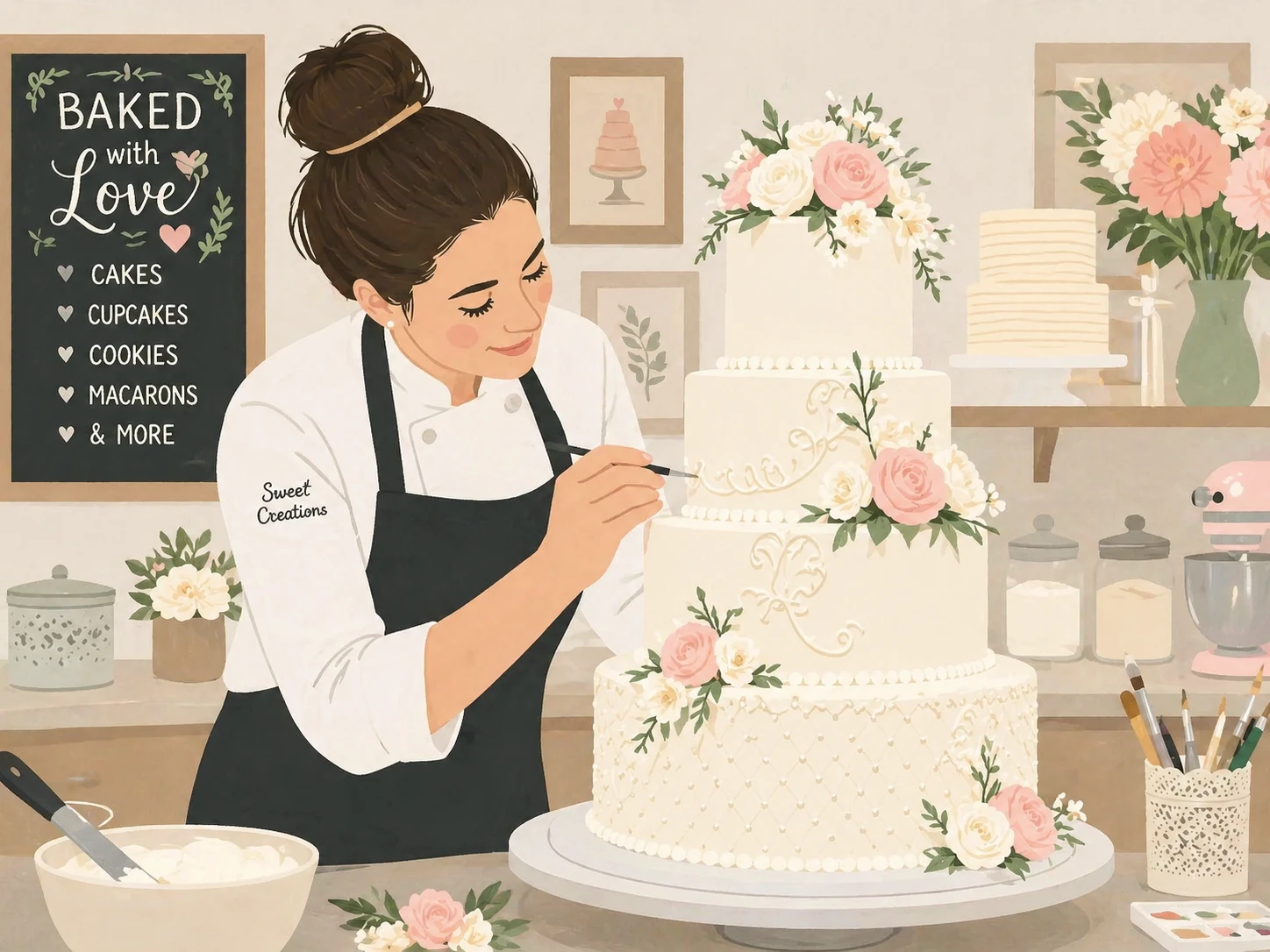
transform this photo into a charming flat illustration style, simple geometric shapes, limited color palette, scandinavian design aesthetic — GPT Image 2
GPT Image 2

transform this photo into a charming flat illustration style, simple geometric shapes, limited color…
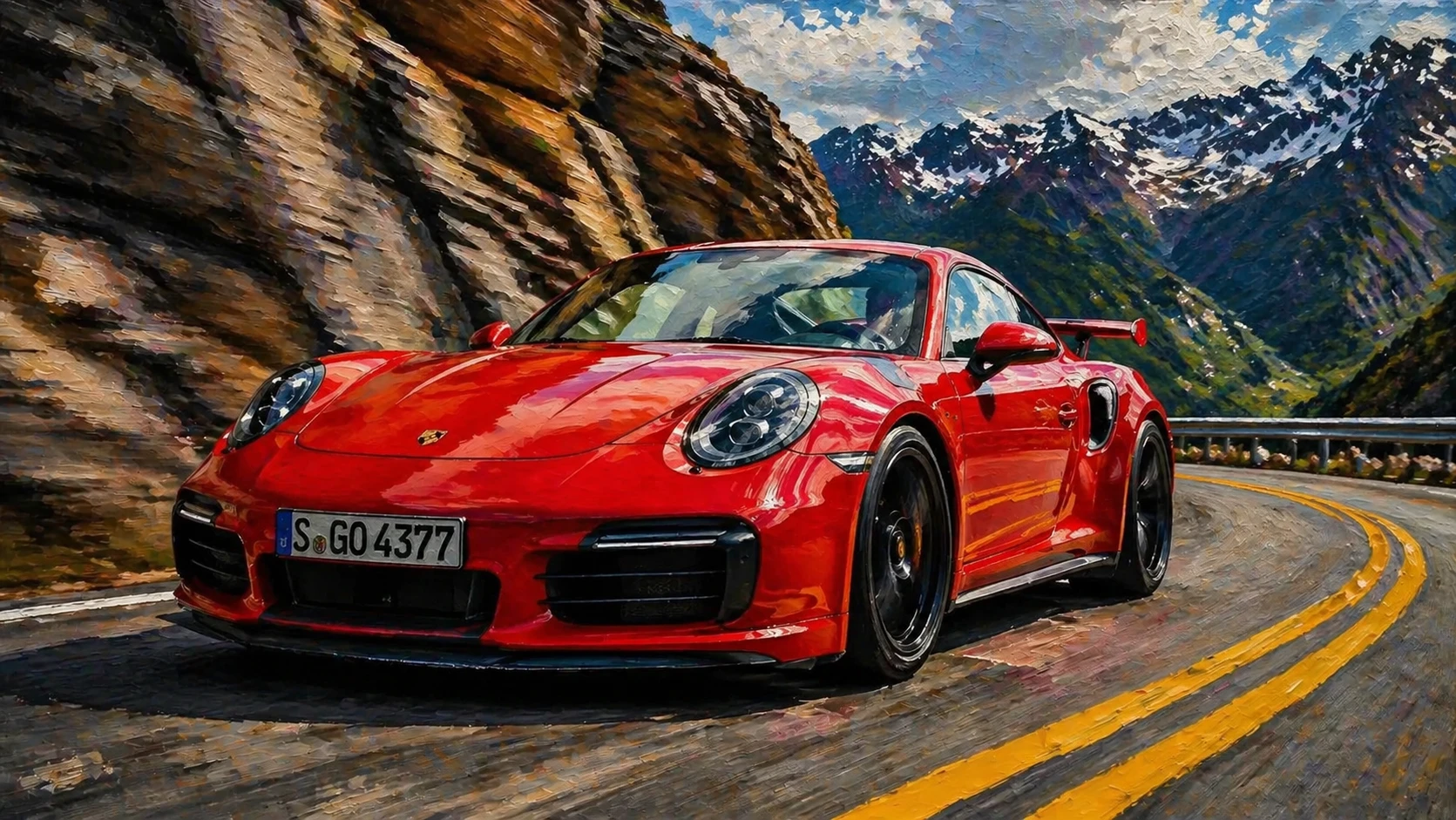
transform this photo into a realistic oil painting in the style of hyperrealism, extremely detailed paint strokes that look photographic, dramatic lig — GPT Image 2
GPT Image 2

transform this photo into a realistic oil painting in the style of hyperrealism, extremely detailed …
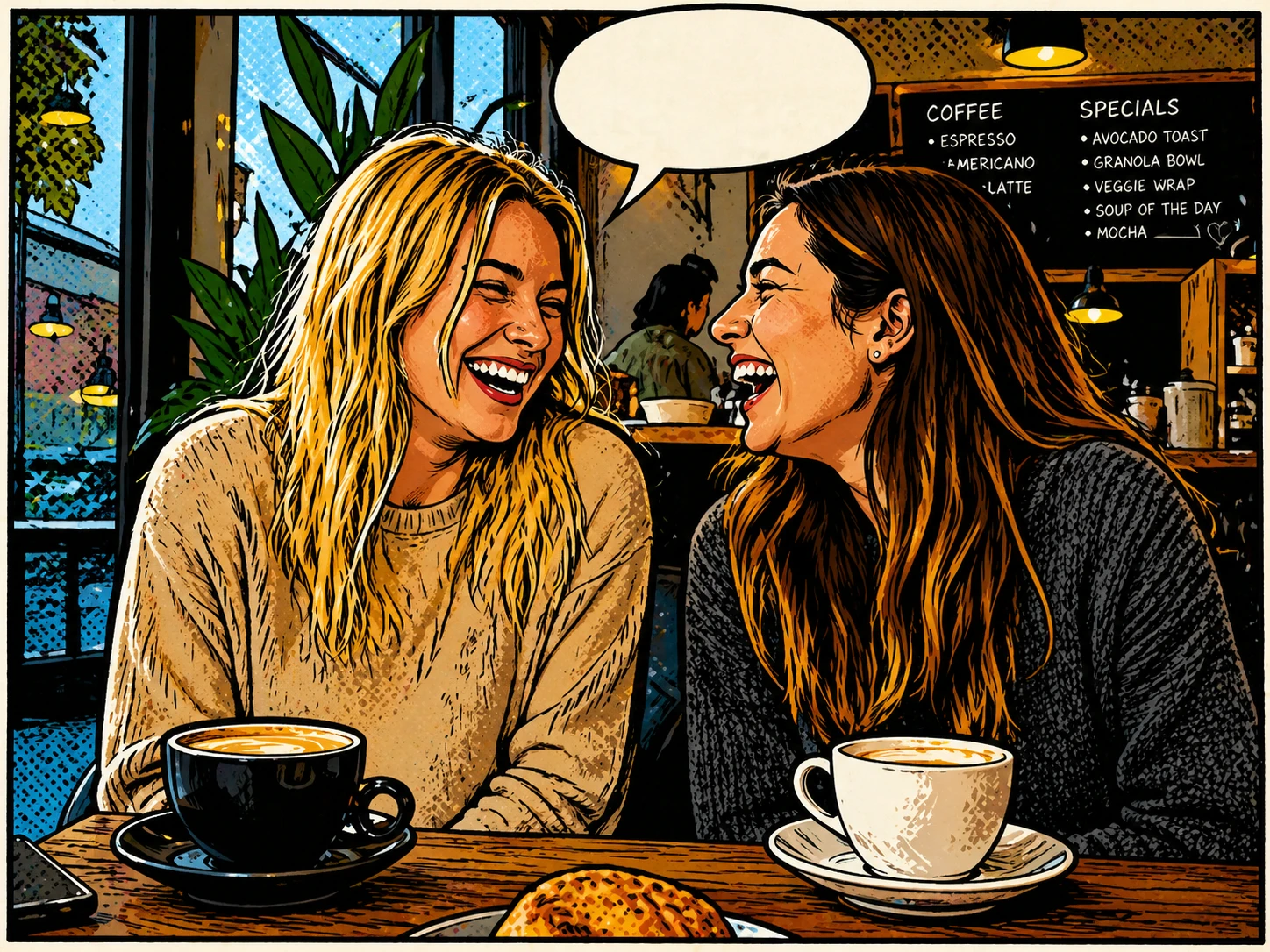
transform this photo into a charming comic book illustration with halftone dots, bold outlines, speech bubble space, classic American comic style — GPT Image 2
GPT Image 2

transform this photo into a charming comic book illustration with halftone dots, bold outlines, spee…
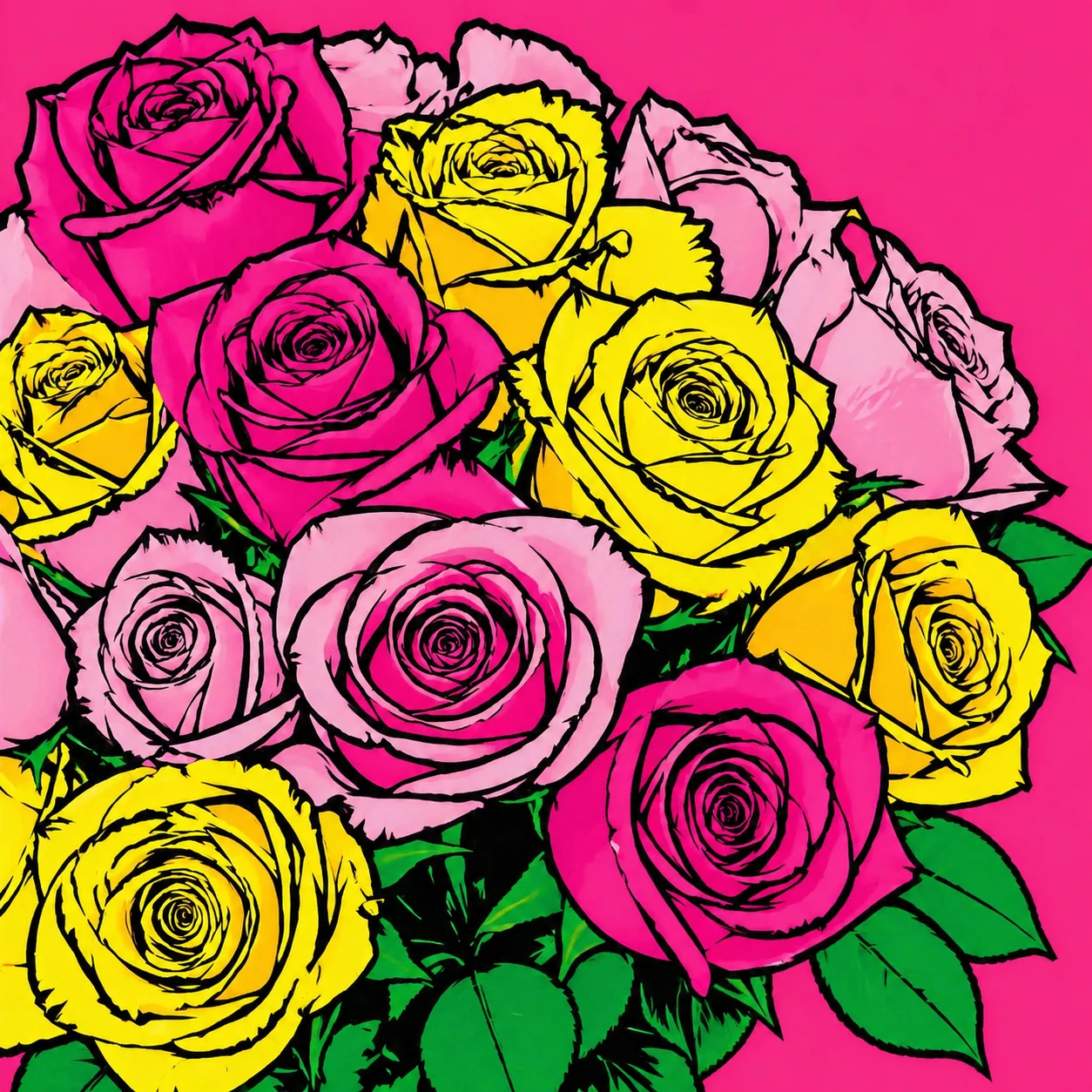
transform this photo into a vibrant pop art style, bold flat colors, thick black outlines, Andy Warhol inspired graphic art aesthetic — GPT Image 2
GPT Image 2

transform this photo into a vibrant pop art style, bold flat colors, thick black outlines, Andy Warh…
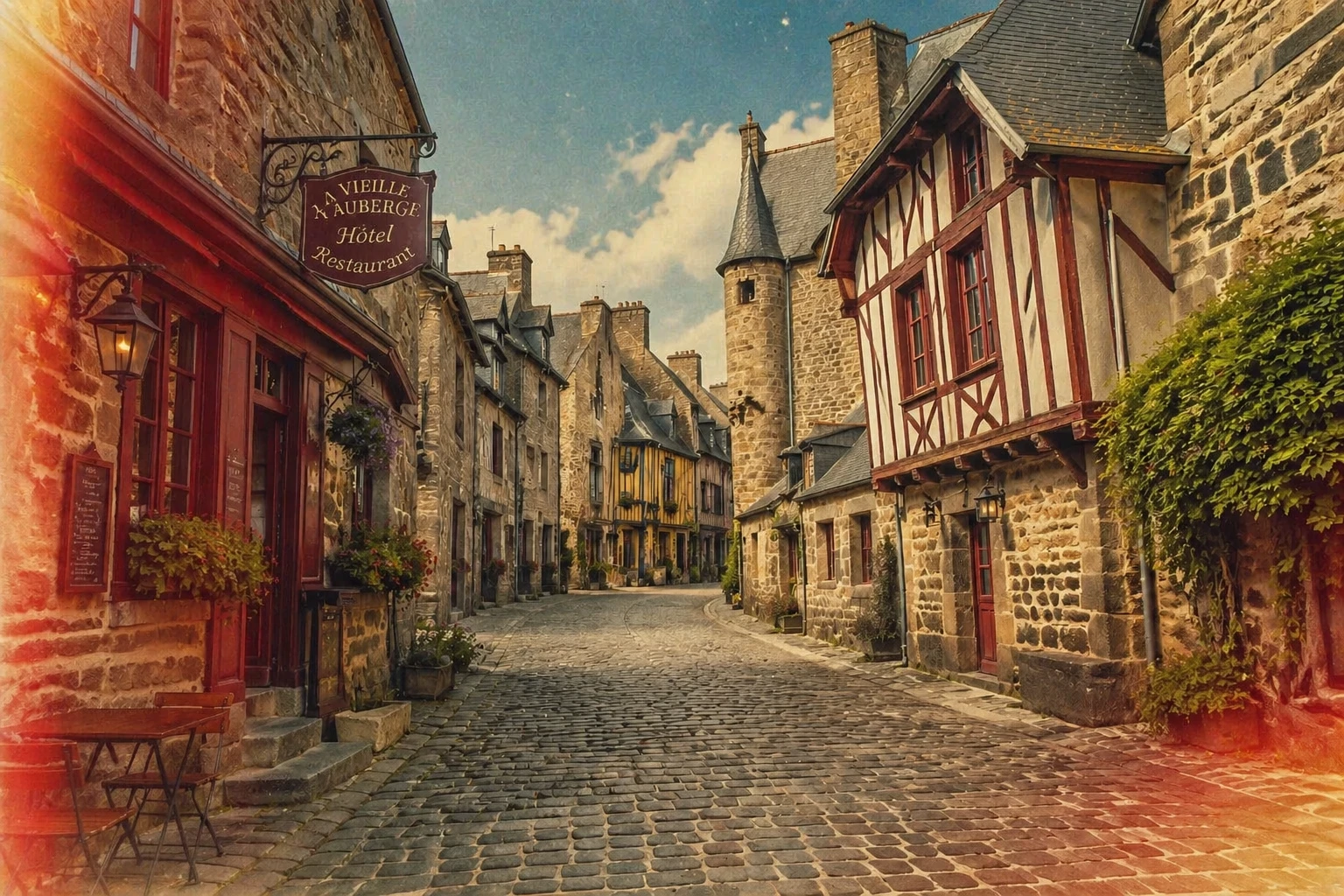
transform this photo into a vintage film photography style, add grain, desaturated nostalgic tones, light leaks, 1970s Kodachrome color palette — GPT Image 2
GPT Image 2

transform this photo into a vintage film photography style, add grain, desaturated nostalgic tones, …
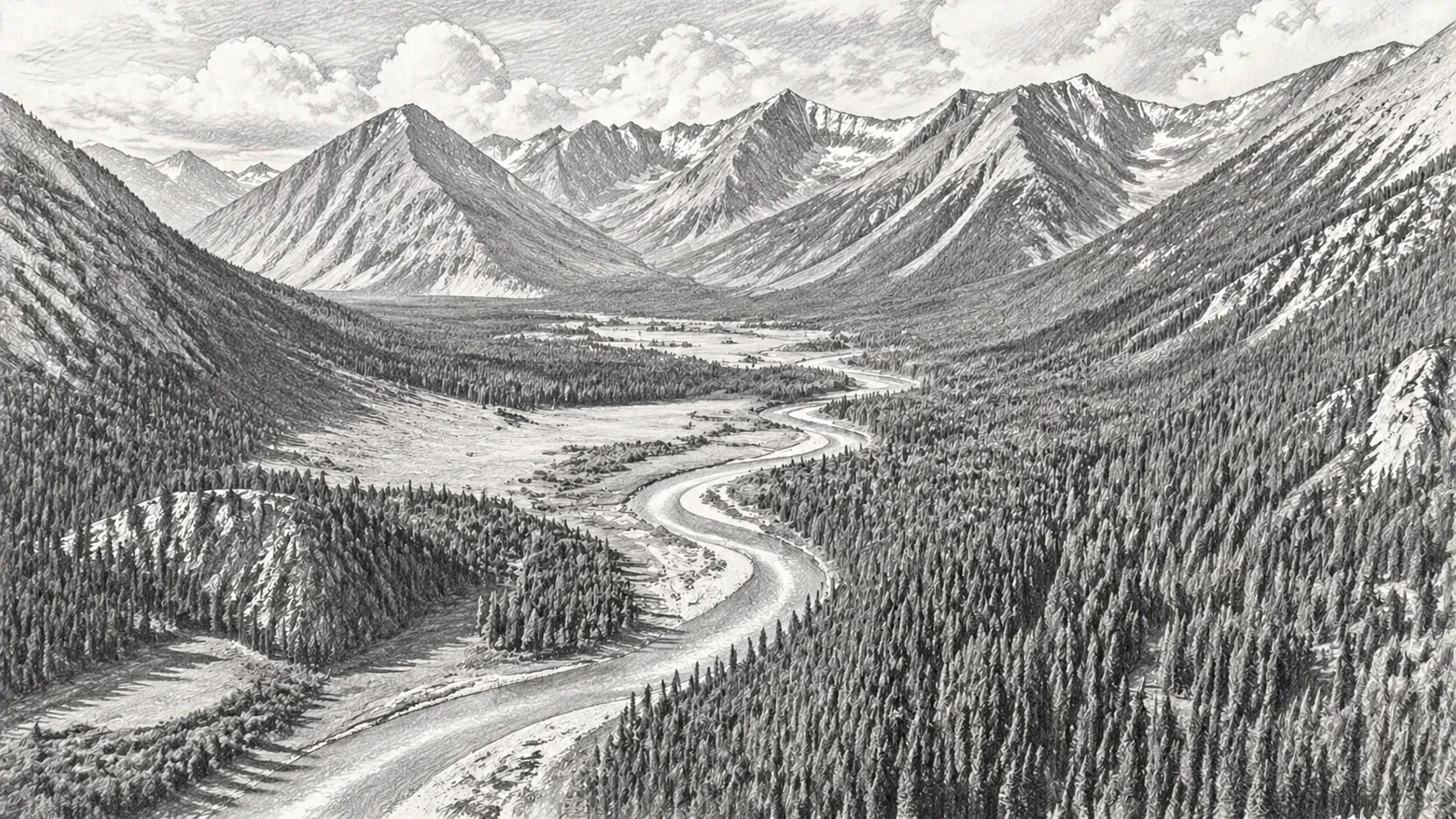
transform this photo into a detailed pencil sketch drawing with fine cross-hatching, graphite shading, realistic pencil texture on white paper — GPT Image 2
GPT Image 2

transform this photo into a detailed pencil sketch drawing with fine cross-hatching, graphite shadin…
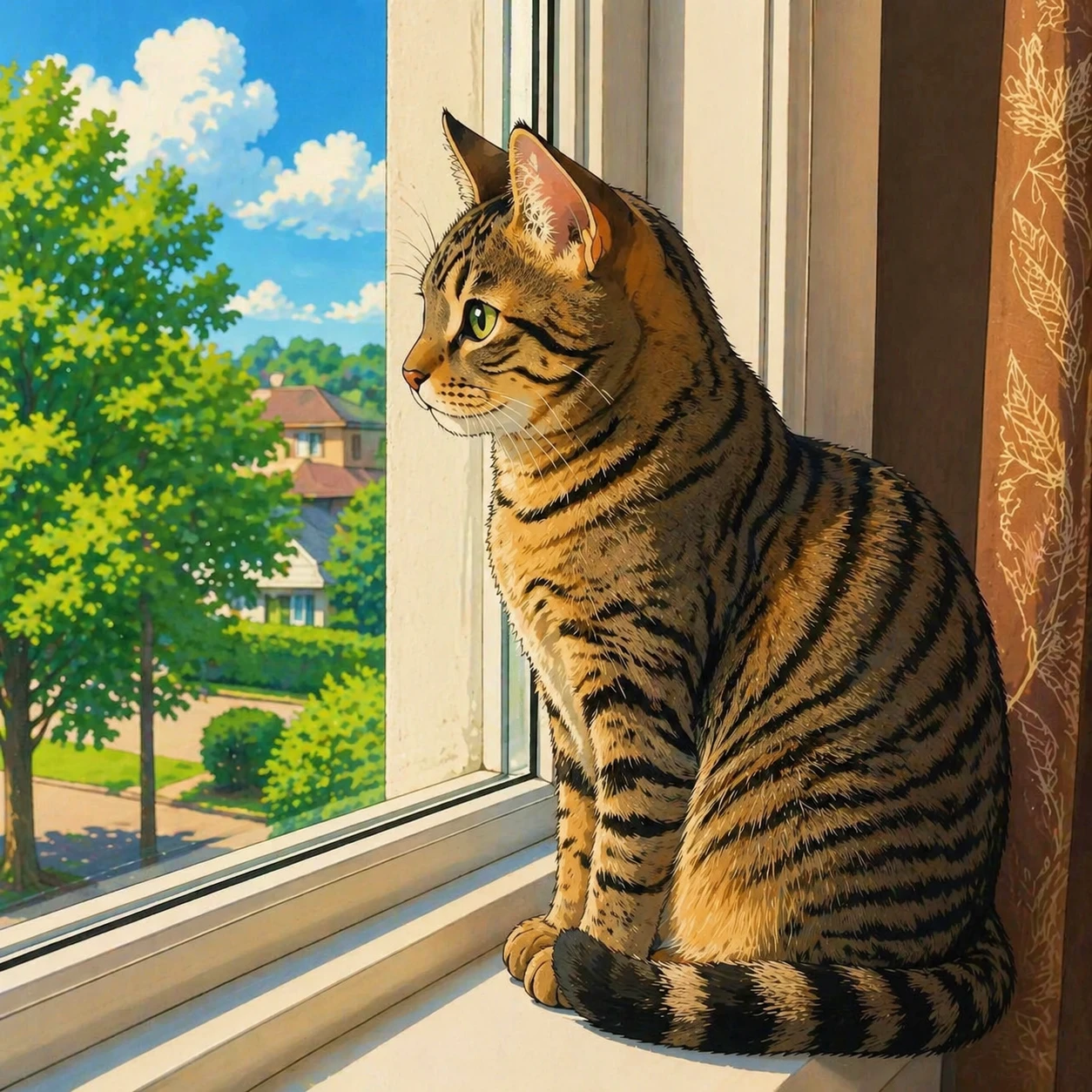
transform this photo into a Japanese anime illustration style, clean line art, vibrant anime colors, expressive eyes, Studio Ghibli inspired — GPT Image 2
GPT Image 2

transform this photo into a Japanese anime illustration style, clean line art, vibrant anime colors,…
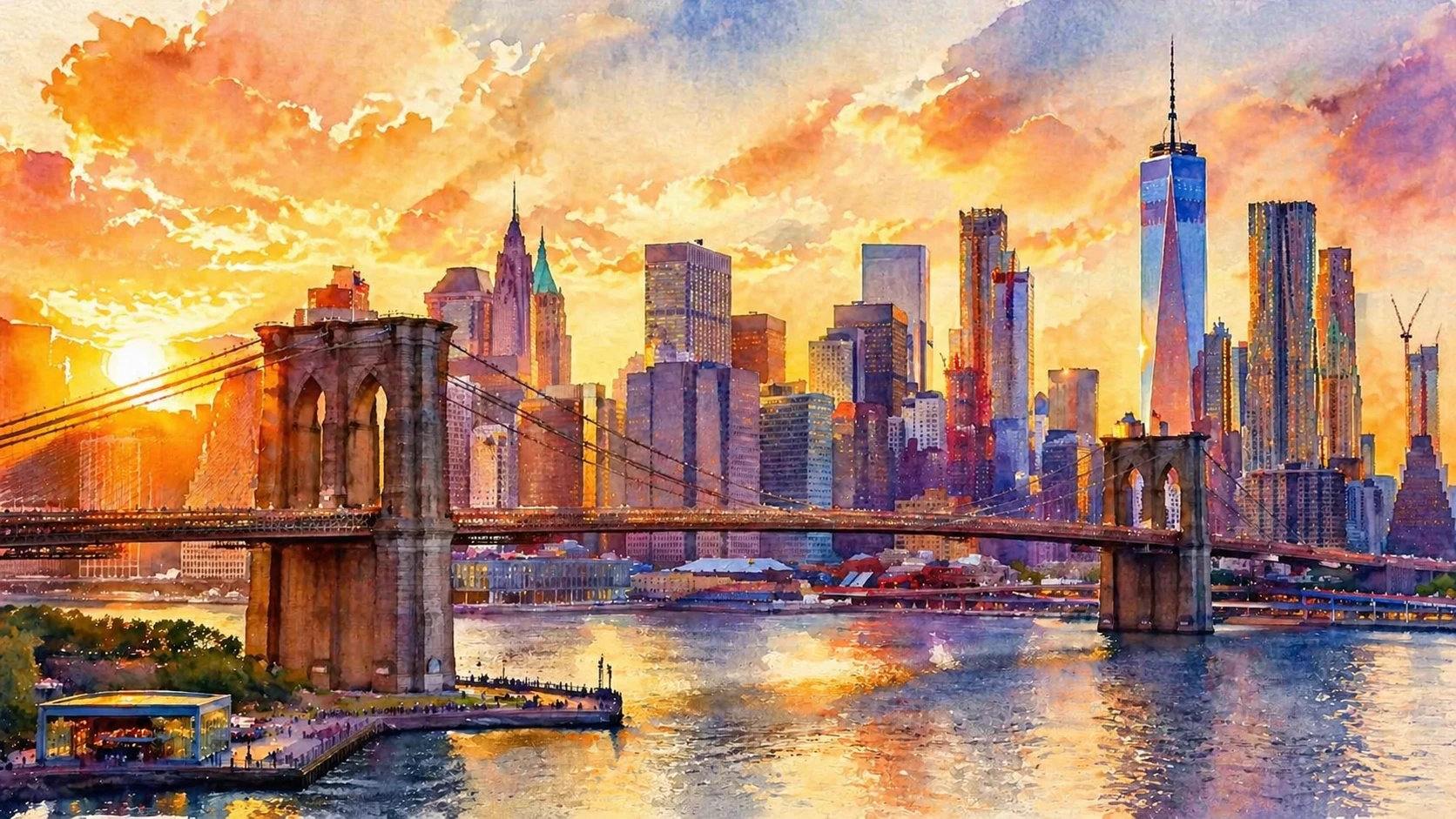
transform this photo into a watercolor painting style with soft bleeding edges, luminous transparent washes of color, impressionistic style — GPT Image 2
GPT Image 2

transform this photo into a watercolor painting style with soft bleeding edges, luminous transparent…

Funktionen

6 künstlerische Stile

Ölgemälde, Aquarell, Anime, Bleistiftzeichnung, Comic Pop Art und Pixelkunst — alles an einem Ort.

Bis zu 2 Referenzbilder

Lade ein Foto hoch oder füge ein zweites als Stil-Referenz hinzu, um die KI-Transformation zu steuern.

Schnelle Ergebnisse

KI transformiert dein Foto in Sekundenschnelle und liefert hochwertige künstlerische Ergebnisse.

Benutzerdefinierte Ausgabegröße

Wähle deine Ausgabedimensionen oder lasse die KI deine ursprüngliche Bildgröße automatisch anpassen.

Mehrere Stile ausprobieren

Verwende die Schaltfläche 'Neu generieren', um dein hochgeladenes Foto beizubehalten und verschiedene Stile ohne erneutes Hochladen auszuprobieren.

Automatische Rückerstattung bei Misserfolg

Credits werden nur für erfolgreiche Transformationen belastet. Fehlgeschlagene Jobs werden automatisch erstattet.

So funktioniert's

1

Laden Sie Ihr Foto hoch

Wähle ein Porträt, ein Haustierfoto, eine Landschaft oder ein beliebiges Bild, das du transformieren möchtest.

2

Wähle einen Kunststil

Wähle aus Ölgemälde, Aquarell, Anime, Skizze, Comic oder Pixelkunst.

3

Dein Kunstwerk herunterladen

Das KI generiert dein stilisiertes Bild in Sekunden. Lade es im hochqualitativen WebP-Format herunter.

Anwendungsfälle

Porträt zu Ölgemälde Haustierfoto zu Anime Landschaft zu Aquarell Profilfoto zu Cartoon Reisefoto zu Skizze Hochzeitsfoto zu Gemälde Essensfoto zu Pop-Art Foto zu Pixel-Art

FAQ

Welche Fototypen funktionieren am besten?
Porträts, Haustierfotos, Landschaften und Stillleben erzeugen alle hervorragende Ergebnisse. Fotos mit einem klaren Motiv und guter Beleuchtung liefern tendenziell die eindrucksvollsten Transformationen.
Kann ich mehrere Stile am selben Foto ausprobieren?
Ja – nach Abschluss der Generierung klicke auf die Schaltfläche „Erneut generieren“, um zum Formular zurückzukehren, während dein Foto noch geladen ist. Wähle einen anderen Stil aus und generiere erneut, ohne erneut hochzuladen.
Wie groß darf das Foto maximal sein?
Fotos werden automatisch skaliert, sodass die längste Seite 1024 Pixel nicht überschreitet, bevor sie verarbeitet werden. Die Ausgabgröße kann mit den Bedienelementen für die Ausgabgröße weiter angepasst werden.
Wie viele Credits kostet eine Stilübertragung?
Ab 5 Credits pro Transformation je nach Modell (FLUX: 5, GPT Image 2: 10, Nano Banana 2: 20). Credits werden automatisch erstattet, wenn die Generierung fehlschlägt.