
AI Photo Style Transfer

Turn any photo into a stunning piece of art. Choose from oil painting, watercolor, anime, pencil sketch, and more — powered by AI.

Click or drag 1 image here

JPEG, PNG, WebP — auto-converted, max 1280px

5

Community Showcase

Real results created with this tool.
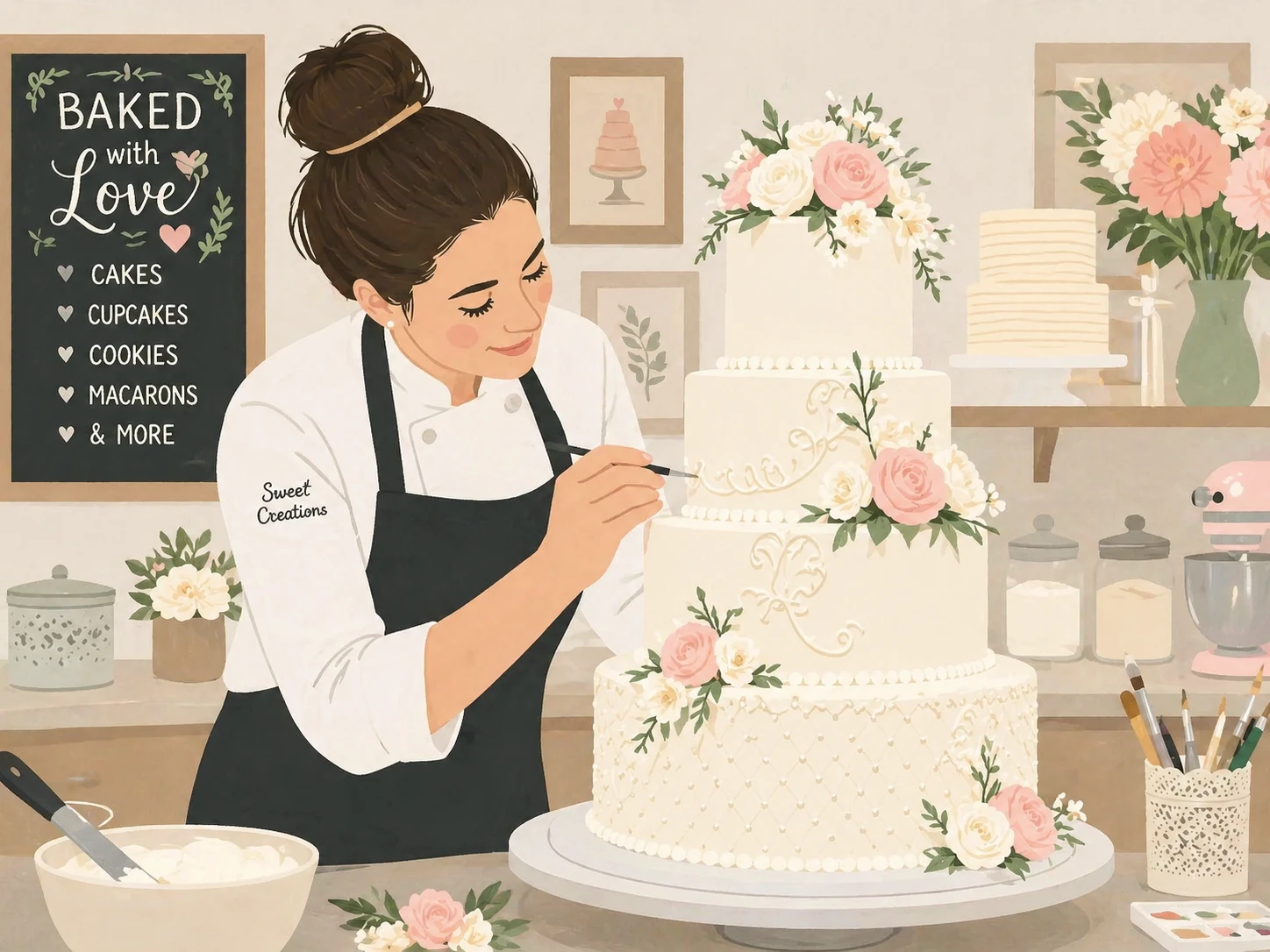
transform this photo into a charming flat illustration style, simple geometric shapes, limited color palette, scandinavian design aesthetic — GPT Image 2
GPT Image 2

transform this photo into a charming flat illustration style, simple geometric shapes, limited color…
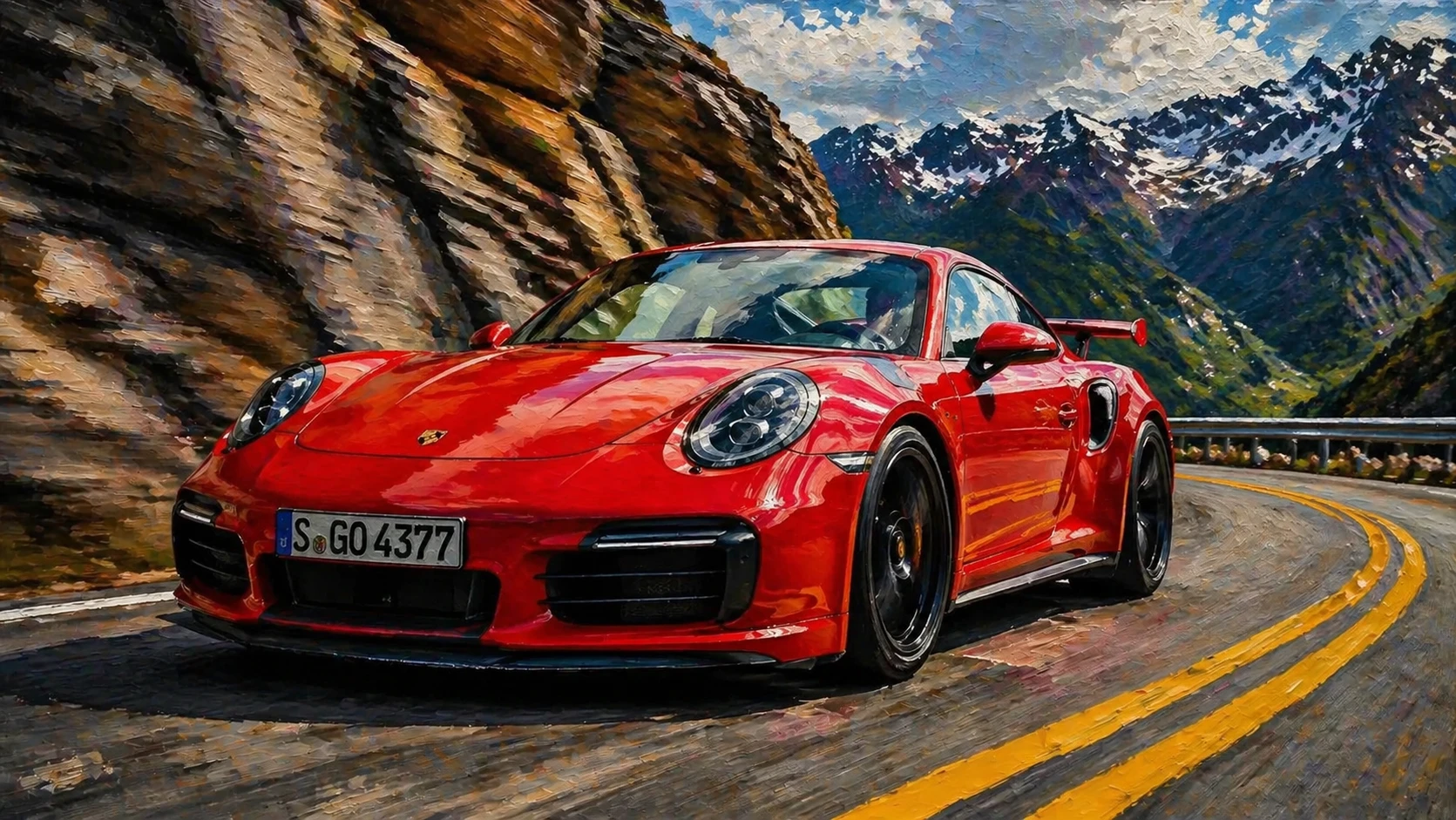
transform this photo into a realistic oil painting in the style of hyperrealism, extremely detailed paint strokes that look photographic, dramatic lig — GPT Image 2
GPT Image 2

transform this photo into a realistic oil painting in the style of hyperrealism, extremely detailed …
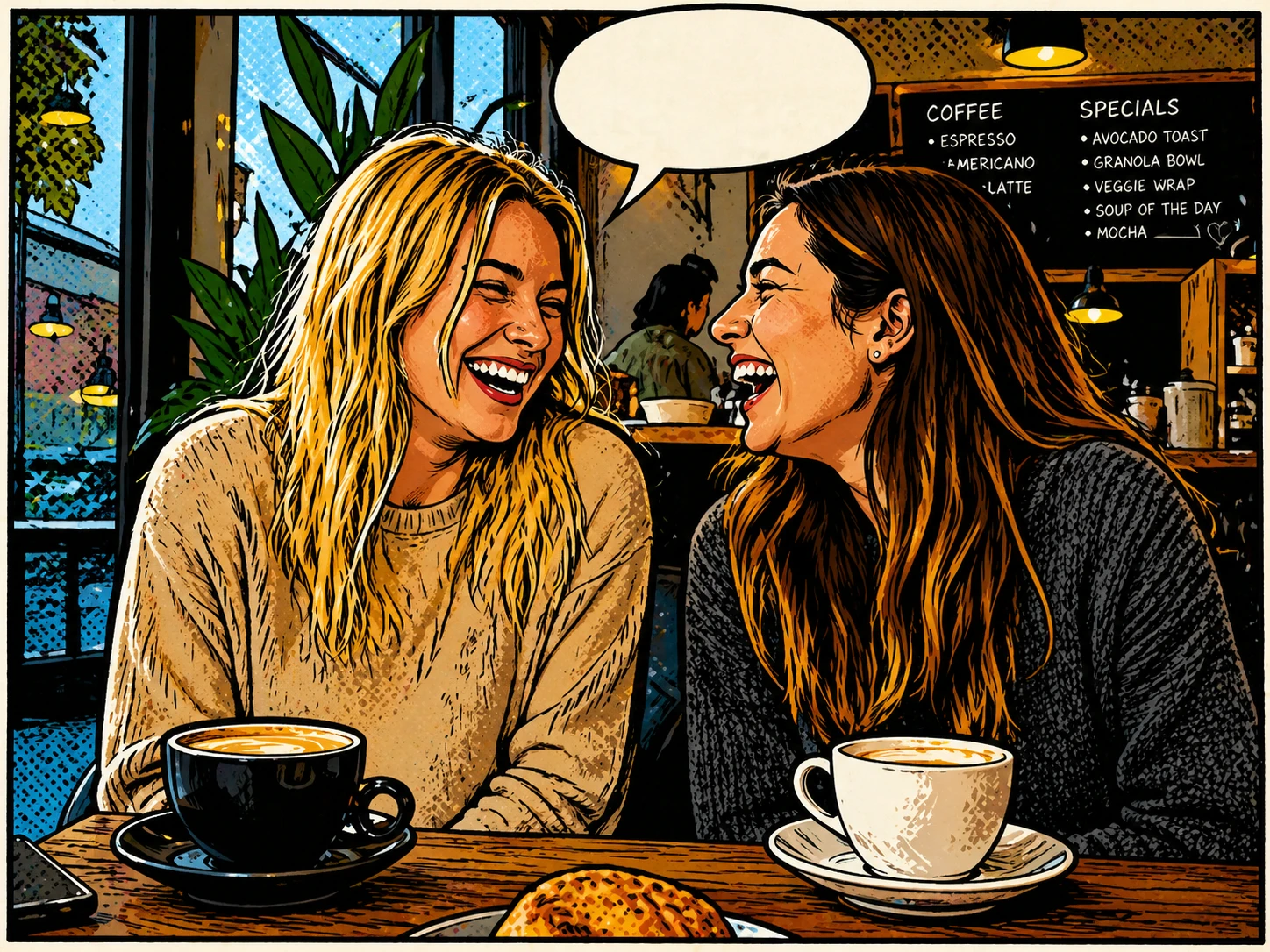
transform this photo into a charming comic book illustration with halftone dots, bold outlines, speech bubble space, classic American comic style — GPT Image 2
GPT Image 2

transform this photo into a charming comic book illustration with halftone dots, bold outlines, spee…
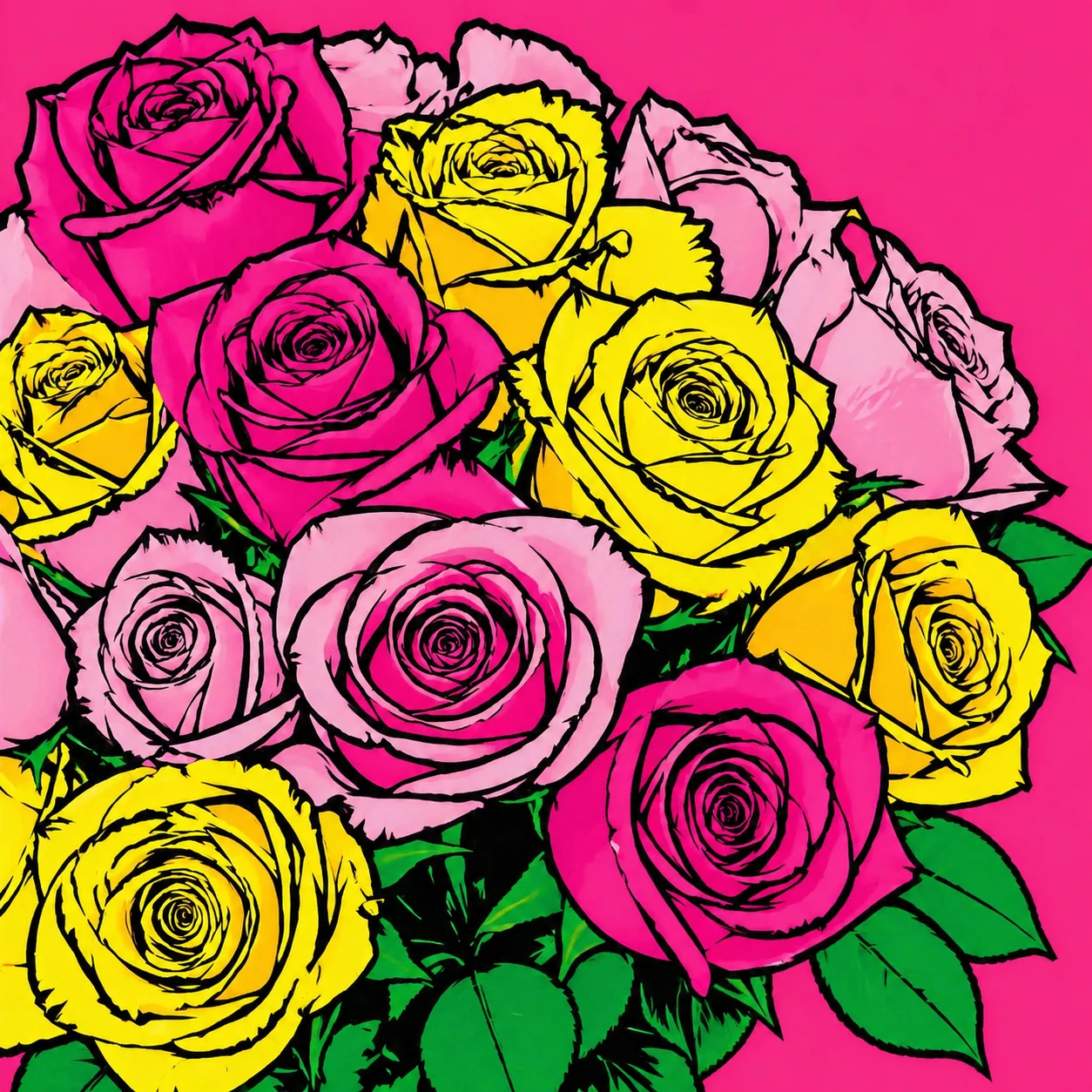
transform this photo into a vibrant pop art style, bold flat colors, thick black outlines, Andy Warhol inspired graphic art aesthetic — GPT Image 2
GPT Image 2

transform this photo into a vibrant pop art style, bold flat colors, thick black outlines, Andy Warh…
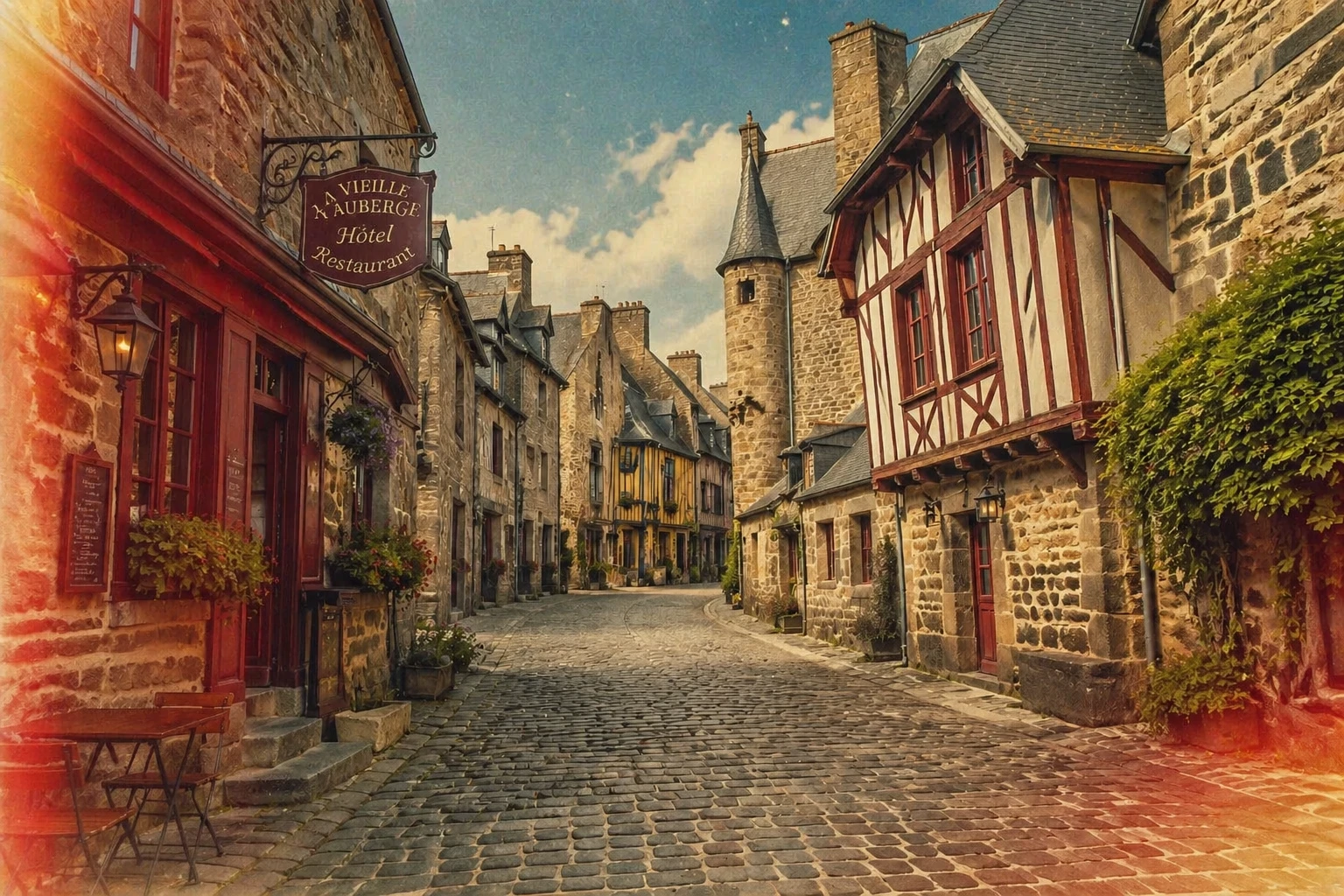
transform this photo into a vintage film photography style, add grain, desaturated nostalgic tones, light leaks, 1970s Kodachrome color palette — GPT Image 2
GPT Image 2

transform this photo into a vintage film photography style, add grain, desaturated nostalgic tones, …
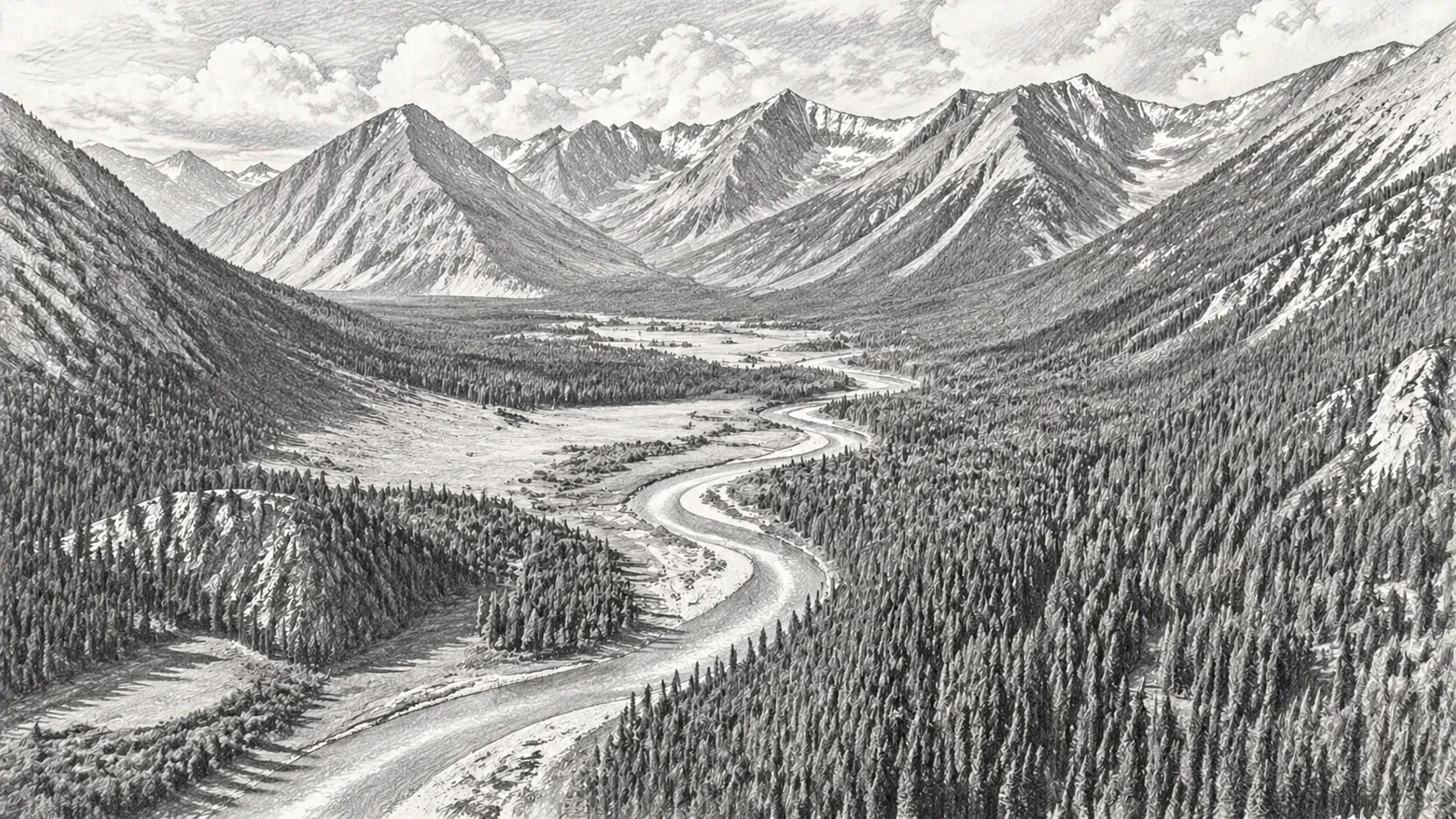
transform this photo into a detailed pencil sketch drawing with fine cross-hatching, graphite shading, realistic pencil texture on white paper — GPT Image 2
GPT Image 2

transform this photo into a detailed pencil sketch drawing with fine cross-hatching, graphite shadin…
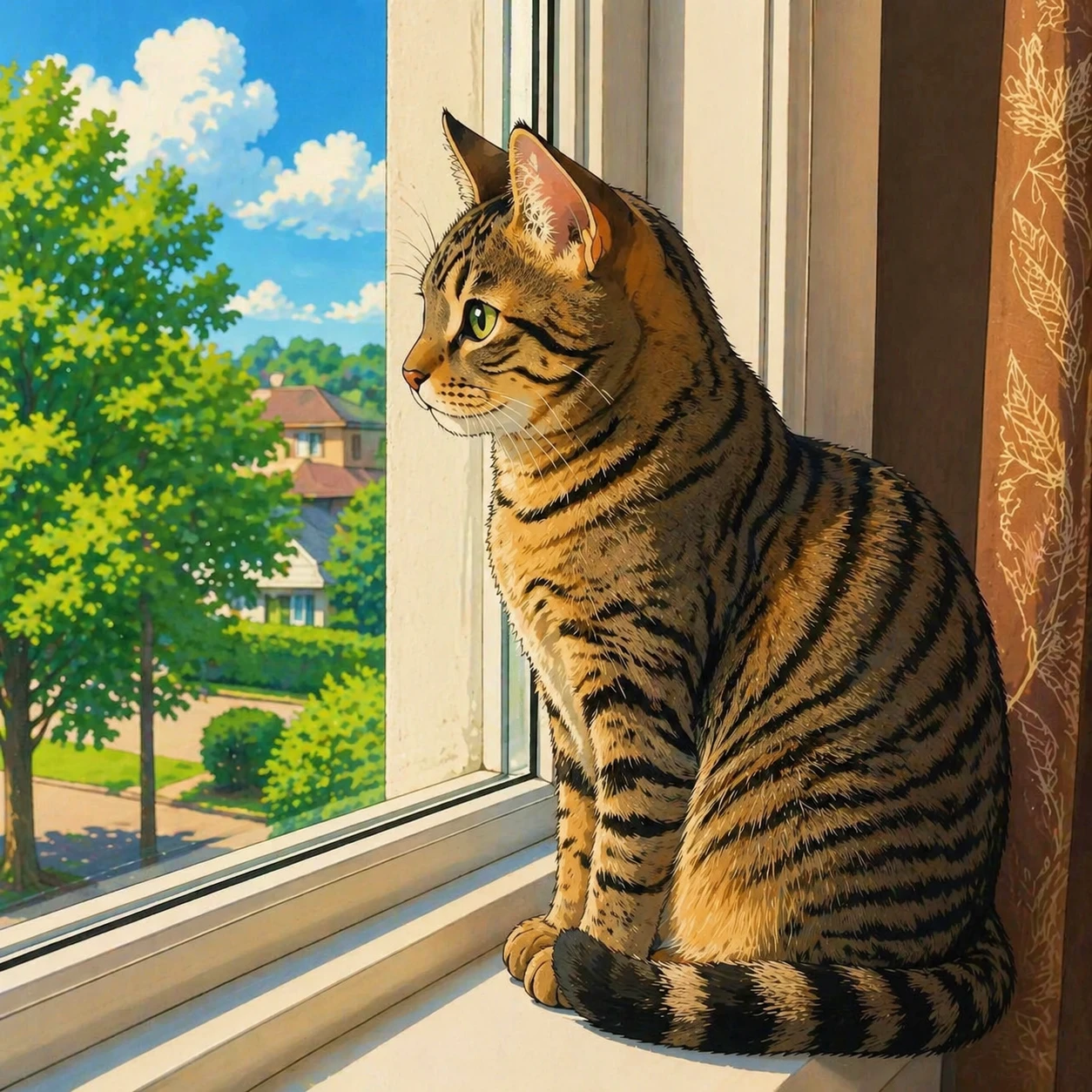
transform this photo into a Japanese anime illustration style, clean line art, vibrant anime colors, expressive eyes, Studio Ghibli inspired — GPT Image 2
GPT Image 2

transform this photo into a Japanese anime illustration style, clean line art, vibrant anime colors,…
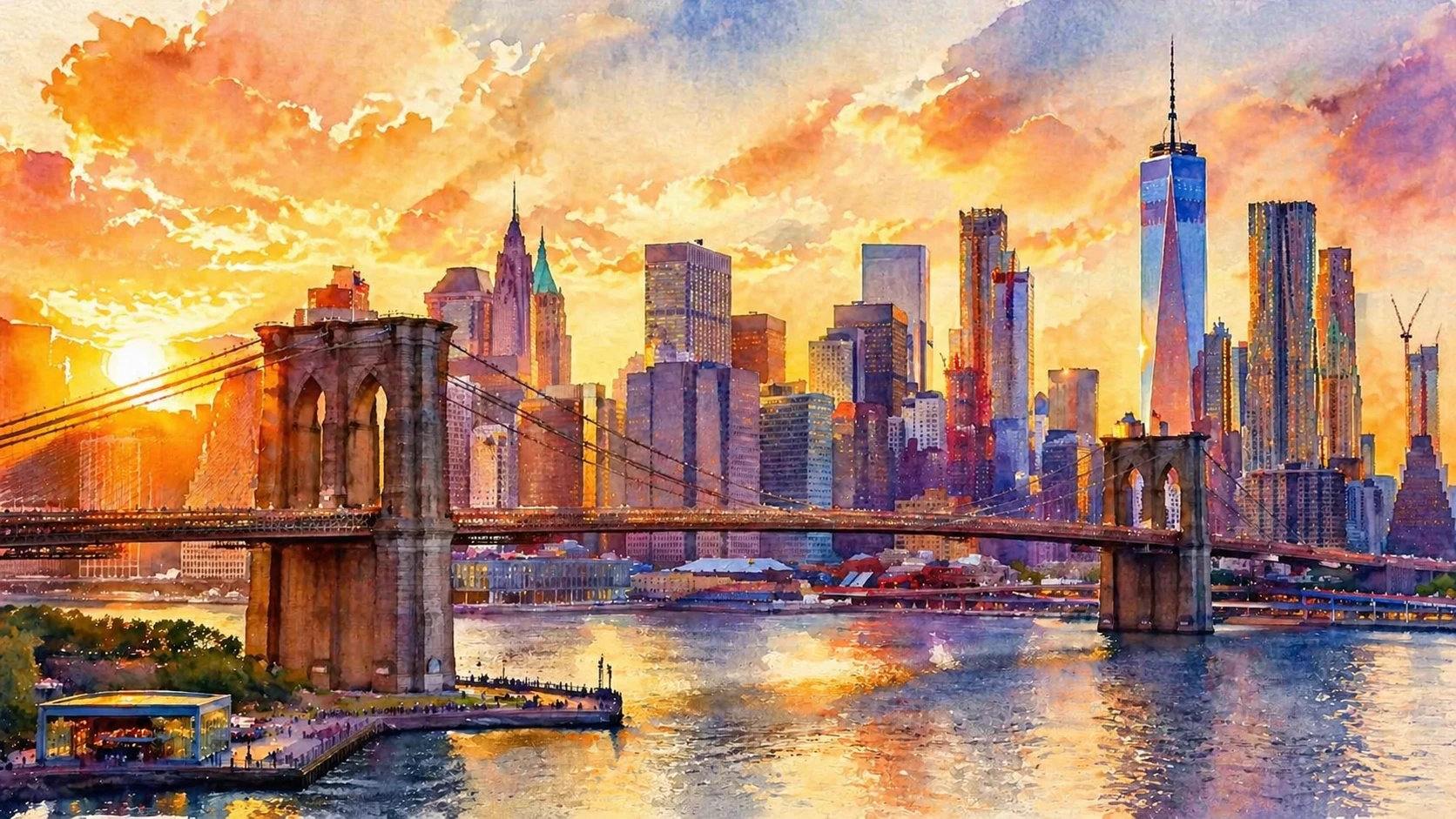
transform this photo into a watercolor painting style with soft bleeding edges, luminous transparent washes of color, impressionistic style — GPT Image 2
GPT Image 2

transform this photo into a watercolor painting style with soft bleeding edges, luminous transparent…

Features

6 Artistic Styles

Oil painting, watercolor, anime, pencil sketch, comic pop art, and pixel art — all in one place.

Up to 2 Reference Images

Upload one photo or add a second as a style reference to guide the AI transformation.

Fast Results

AI transforms your photo in seconds with high-quality artistic output.

Custom Output Size

Choose your output dimensions or let the AI match your original photo size automatically.

Try Multiple Styles

Use the Regenerate button to keep your uploaded photo and try different styles without re-uploading.

Auto-Refund on Failure

Credits are only charged for successful transformations. Failed jobs are refunded automatically.

How It Works

1

Upload Your Photo

Select a portrait, pet photo, landscape or any image you want to transform.

2

Choose an Art Style

Pick from oil painting, watercolor, anime, sketch, comic, or pixel art.

3

Download Your Artwork

The AI generates your stylized image in seconds. Download in high-quality WebP format.

Use Cases

Portrait to oil painting Pet photo to anime Landscape to watercolor Profile photo to cartoon Travel photo to sketch Wedding photo to painting Food photo to pop art Photo to pixel art

FAQ

Which photo types work best?
Portraits, pet photos, landscapes, and still life images all produce excellent results. Photos with a clear subject and good lighting tend to give the most striking transformations.
Can I try multiple styles on the same photo?
Yes — after generation completes, click the Regenerate button to go back to the form with your photo still loaded. Select a different style and generate again without re-uploading.
What is the maximum photo size?
Photos are automatically resized so the longest side does not exceed 1024 pixels before processing. The output size can be further customized using the Output Size controls.
How many credits does a style transfer cost?
Starting from 5 credits per transformation depending on the model (FLUX: 5, GPT Image 2: 10, Nano Banana 2: 20). Credits are automatically refunded if the generation fails.