
AI Photo Restoration

Bring your old, damaged or faded photos back to life with AI. Remove scratches, repair tears, recover lost details — results in seconds.

Click or drag 1 image here

JPEG, PNG, WebP — auto-converted, max 1280px

5

Community Showcase

Real results created with this tool.
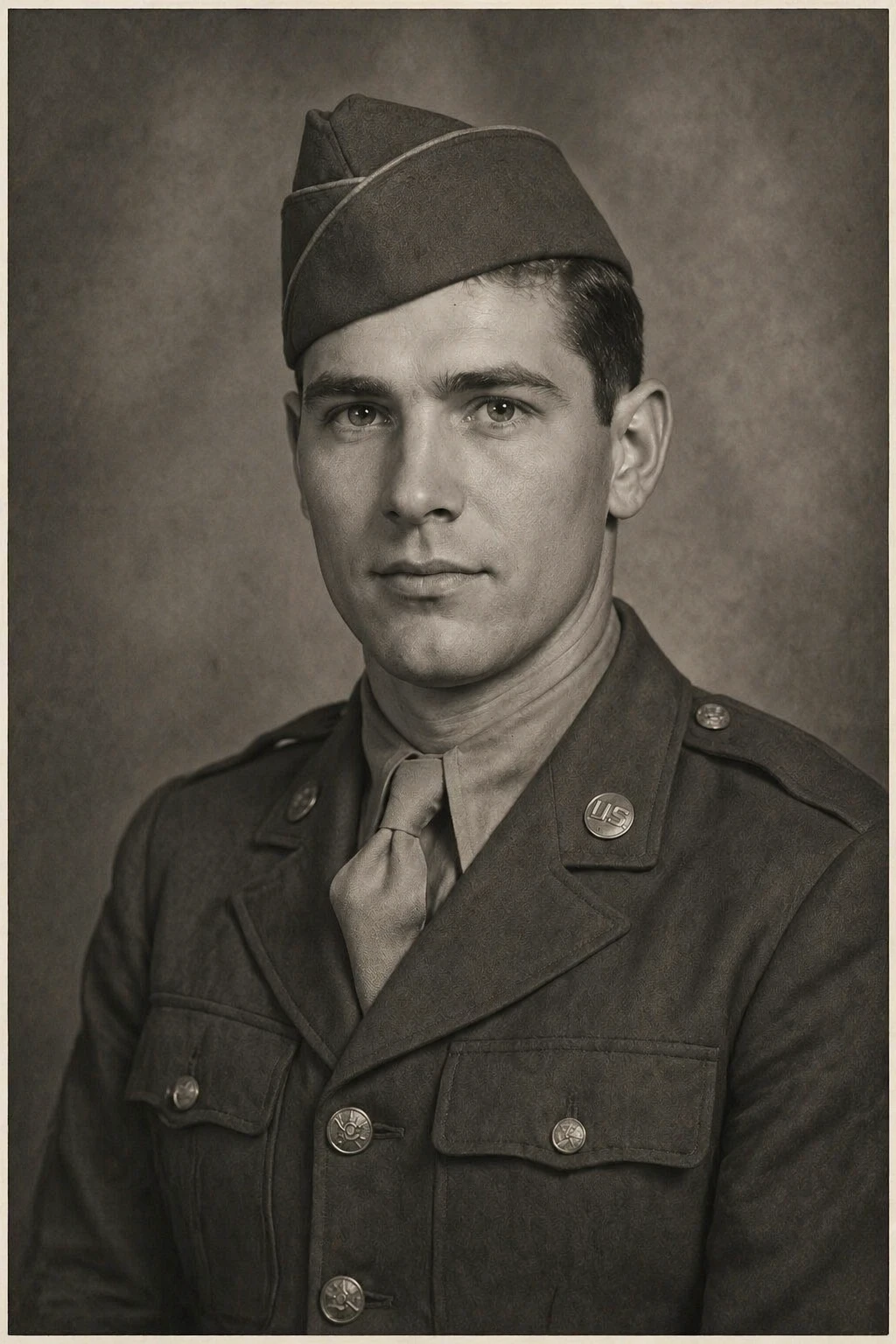
restore old damaged photo, fill in missing areas, remove scratches and damage, enhance facial details, clean professional restoration result — GPT Image 2
GPT Image 2

restore old damaged photo, fill in missing areas, remove scratches and damage, enhance facial detail…
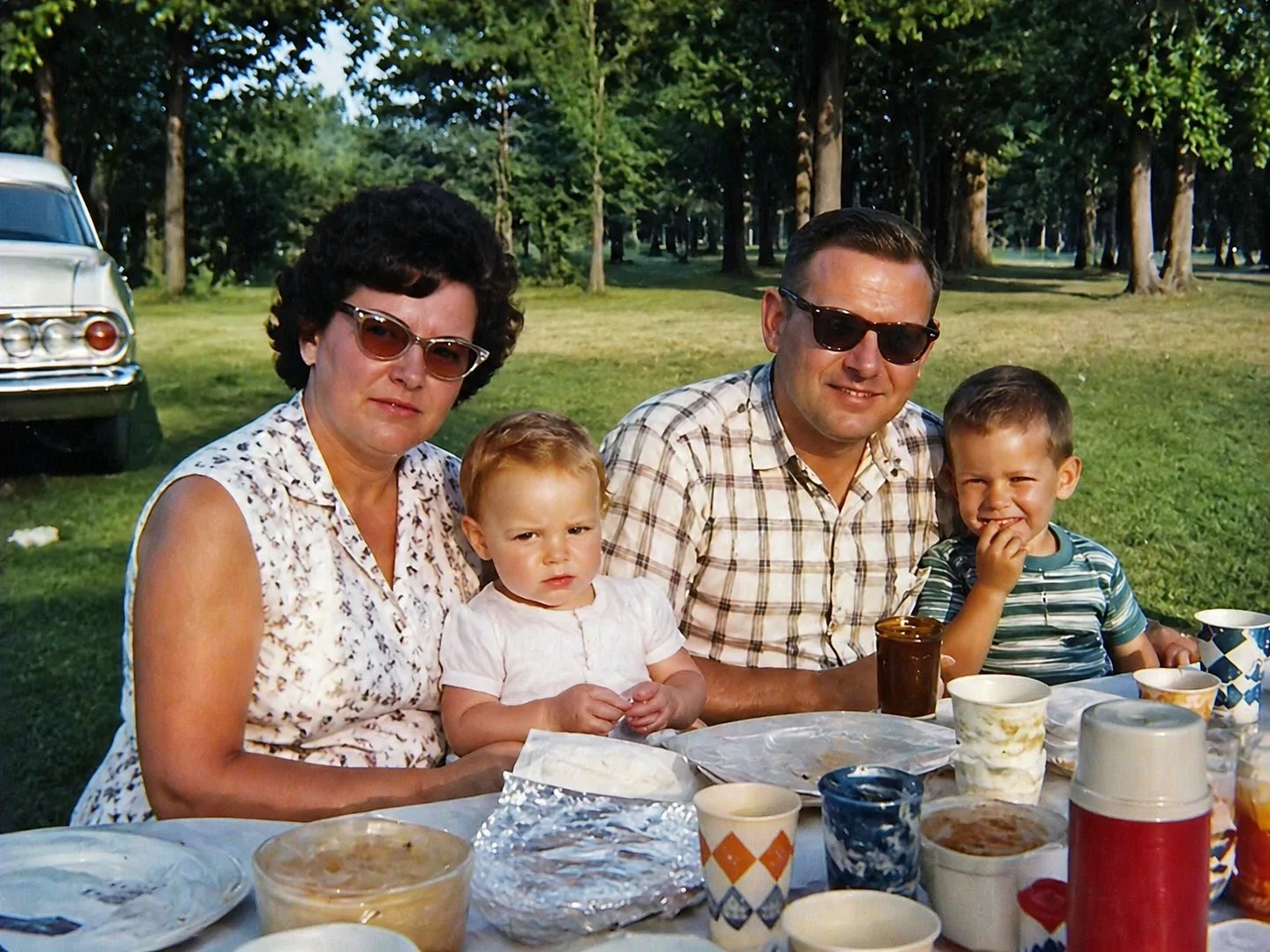
restore and enhance this old color photo, fix color fading, reduce grain, improve sharpness, restore natural vibrant colors while keeping authenticity — GPT Image 2
GPT Image 2

restore and enhance this old color photo, fix color fading, reduce grain, improve sharpness, restore…
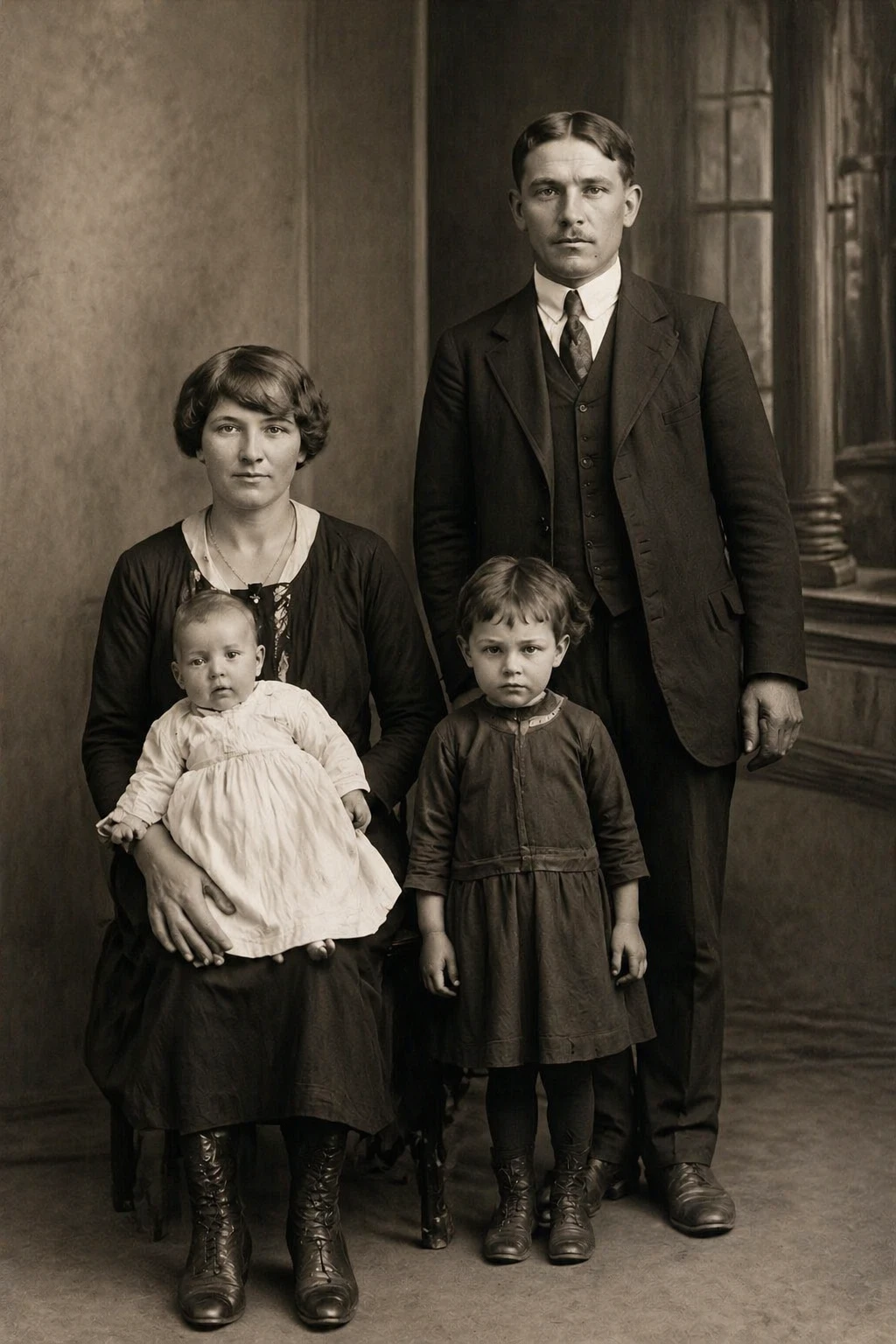
restore old damaged photo, remove scratches tears and stains, enhance sharpness and details, fix fading, natural realistic result — GPT Image 2
GPT Image 2

restore old damaged photo, remove scratches tears and stains, enhance sharpness and details, fix fad…

Features

AI-Powered Restoration

State-of-the-art AI analyzes damage patterns and intelligently reconstructs missing or degraded areas.

Supports JPEG, PNG, WebP

Upload any common image format. The AI automatically converts and optimizes your photo.

Colorization Option

Transform black-and-white photos into full color with historically accurate, natural-looking tones.

Fast Results

Most restorations complete in under 30 seconds. No waiting, no queues.

Auto-Refund on Failure

Credits are only charged for successful restorations. If something goes wrong, you get your credits back automatically.

Your Photos Stay Private

Uploaded images are processed securely and never shared with third parties.

How It Works

1

Upload Your Photo

Select an old or damaged photo from your device. JPEG, PNG, and WebP are all supported.

2

Choose a Restoration Style

Pick standard restore, black-and-white fix, colorization, or portrait enhancement.

3

Download the Result

The AI restores your photo in seconds. Download the high-quality WebP result instantly.

Use Cases

Family portrait restoration Wedding photo repair Vintage photo colorization Historical photo preservation Travel photo restoration Damaged JPEG repair Faded photo enhancement Old black and white photos

FAQ

What types of damage can the AI fix?
The AI can repair scratches, tears, stains, fading, discoloration, and general degradation common in old printed photographs. It also improves sharpness and contrast.
How many photos can I restore at once?
Currently one photo per session. After the result is ready you can immediately restore another photo.
Will colorization look realistic?
The AI uses context clues in the image to assign historically plausible colors. Results are generally natural-looking, though highly degraded photos may have some inaccuracies.
What is the maximum image size?
Images are automatically resized so the longest side does not exceed 1024 pixels before processing. This ensures fast and consistent results.
How many credits does restoration cost?
Starting from 5 credits per restoration depending on the model (FLUX: 5, GPT Image 2: 10, Nano Banana 2: 20). Credits are automatically refunded if the restoration fails.