AI Image Editor
Upload 1–3 reference images and describe how you want them edited.
Click or drag 1–3 images here
JPEG, PNG, WebP — auto-converted, max 1280px
Upload 1–3 reference images. The AI will apply your instructions to all of them.
AI Enhanced Prompt
Processing...
Processing failed
Community Showcase
Real results created with this tool.
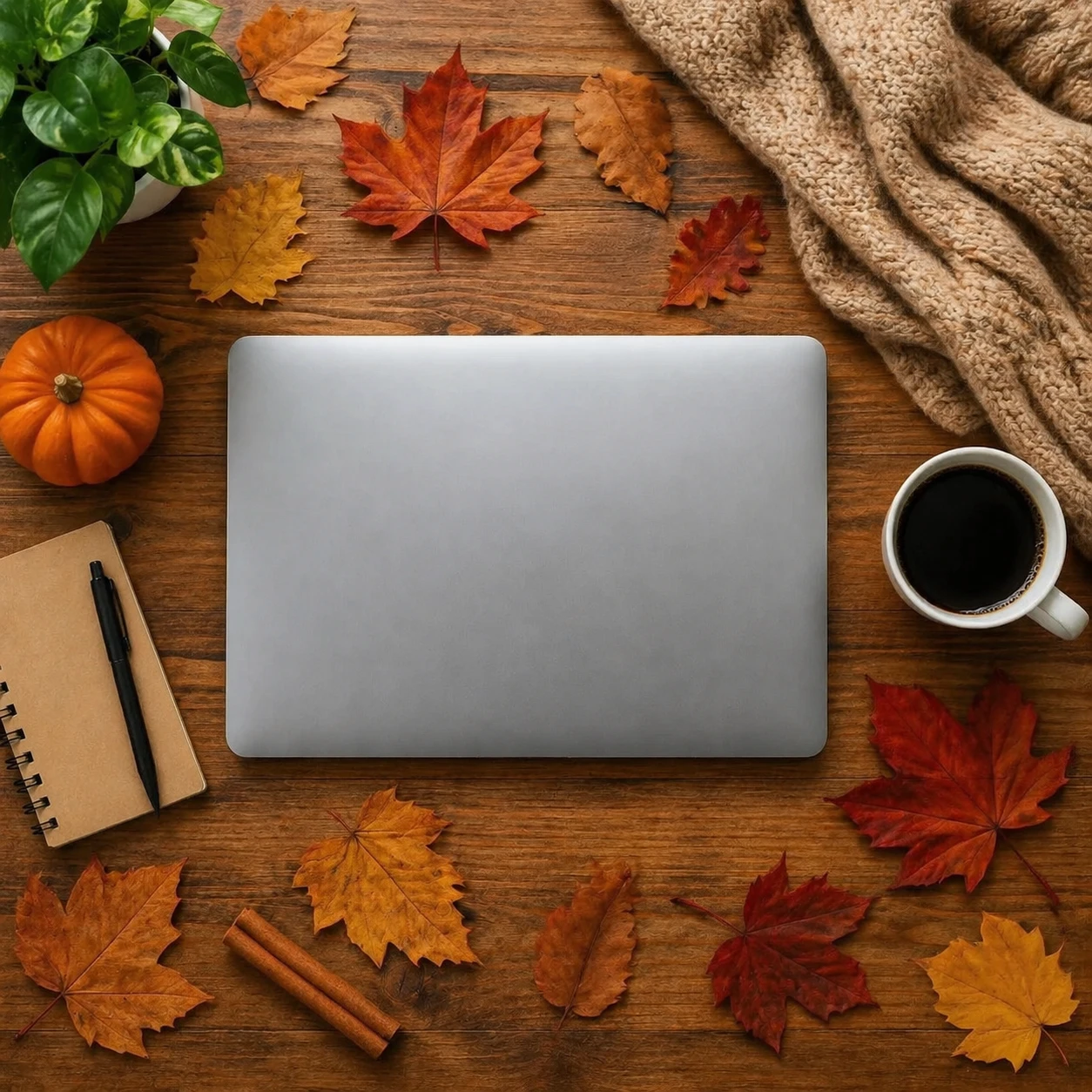
Add scattered autumn leaves, a small pumpkin, a cinnamon stick, and a cozy knitted blanket draped ov…
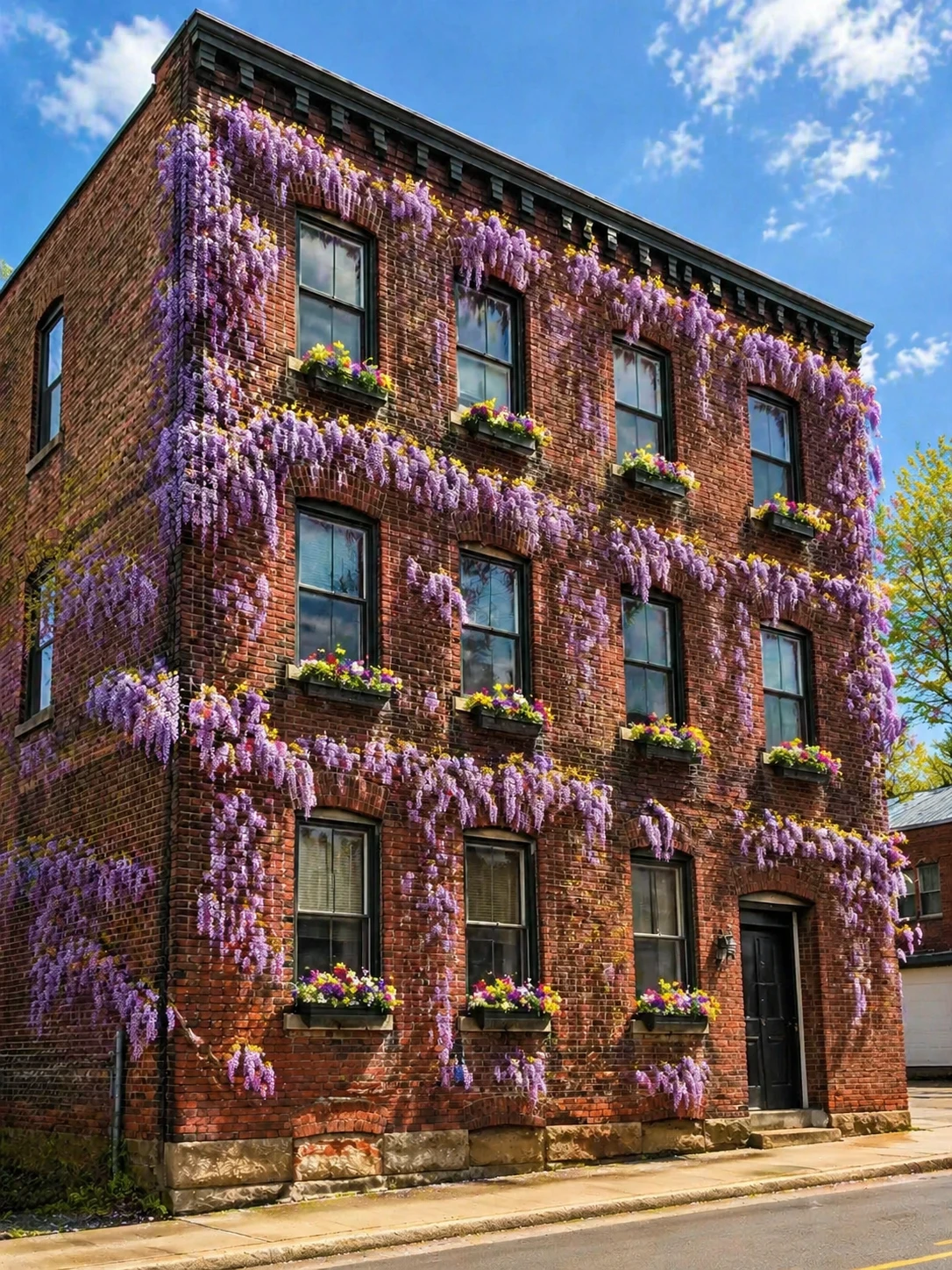
Add blooming wisteria vines covering the facade, transform to a sunny spring day, add window boxes w…
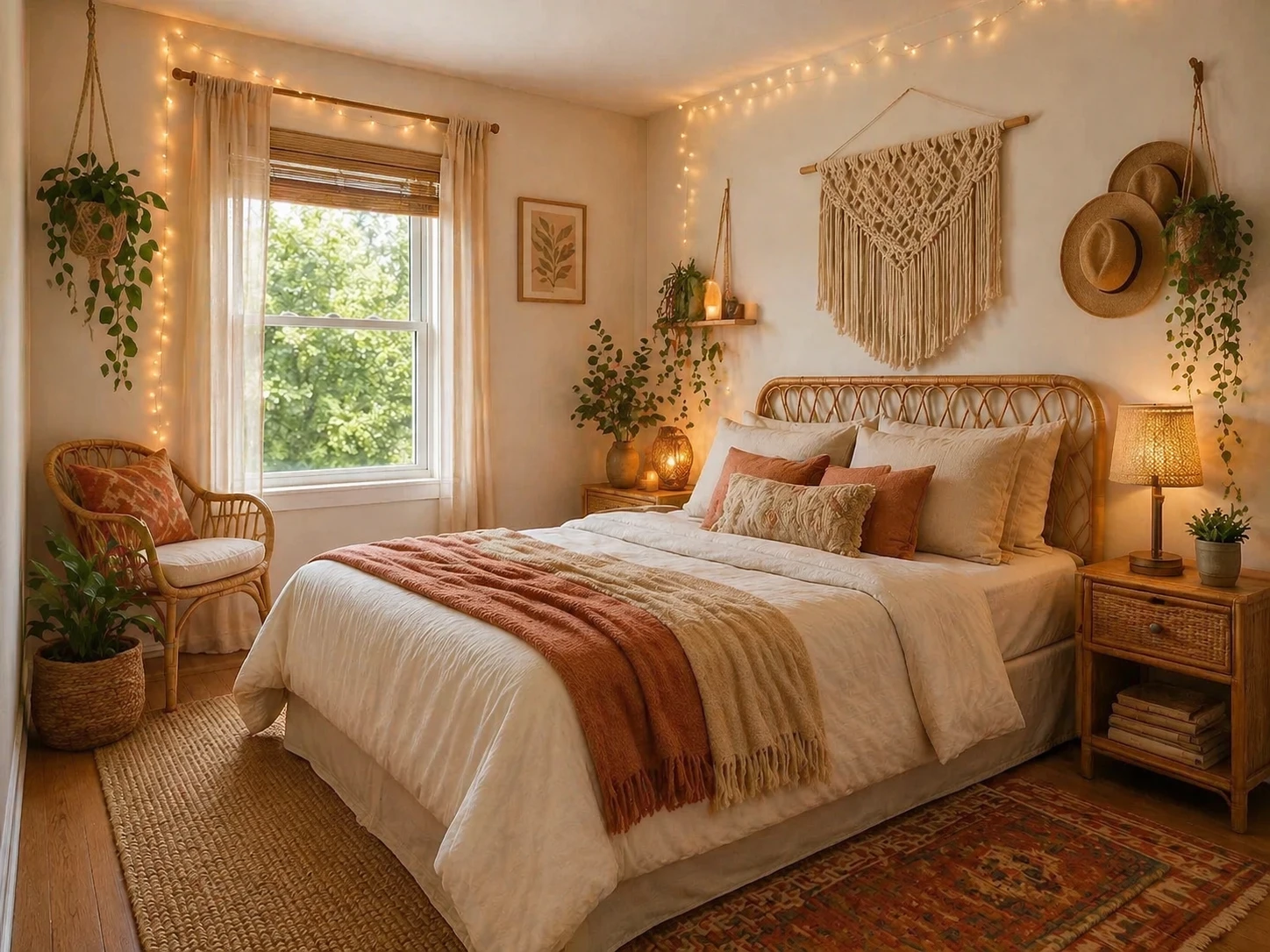
Redesign into a boho-chic bedroom with rattan furniture, macramé wall hangings, warm fairy lights, e…
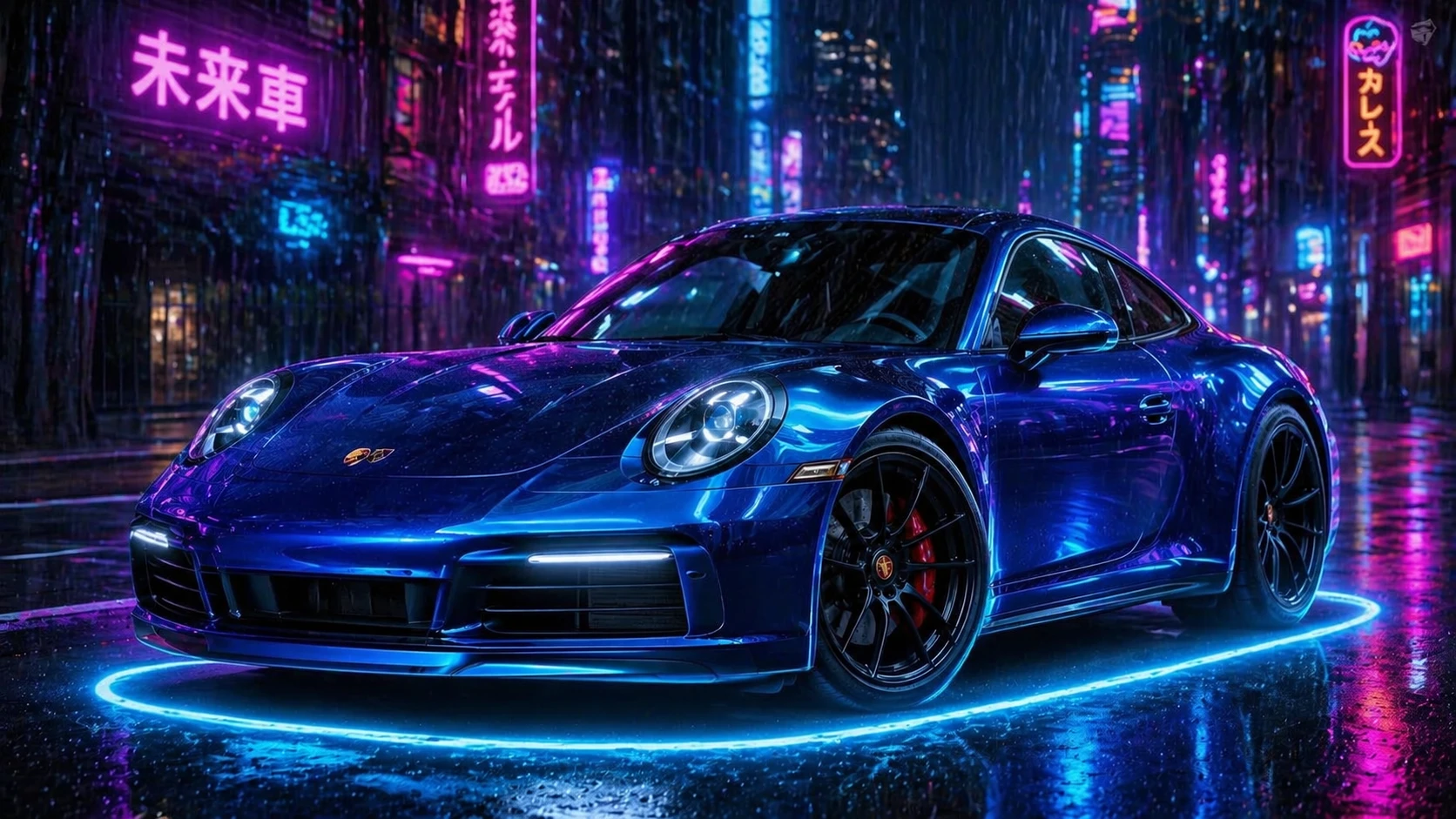
Change the car color to electric blue metallic, add glowing neon ground effects, cyberpunk night cit…
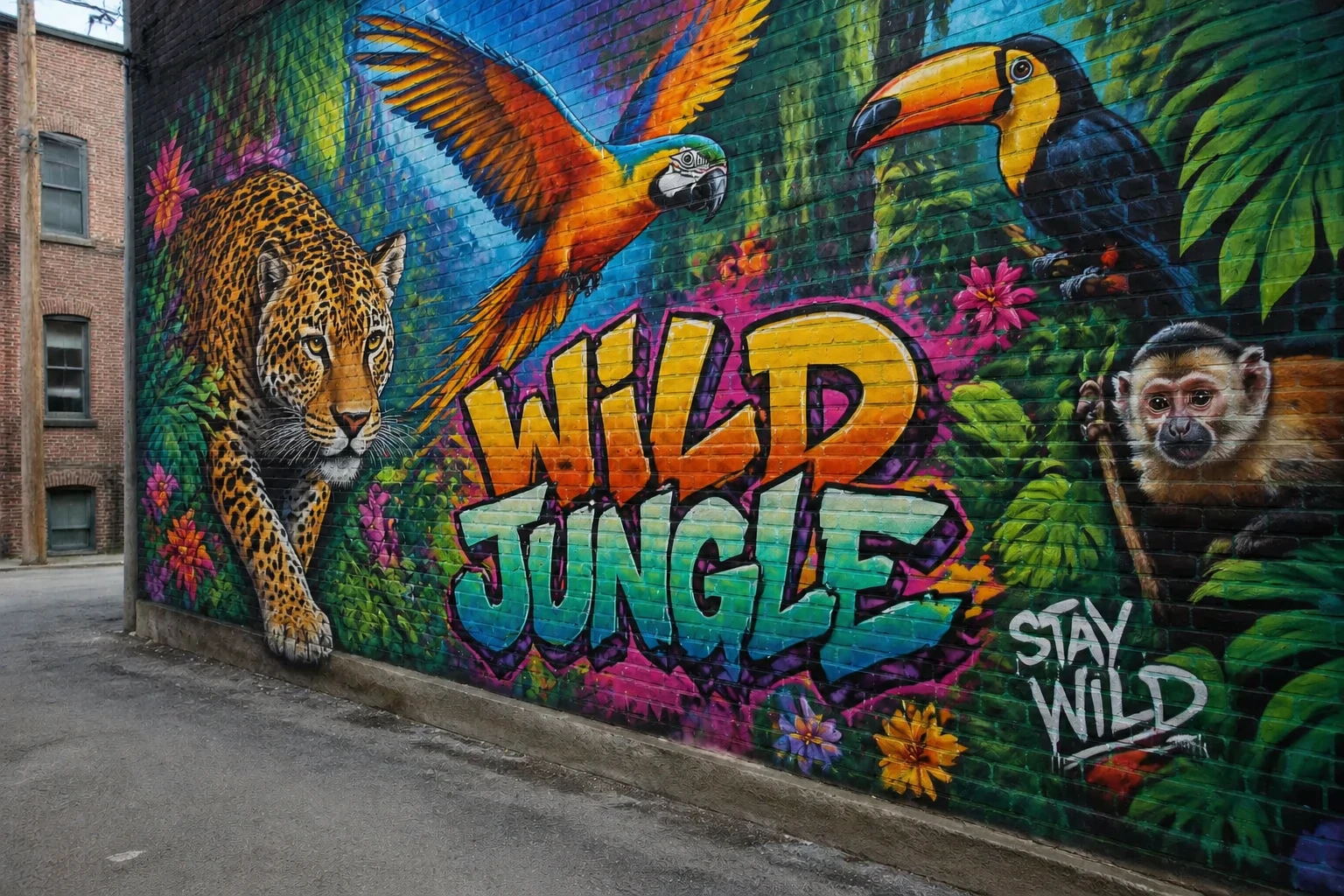
Add a stunning large-scale street art mural of a colorful jungle with exotic animals, vibrant graffi…
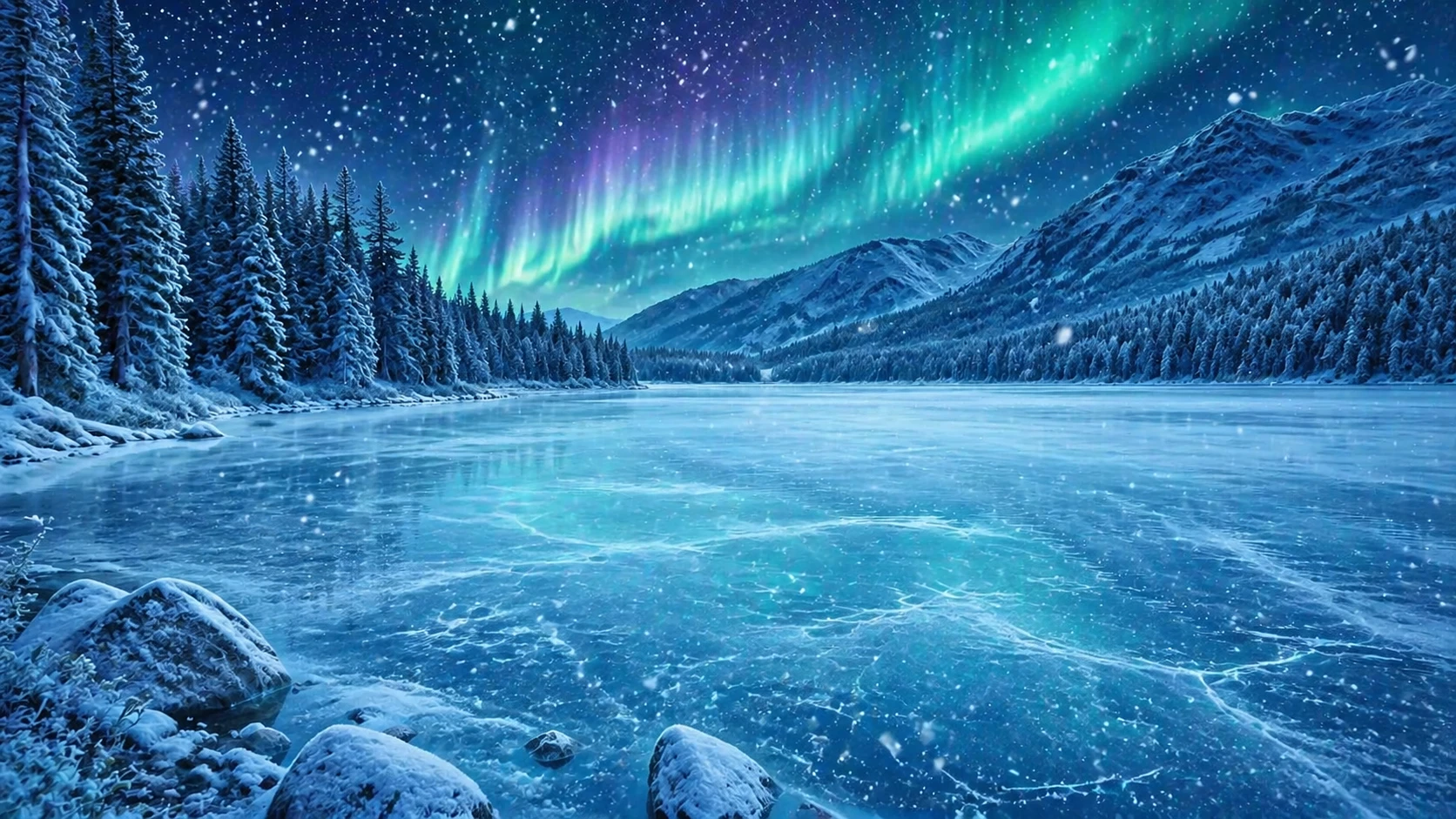
Transform the scene to a magical winter wonderland, add heavy snowfall, freeze the lake surface, add…
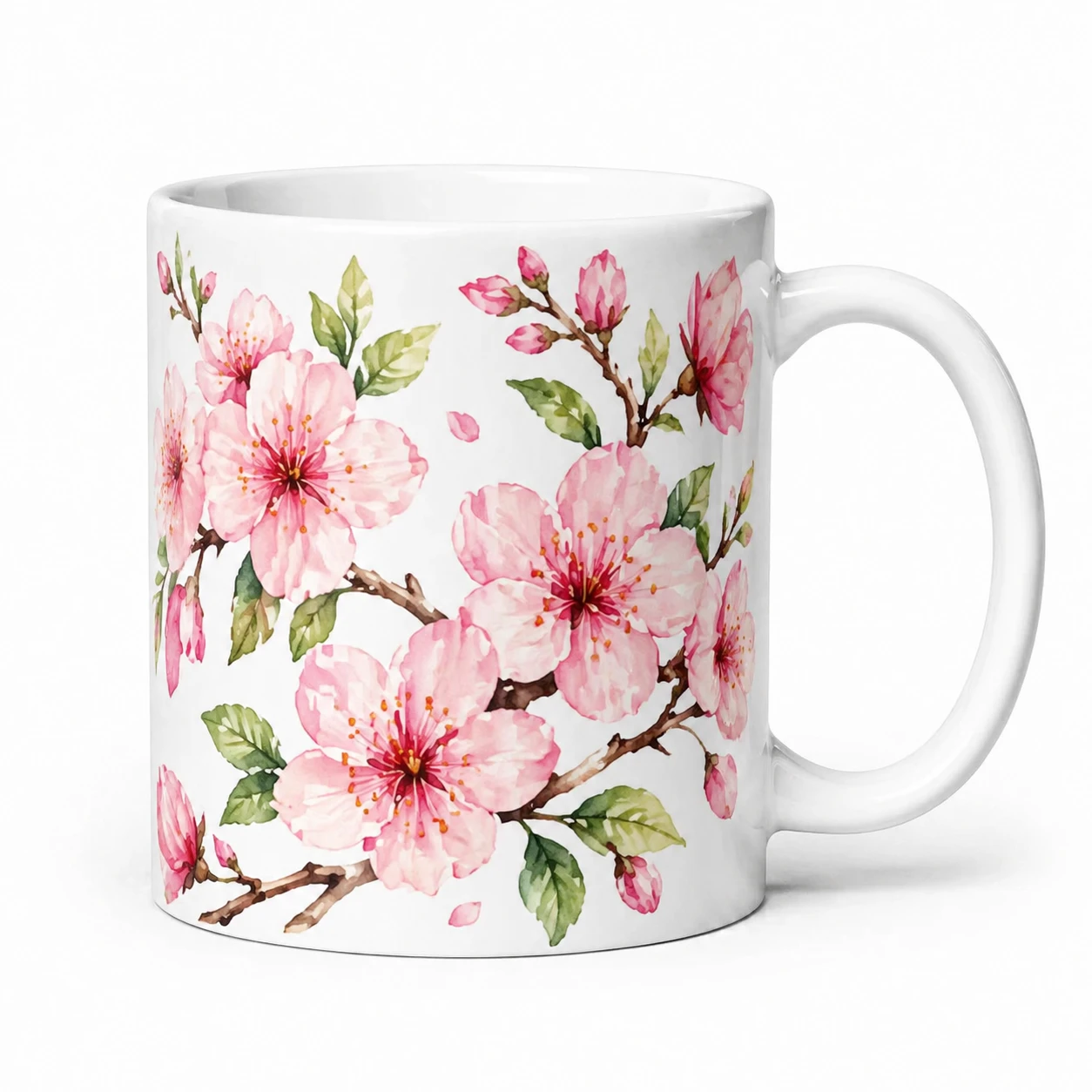
Add a beautiful hand-painted floral pattern of pink cherry blossoms and green leaves to the mug, kee…
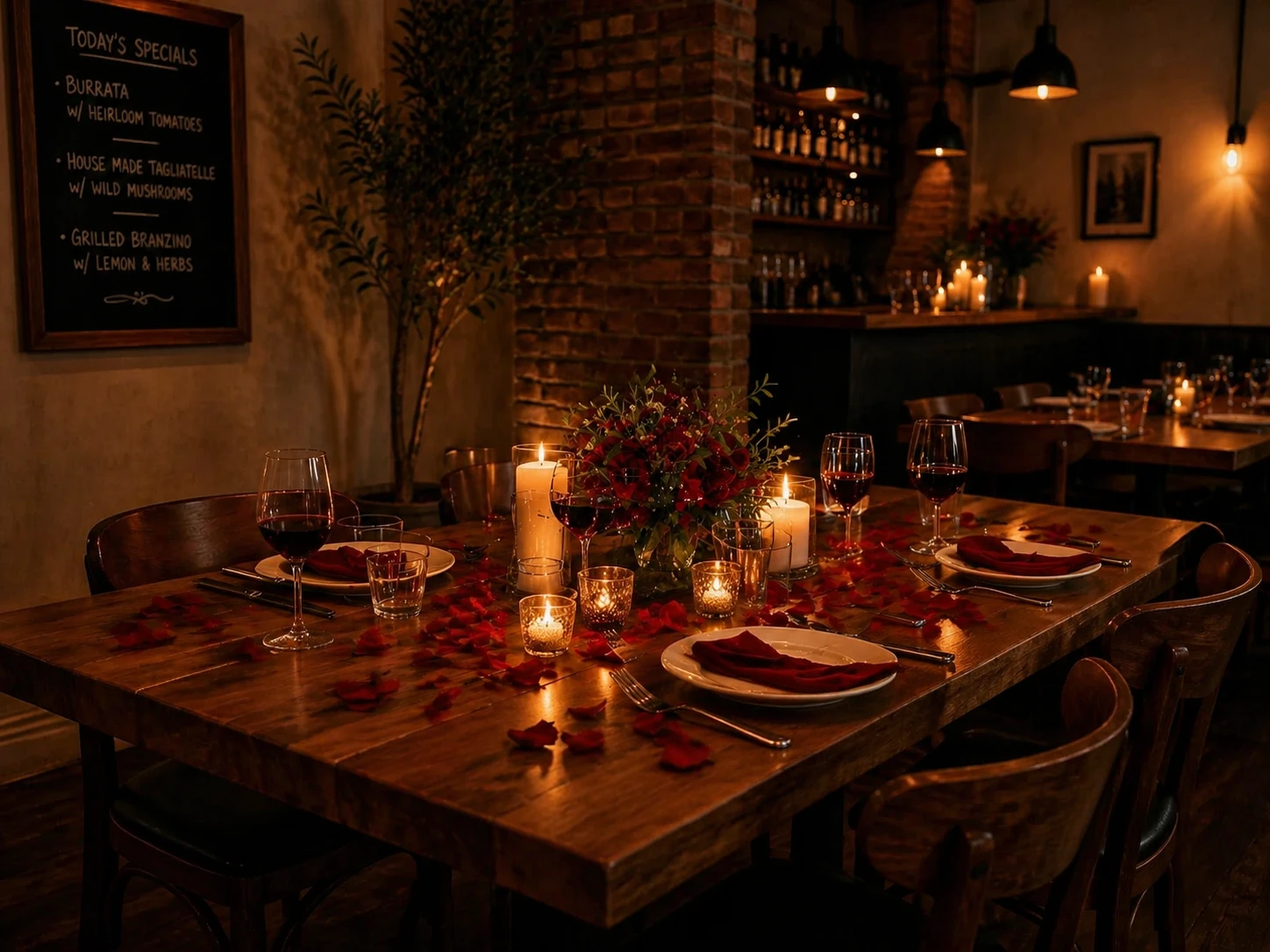
Transform into a romantic candlelit dinner setting, add rose petals, dimmed warm lighting, add a can…
Features
Multi-Image Input
Upload up to 3 reference images at once. The AI uses all of them as context to produce coherent, consistent edits.
Natural Language Editing
Describe your edit in plain language — change backgrounds, swap styles, remove objects, add elements, alter lighting and more.
Any Language
Write your instructions in any language. Use AI Polish to automatically translate and optimize them into an English prompt.
Smart Output Sizing
Output size is automatically set from your uploaded image. Override it manually anytime with the custom size controls.
Iterate Quickly
Not happy with the result? Use Regenerate to retry with the same images and prompt, or Edit Result to chain edits together.
Fair Pricing
Starting from 5 credits per edit depending on the model. Credits are automatically refunded if the generation fails — you only pay for successful results.
How It Works
Upload Your Images
Drop 1 to 3 reference images. The output size is automatically matched to your first image.
Describe the Edit
Write what you want changed in any language. Use AI Polish to get a stronger, more precise prompt.
Generate & Download
AI applies your instructions and returns the edited image. Download it or chain into another edit.