
AI 图像编辑器

上传 1–3 张参考图片,并描述您希望如何编辑它们。

点击或拖拽 1–3 图片到此处

JPEG、PNG、WebP — 自动转换,最大 1280px

上传 1–3 张参考图片。AI 会将您的指令应用于所有图片。

5

社区展示

使用此工具创作的真实成果。

Add scattered autumn leaves, a small pumpkin, a cinnamon stick, and a cozy knitted blanket draped over a corner — GPT Image 2
GPT Image 2

Add scattered autumn leaves, a small pumpkin, a cinnamon stick, and a cozy knitted blanket draped ov…
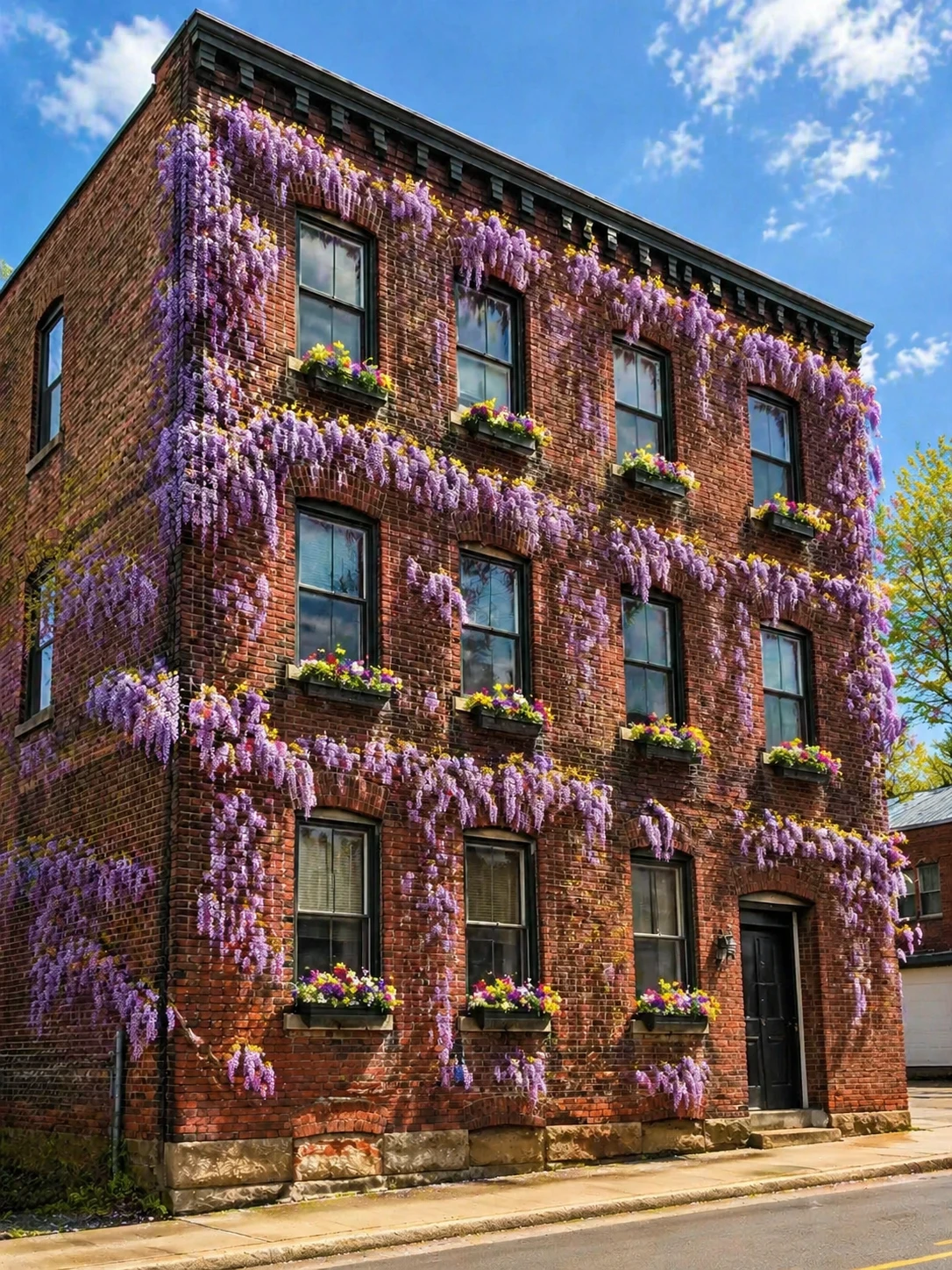
Add blooming wisteria vines covering the facade, transform to a sunny spring day, add window boxes with colorful flowers — GPT Image 2
GPT Image 2

Add blooming wisteria vines covering the facade, transform to a sunny spring day, add window boxes w…
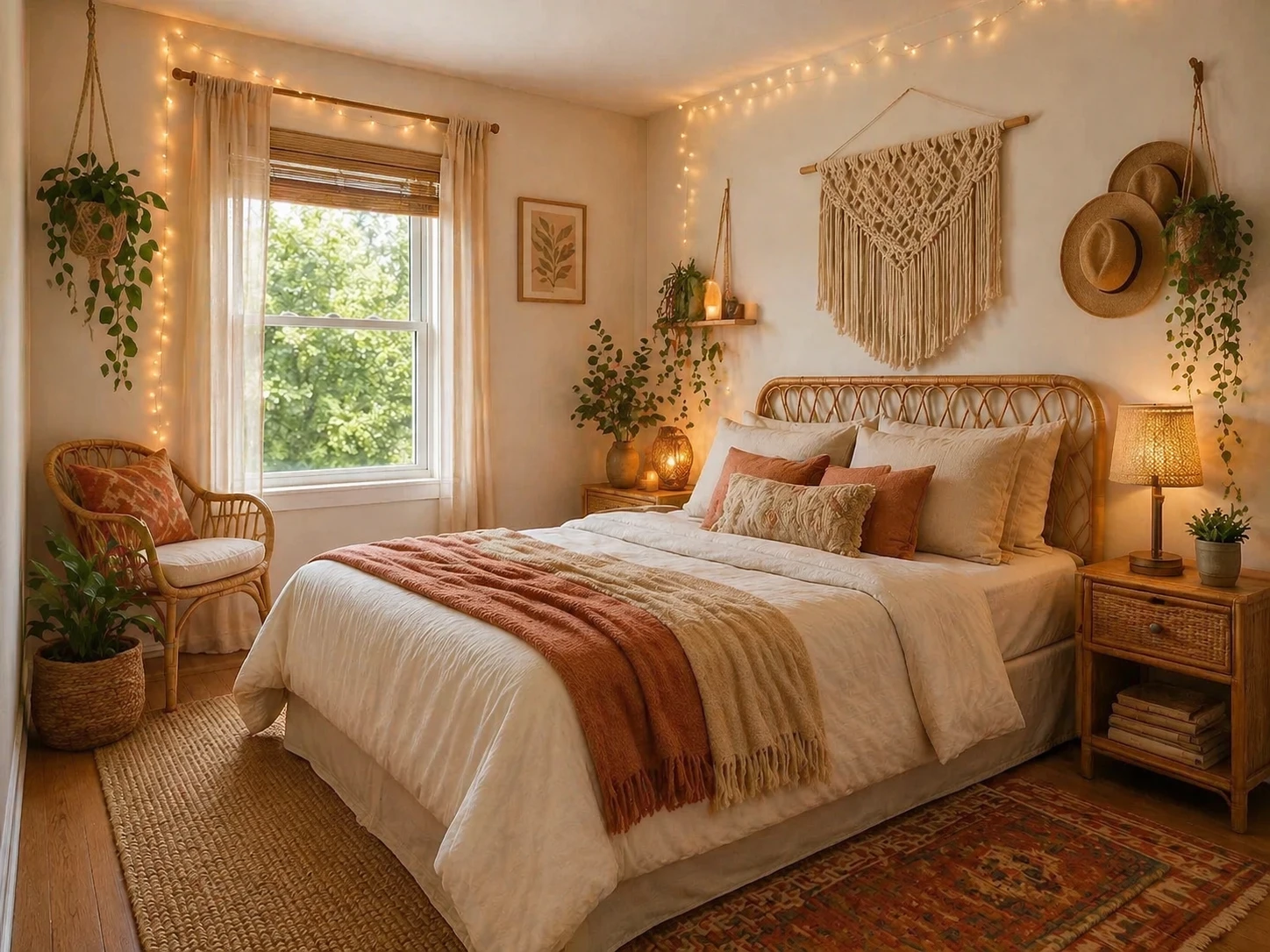
Redesign into a boho-chic bedroom with rattan furniture, macramé wall hangings, warm fairy lights, earthy tones and layered textiles — GPT Image 2
GPT Image 2

Redesign into a boho-chic bedroom with rattan furniture, macramé wall hangings, warm fairy lights, e…
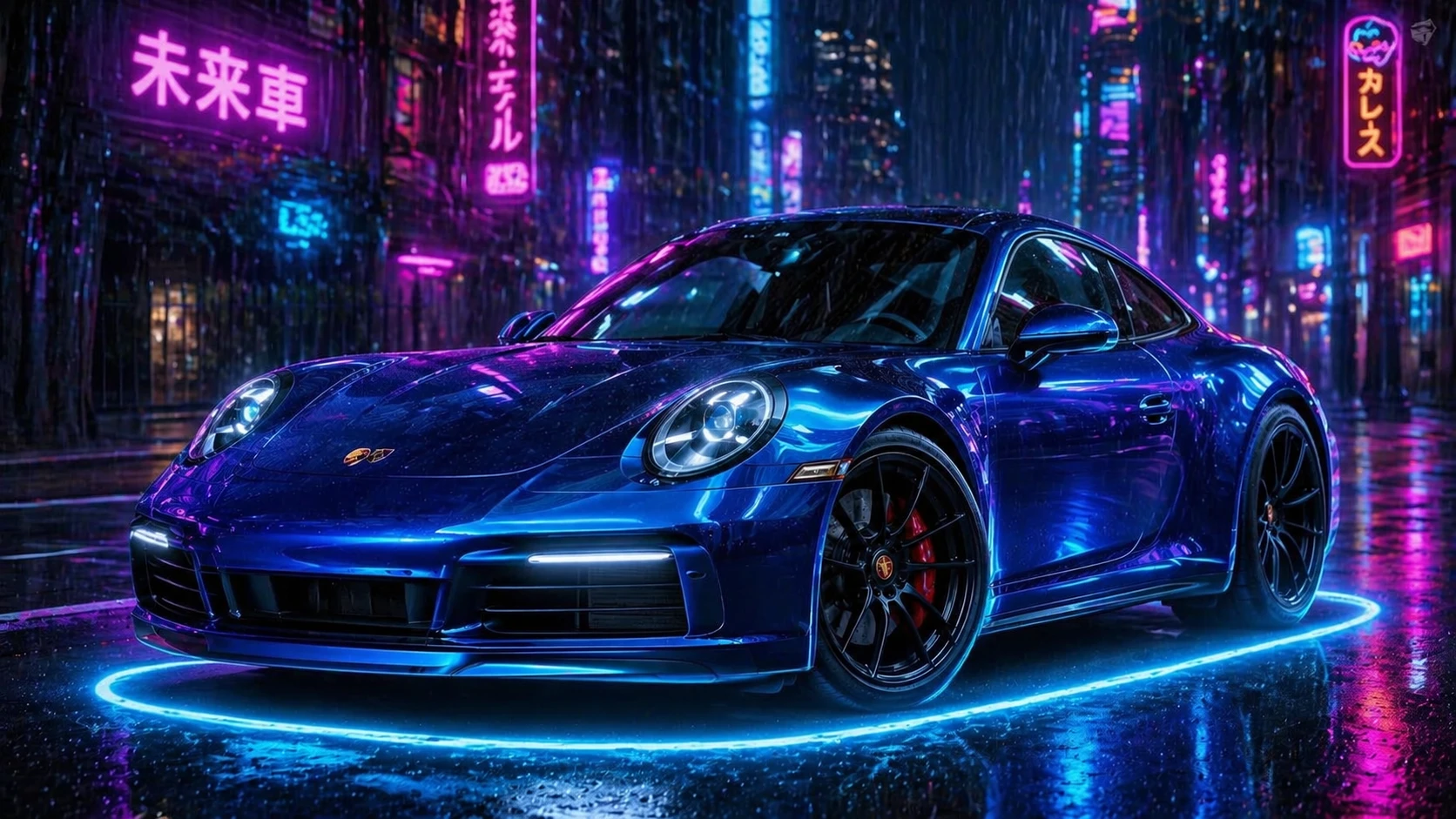
Change the car color to electric blue metallic, add glowing neon ground effects, cyberpunk night city background with rain — GPT Image 2
GPT Image 2

Change the car color to electric blue metallic, add glowing neon ground effects, cyberpunk night cit…
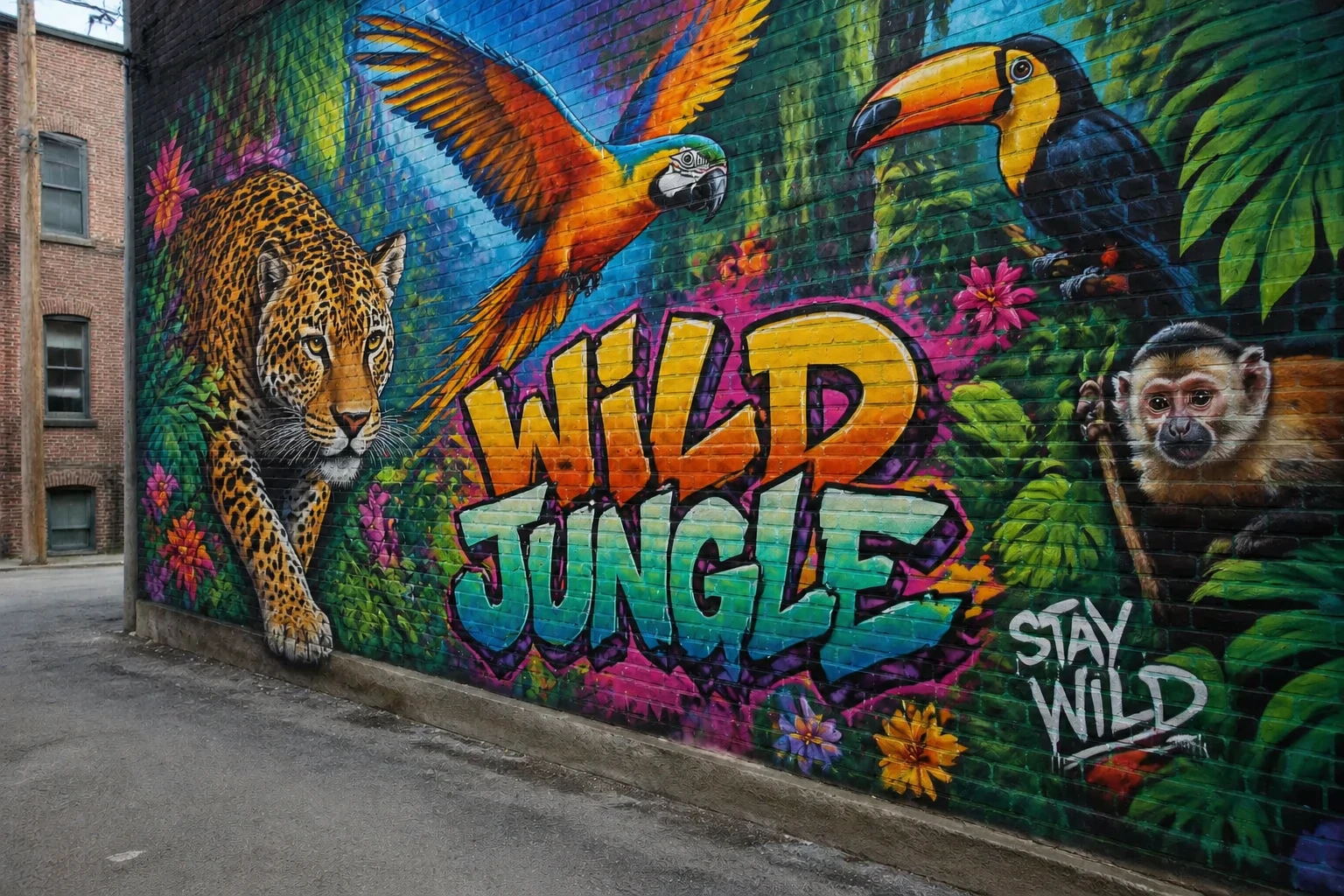
Add a stunning large-scale street art mural of a colorful jungle with exotic animals, vibrant graffiti style — GPT Image 2
GPT Image 2

Add a stunning large-scale street art mural of a colorful jungle with exotic animals, vibrant graffi…
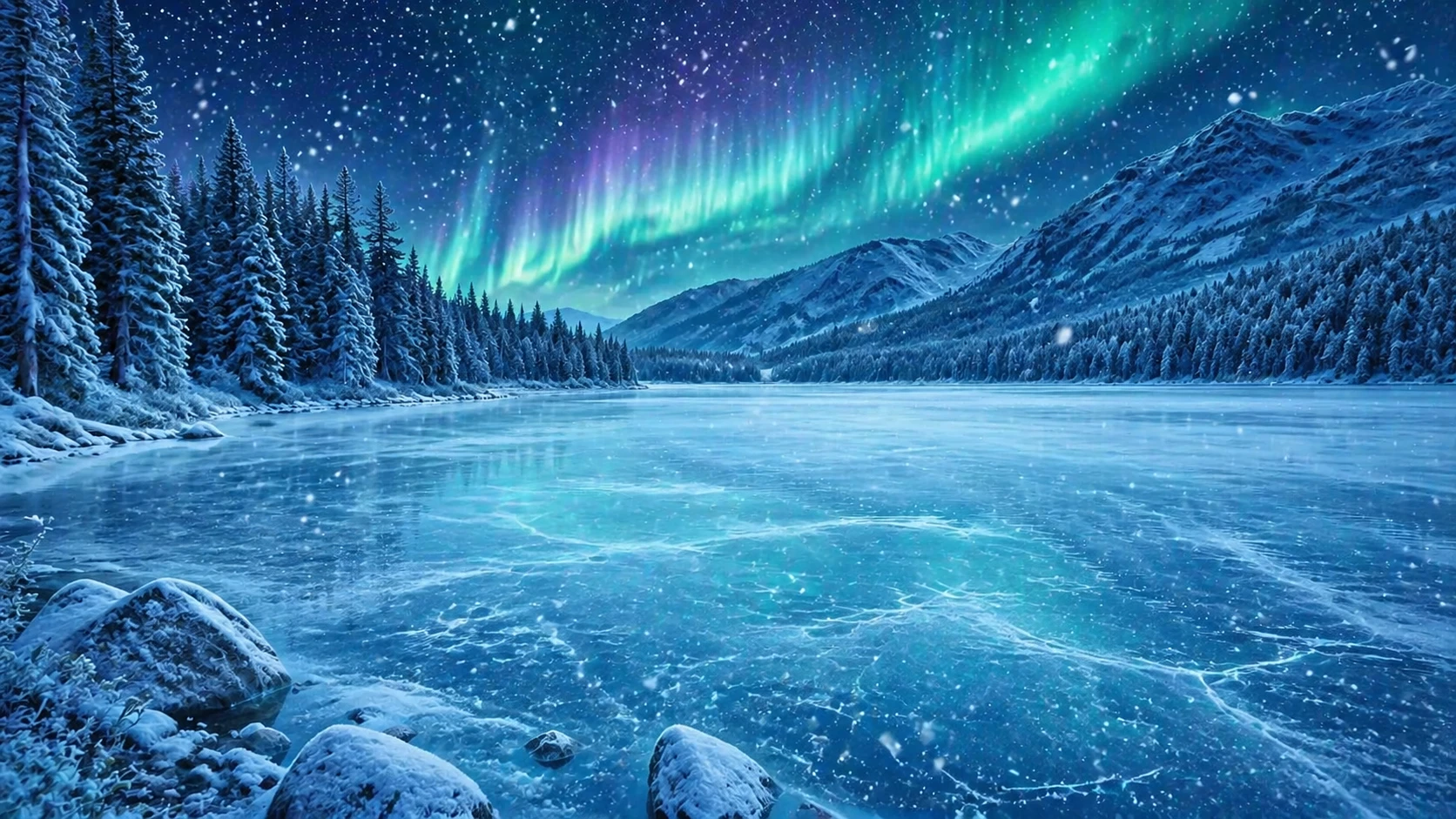
Transform the scene to a magical winter wonderland, add heavy snowfall, freeze the lake surface, add northern lights in the sky — GPT Image 2
GPT Image 2

Transform the scene to a magical winter wonderland, add heavy snowfall, freeze the lake surface, add…
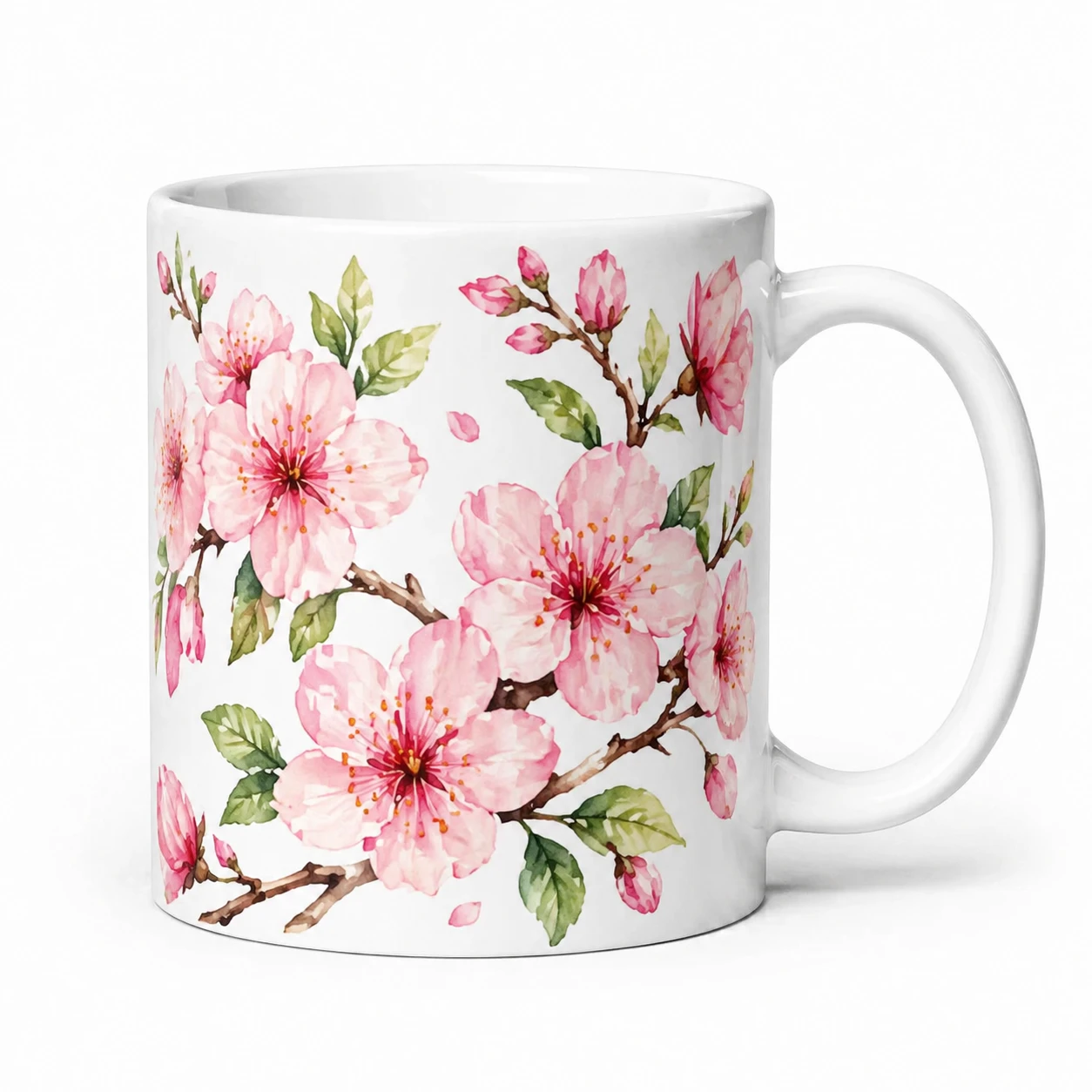
Add a beautiful hand-painted floral pattern of pink cherry blossoms and green leaves to the mug, keep the white background — GPT Image 2
GPT Image 2

Add a beautiful hand-painted floral pattern of pink cherry blossoms and green leaves to the mug, kee…
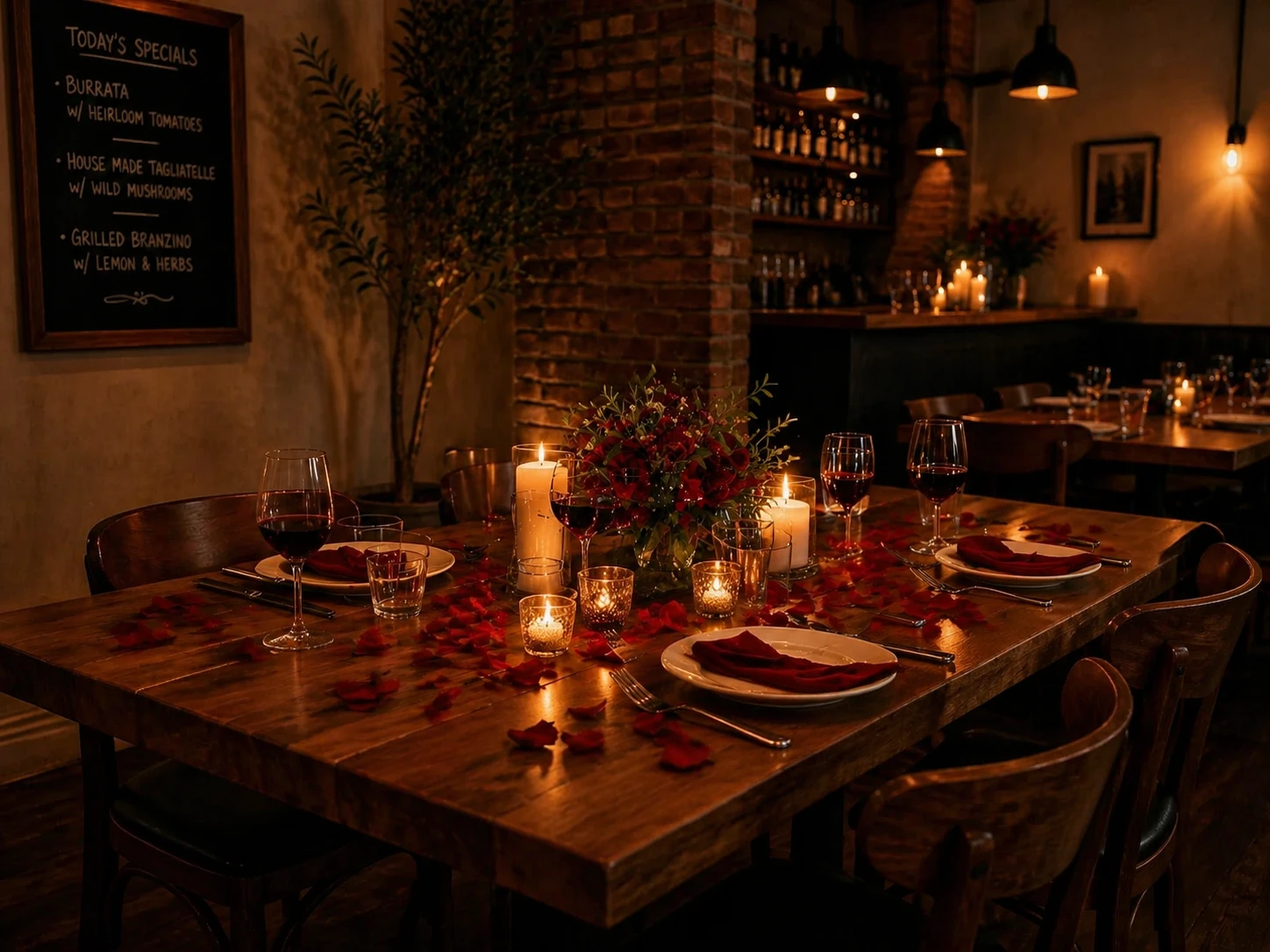
Transform into a romantic candlelit dinner setting, add rose petals, dimmed warm lighting, add a candle centerpiece with fresh flowers — GPT Image 2
GPT Image 2

Transform into a romantic candlelit dinner setting, add rose petals, dimmed warm lighting, add a can…

功能

多图输入

一次最多可上传 3 张参考图片。AI 会将它们全部作为上下文,以生成连贯且一致的编辑效果。

自然语言编辑

用通俗的语言描述您的编辑需求——更换背景、切换风格、移除物体、添加元素、改变光照等。

任何语言

用任何语言编写您的指令。使用 AI 润色功能将其自动翻译并优化为英文提示词。

智能输出尺寸

输出尺寸会根据您上传的图片自动设置。您也可以随时使用自定义尺寸控件手动覆盖。

快速迭代

对结果不满意?使用“重新生成”功能以相同的图片和提示词重试,或使用“编辑结果”功能进行连续编辑。

公平定价

根据模型不同,每次编辑最低 5 个积分起。如果生成失败,积分将自动退还——您只需为成功的结果付费。

工作原理

1

上传您的图片

拖入 1 到 3 张参考图片。输出尺寸将自动匹配您的第一张图片。

2

描述编辑需求

用任何语言写下您想要修改的内容。使用 AI 润色功能获得更强大、更精确的提示词。

3

生成并下载

AI 会应用您的指令并返回编辑后的图片。您可以下载它或进行下一次编辑。

使用场景

背景替换 风格迁移 对象移除 照片修复 色彩分级 季节/天气变换 产品图片编辑 人像修图 概念艺术迭代 社交媒体视觉图

常见问题

我可以进行哪些类型的编辑?
您可以更改背景、改变风格(例如将照片变成油画)、移除或添加物体、改变光影和氛围、应用调色、更改季节或天气等等。效果质量取决于您对更改描述的清晰程度。
为什么要上传多张图片?
使用 2-3 张图片可以为 AI 提供关于主体的更多视觉背景,从而实现更连贯、更准确的编辑——这对于产品拍摄、角色一致性或单一角度不足以呈现时特别有用。
什么是 AI 润色 (AI Polish)?
AI 润色会将您的粗略描述重写为详细且经过优化的英文编辑指令。它需要额外消耗 1 个积分,通常能显著改善生成结果。
我可以进一步编辑结果吗?
可以。生成完成后,点击“编辑结果”即可将输出的图像直接发送回编辑器,作为您的新输入图像。这使您可以连续进行多次编辑。
支持哪些图像格式?
支持 JPEG、PNG、WebP 和 GIF 格式。上传前,图片会自动调整大小,最长边不超过 1024px。
我可以将编辑后的图片用于商业用途吗?
可以。您生成和编辑的所有图片均归您所有,可用于任何目的,包括商业项目。