
AI 이미지 편집기

1–3개의 참조 이미지를 업로드하고 편집 방법을 설명하세요.

클릭 또는 드래그 1–3 이미지를 여기에

JPEG, PNG, WebP — 자동 변환, 최대 1280px

1–3개의 참조 이미지를 업로드하세요. AI가 모든 이미지에 지침을 적용합니다.

5

커뮤니티 쇼케이스

이 도구로 생성된 실제 결과.

Add scattered autumn leaves, a small pumpkin, a cinnamon stick, and a cozy knitted blanket draped over a corner — GPT Image 2
GPT Image 2

Add scattered autumn leaves, a small pumpkin, a cinnamon stick, and a cozy knitted blanket draped ov…
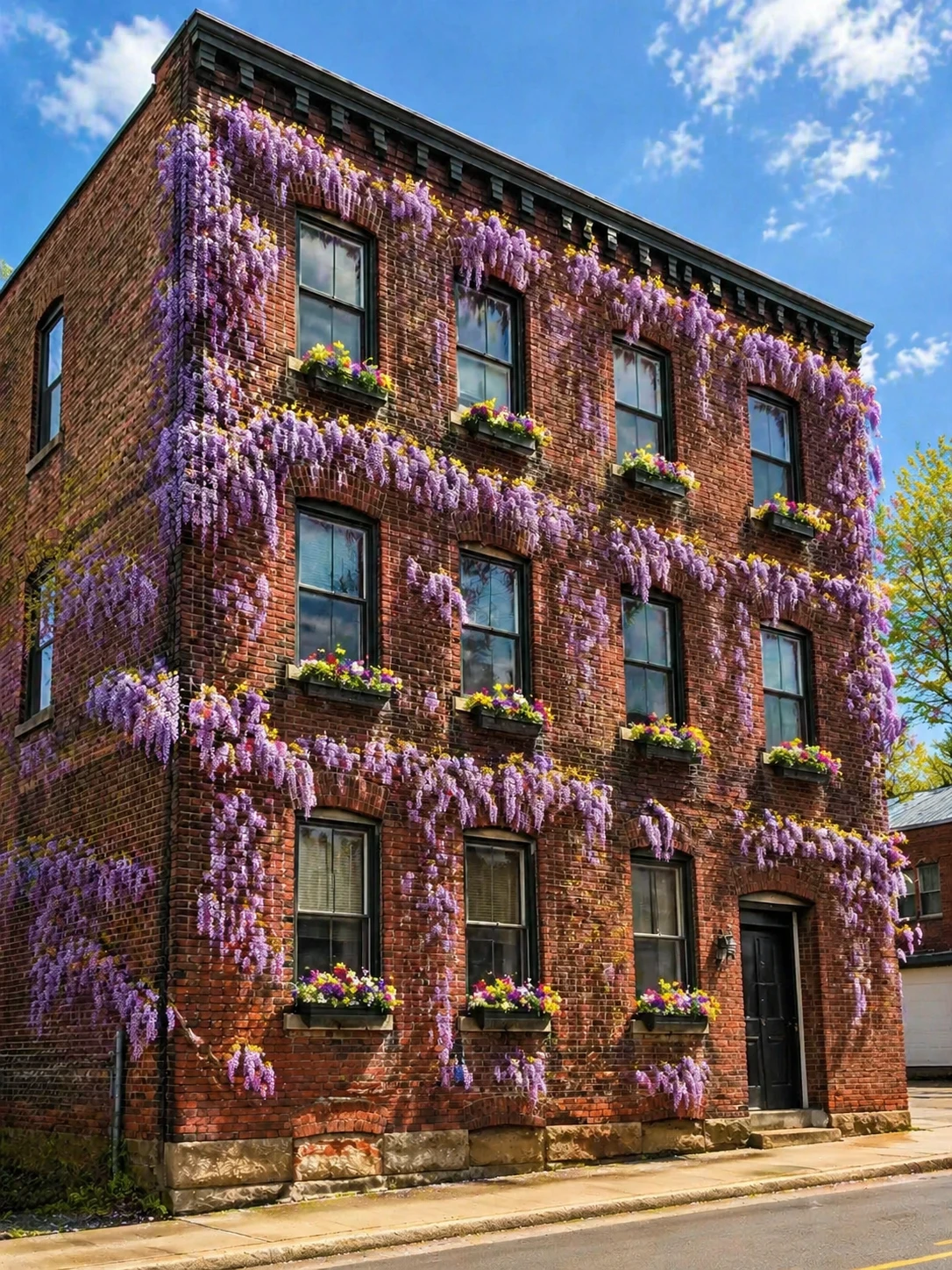
Add blooming wisteria vines covering the facade, transform to a sunny spring day, add window boxes with colorful flowers — GPT Image 2
GPT Image 2

Add blooming wisteria vines covering the facade, transform to a sunny spring day, add window boxes w…
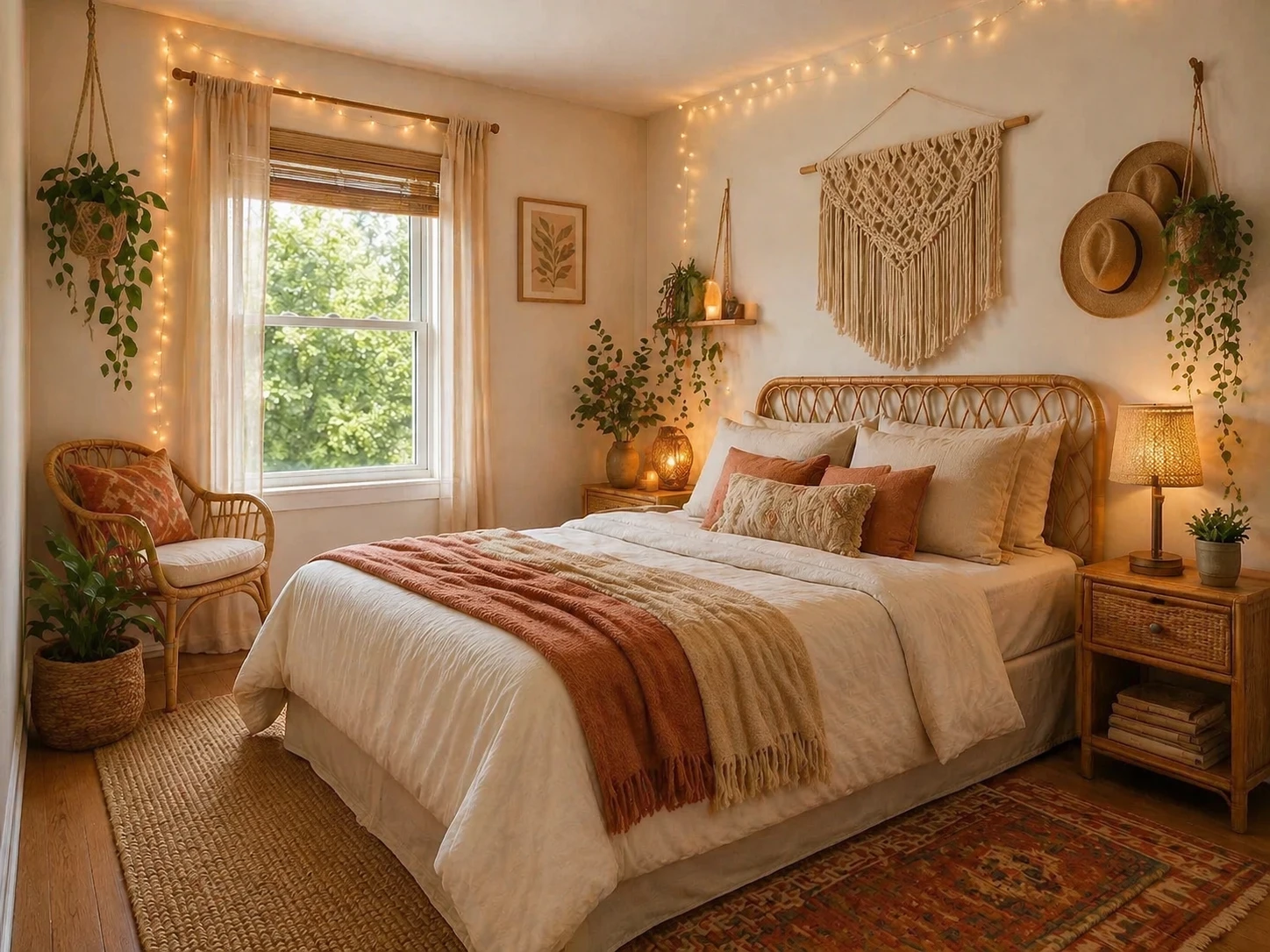
Redesign into a boho-chic bedroom with rattan furniture, macramé wall hangings, warm fairy lights, earthy tones and layered textiles — GPT Image 2
GPT Image 2

Redesign into a boho-chic bedroom with rattan furniture, macramé wall hangings, warm fairy lights, e…
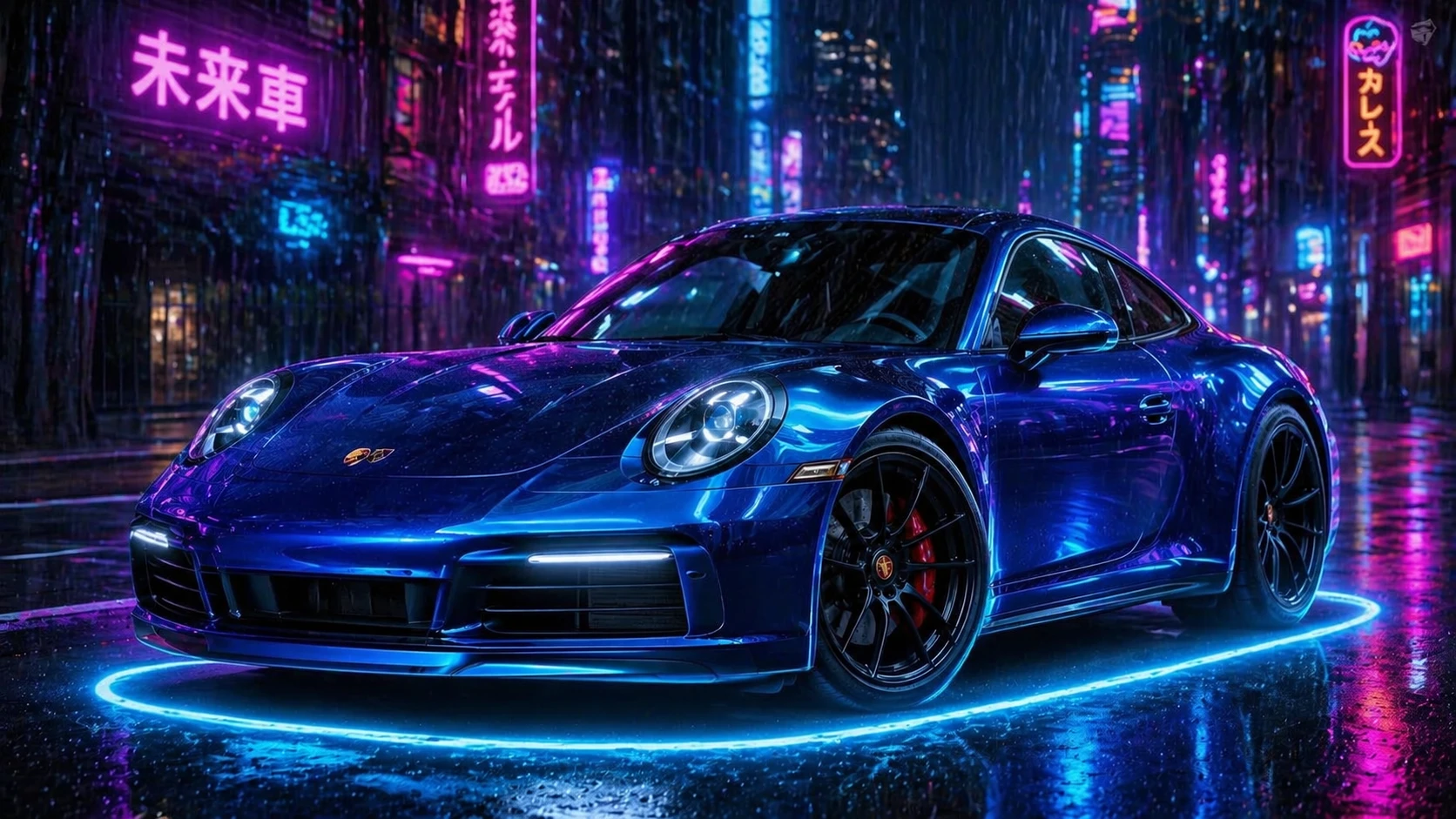
Change the car color to electric blue metallic, add glowing neon ground effects, cyberpunk night city background with rain — GPT Image 2
GPT Image 2

Change the car color to electric blue metallic, add glowing neon ground effects, cyberpunk night cit…
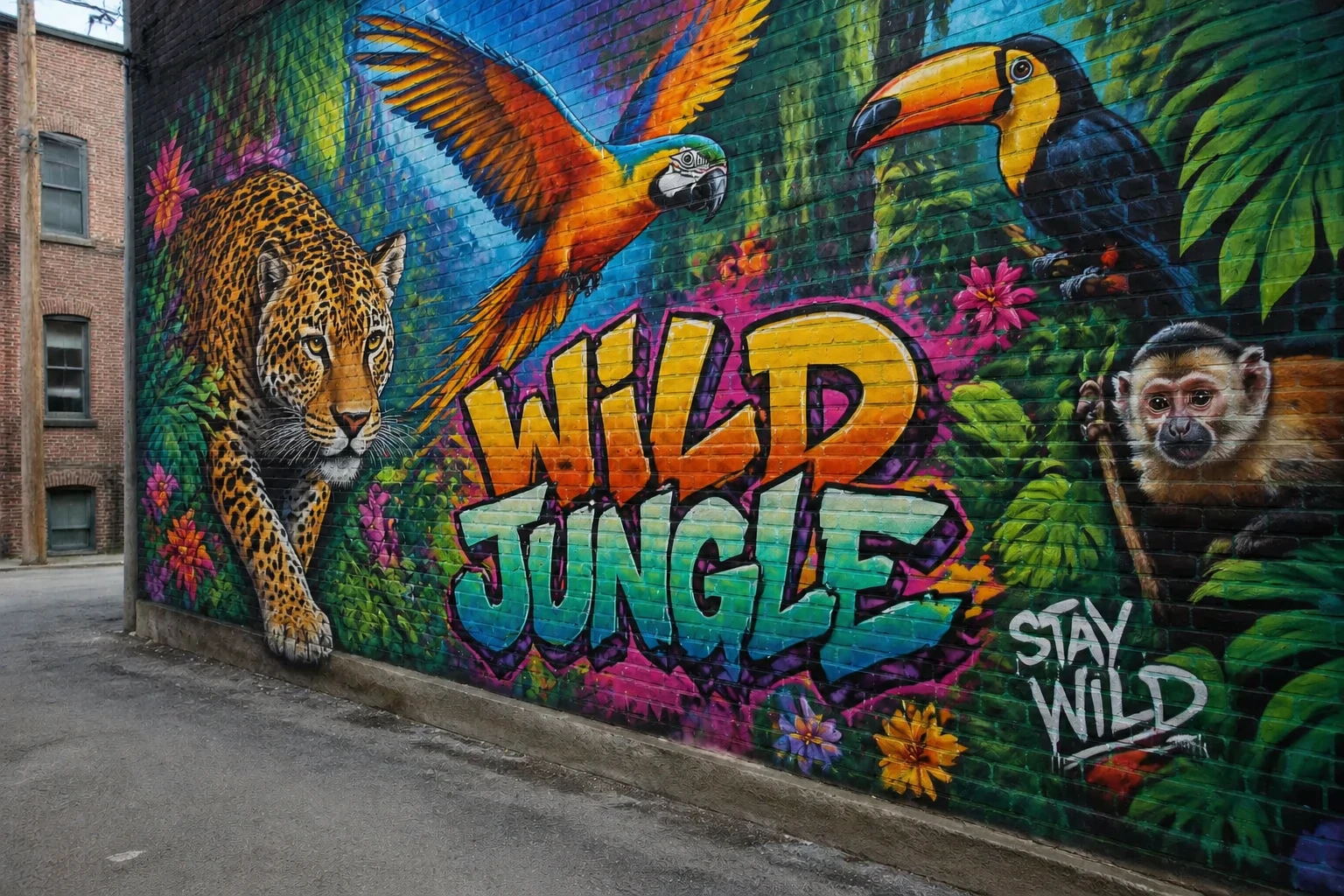
Add a stunning large-scale street art mural of a colorful jungle with exotic animals, vibrant graffiti style — GPT Image 2
GPT Image 2

Add a stunning large-scale street art mural of a colorful jungle with exotic animals, vibrant graffi…

Transform the scene to a magical winter wonderland, add heavy snowfall, freeze the lake surface, add northern lights in the sky — GPT Image 2
GPT Image 2

Transform the scene to a magical winter wonderland, add heavy snowfall, freeze the lake surface, add…
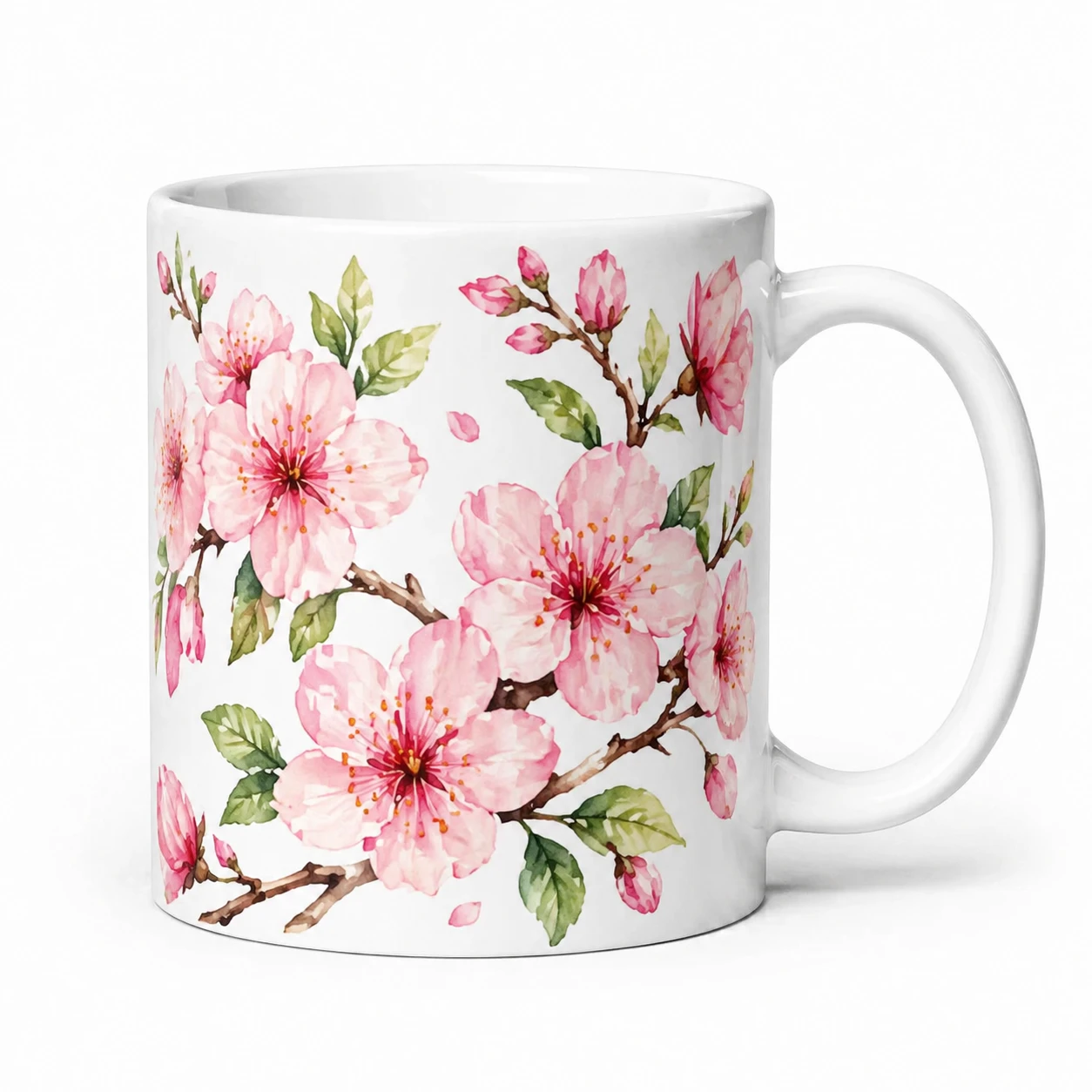
Add a beautiful hand-painted floral pattern of pink cherry blossoms and green leaves to the mug, keep the white background — GPT Image 2
GPT Image 2

Add a beautiful hand-painted floral pattern of pink cherry blossoms and green leaves to the mug, kee…
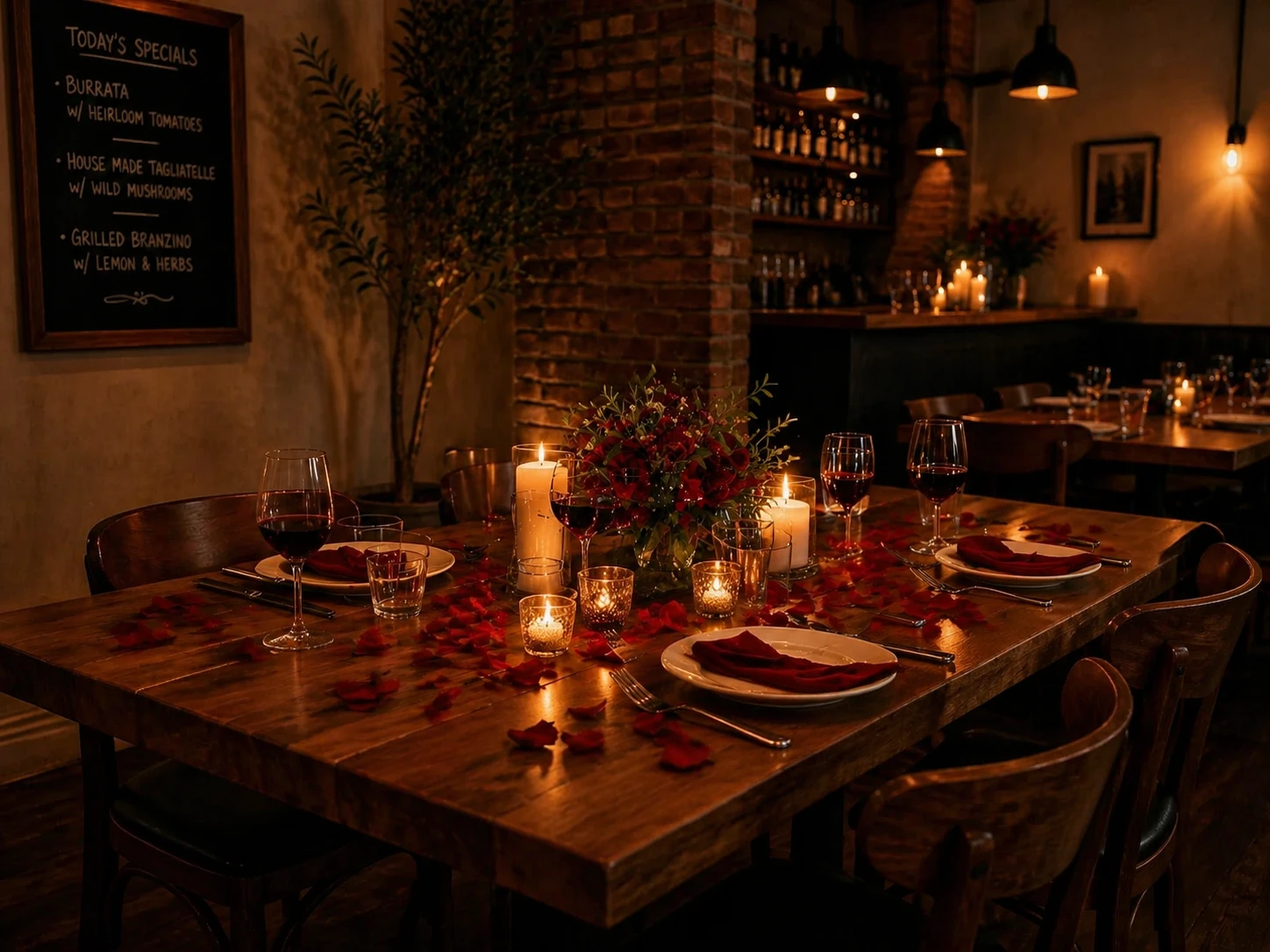
Transform into a romantic candlelit dinner setting, add rose petals, dimmed warm lighting, add a candle centerpiece with fresh flowers — GPT Image 2
GPT Image 2

Transform into a romantic candlelit dinner setting, add rose petals, dimmed warm lighting, add a can…

기능

다중 이미지 입력

한 번에 최대 3개의 참조 이미지를 업로드하세요. AI는 모든 이미지를 맥락으로 사용하여 일관되고 조화로운 편집을 생성합니다.

자연어 편집

일반적인 언어로 편집을 설명하세요 — 배경 변경, 스타일 교체, 객체 제거, 요소 추가, 조명 변경 등.

모든 언어

어떤 언어로든 지침을 작성하세요. AI Polish를 사용해 자동으로 영어 프롬프트로 번역 및 최적화합니다.

스마트 출력 크기 조정

업로드한 이미지에 따라 출력 크기가 자동으로 설정됩니다. 언제든지 사용자 지정 크기 제어로 수동으로 변경할 수 있습니다.

빠른 반복

결과가 마음에 들지 않나요? Regenerate를 사용해 동일한 이미지와 프롬프트로 재시도하거나, Edit Result를 사용해 편집을 연속으로 연결하세요.

공정한 가격

모델에 따라 편집당 5 크레딧부터 시작. 생성이 실패하면 크레딧이 자동 환불됩니다 — 성공한 결과에 대해서만 지불하세요.

작동 방식

1

이미지 업로드

1~3개의 참조 이미지를 드롭하세요. 출력 크기는 첫 번째 이미지에 자동으로 맞춰집니다.

2

편집 설명

어떤 언어로든 변경하고 싶은 내용을 작성하세요. AI Polish를 사용해 더 강력하고 정확한 프롬프트를 얻으세요.

3

생성 및 다운로드

AI가 지침을 적용해 편집된 이미지를 반환합니다. 다운로드하거나 다른 편집으로 연속하세요.

사용 사례

배경 교체 스타일 전이 객체 제거 사진 복원 색상 보정 계절/날씨 변경 제품 사진 편집 인물 보정 콘셉트 아트 반복 소셜 미디어 시각 자료

자주 묻는 질문

어떤 종류의 편집을 할 수 있나요?
배경 변경, 스타일 변경(예: 사진을 그림으로 변환), 객체 제거 또는 추가, 조명 및 분위기 변경, 색상 등급 적용, 계절이나 날씨 변경 등 다양한 편집이 가능합니다. 변경 사항을 얼마나 명확하게 설명하느냐에 따라 품질이 달라집니다.
왜 여러 이미지를 업로드 하나요?
2~3개의 이미지를 사용하면 AI가 대상에 대한 시각적 맥락을 더 많이 얻을 수 있어, 보다 일관되고 정확한 편집이 가능합니다. 이는 특히 제품 사진, 캐릭터 일관성 유지, 또는 한 장면만으로는 충분하지 않은 경우에 유용합니다.
AI Polish란 무엇인가요?
AI Polish는 대략적인 설명을 받아 세부적이고 최적화된 영어 편집 지침으로 다시 작성합니다. 비용은 1크레딧이 추가되며, 결과를 상당히 개선할 수 있습니다.
결과를 추가로 편집할 수 있나요?
네 — 생성 후 '결과 편집'을 클릭하면 출력 이미지를 바로 편집기로 보내 새로운 입력 이미지로 사용할 수 있습니다. 이를 통해 여러 편집을 연속적으로 수행할 수 있습니다.
어떤 이미지 형식이 지원되나요?
JPEG, PNG, WebP, GIF가 허용됩니다. 업로드 전에 이미지가 가장 긴 변을 기준으로 최대 1024픽셀로 자동 조정됩니다.
편집한 이미지를 상업적으로 활용할 수 있나요?
네. 생성 및 편집한 모든 이미지는 귀하가 상업 프로젝트를 포함한 어떤 목적으로든 사용할 수 있습니다.