AI 사진 스타일 전환

어떤 사진이든 멋진 예술 작품으로 바꿉니다. 유화, 수채화, 애니메이션, 연필 스케치, 기타 등 AI가 지원합니다.

여기에 1개의 이미지를 클릭하거나 드래그

JPEG, PNG, WebP — 자동 변환, 최대 1280px

5

커뮤니티 쇼케이스

이 도구로 생성된 실제 결과.

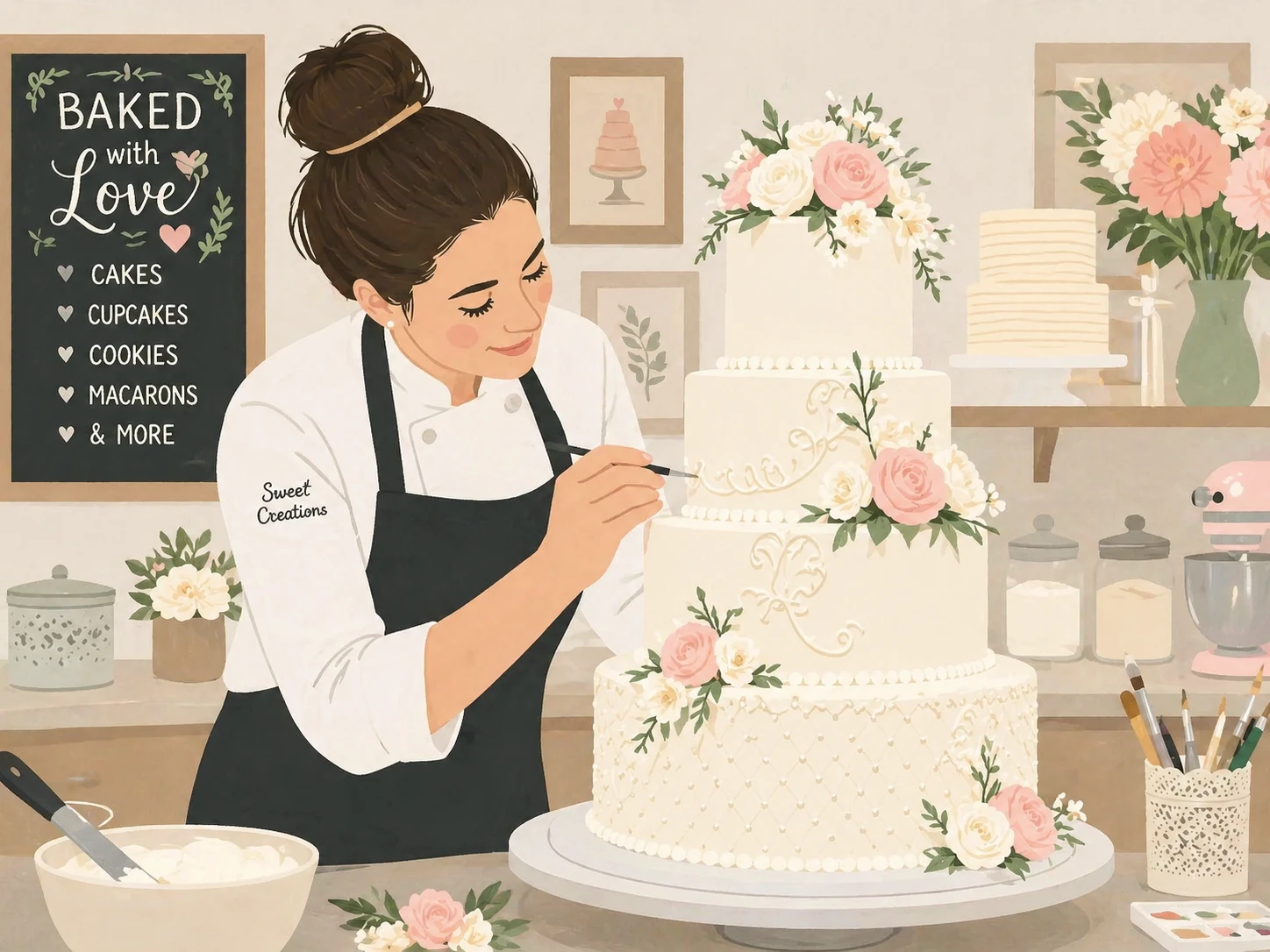
transform this photo into a charming flat illustration style, simple geometric shapes, limited color palette, scandinavian design aesthetic — GPT Image 2
GPT Image 2

transform this photo into a charming flat illustration style, simple geometric shapes, limited color…
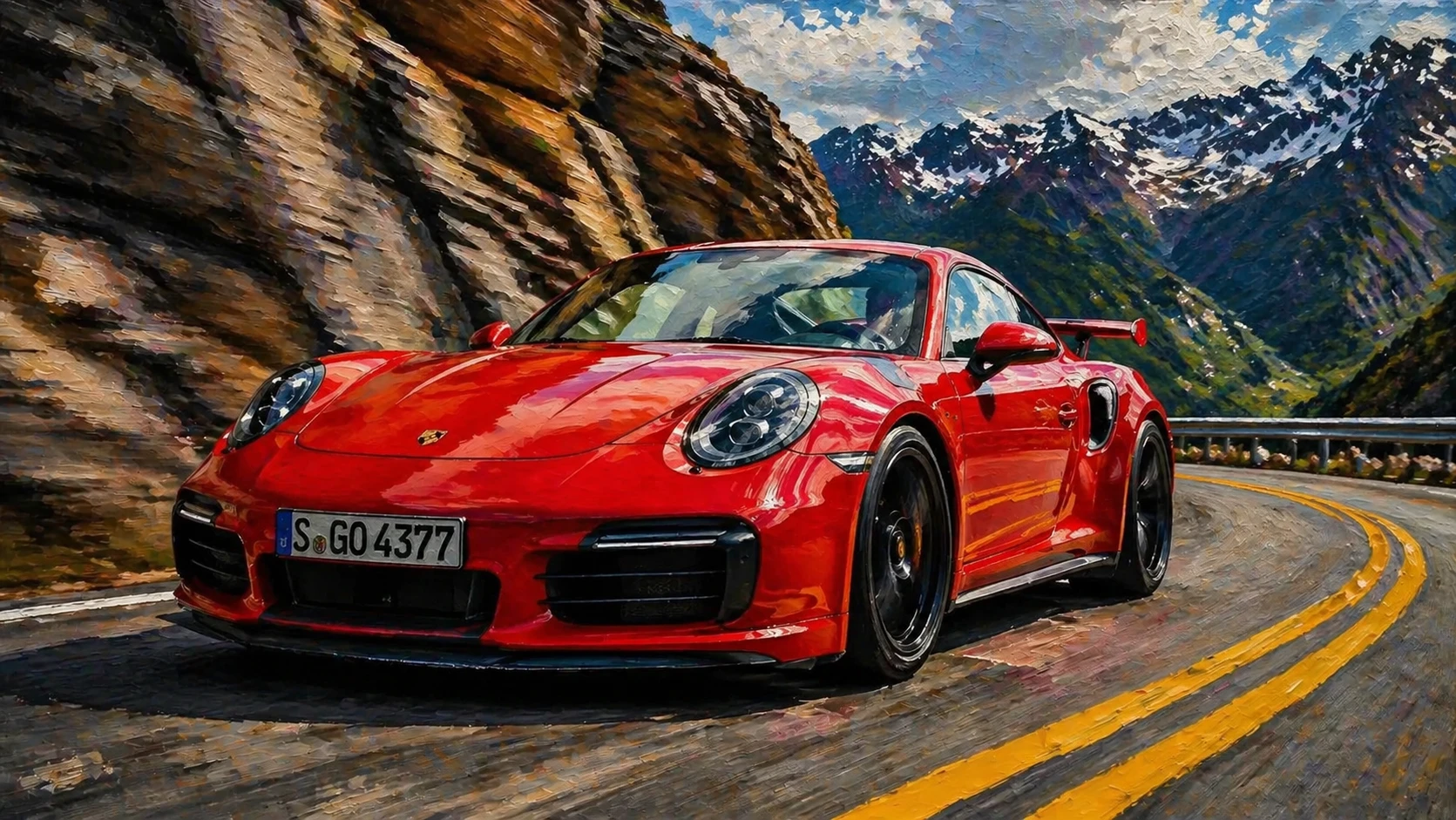
transform this photo into a realistic oil painting in the style of hyperrealism, extremely detailed paint strokes that look photographic, dramatic lig — GPT Image 2
GPT Image 2

transform this photo into a realistic oil painting in the style of hyperrealism, extremely detailed …
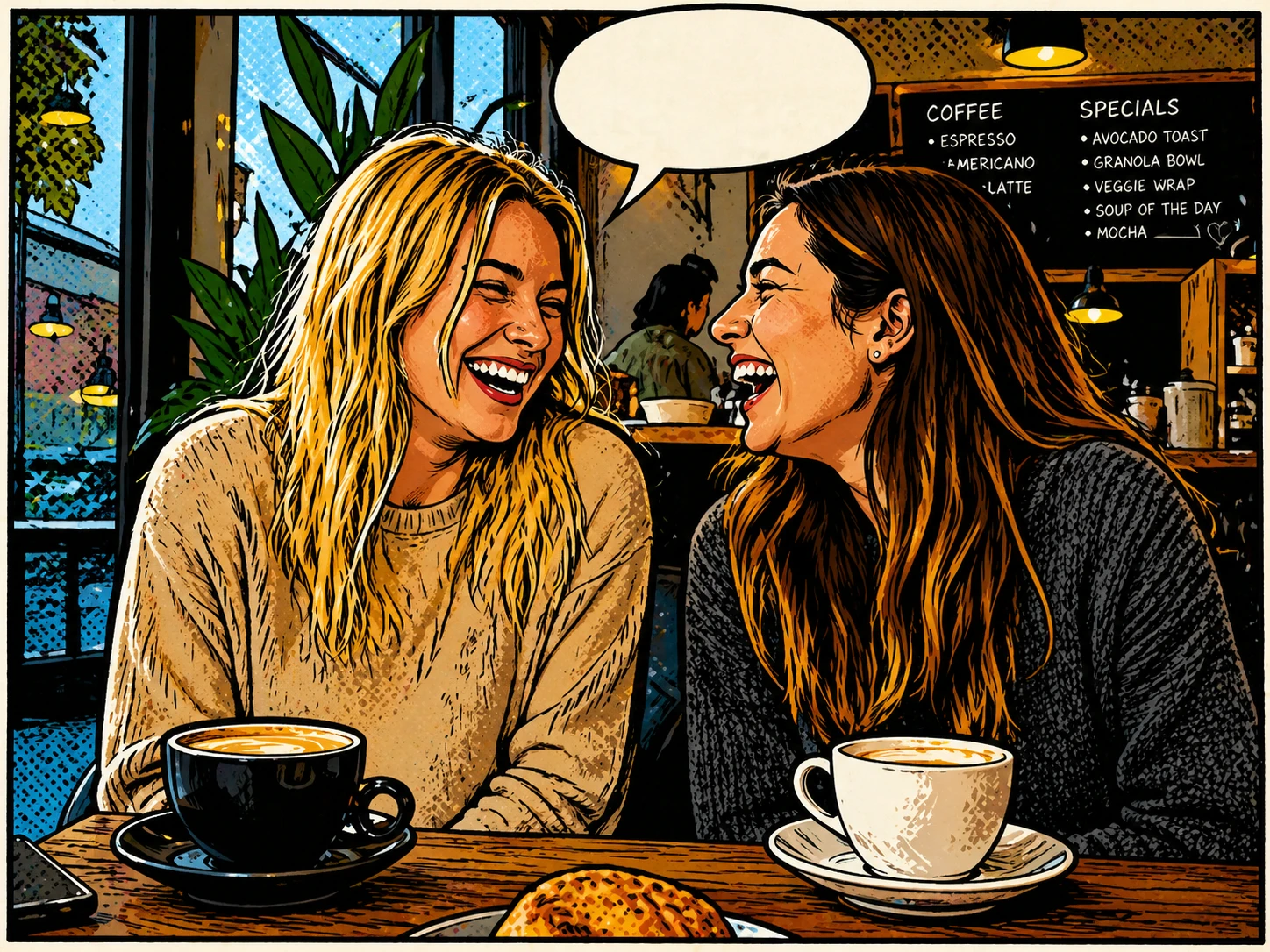
transform this photo into a charming comic book illustration with halftone dots, bold outlines, speech bubble space, classic American comic style — GPT Image 2
GPT Image 2

transform this photo into a charming comic book illustration with halftone dots, bold outlines, spee…
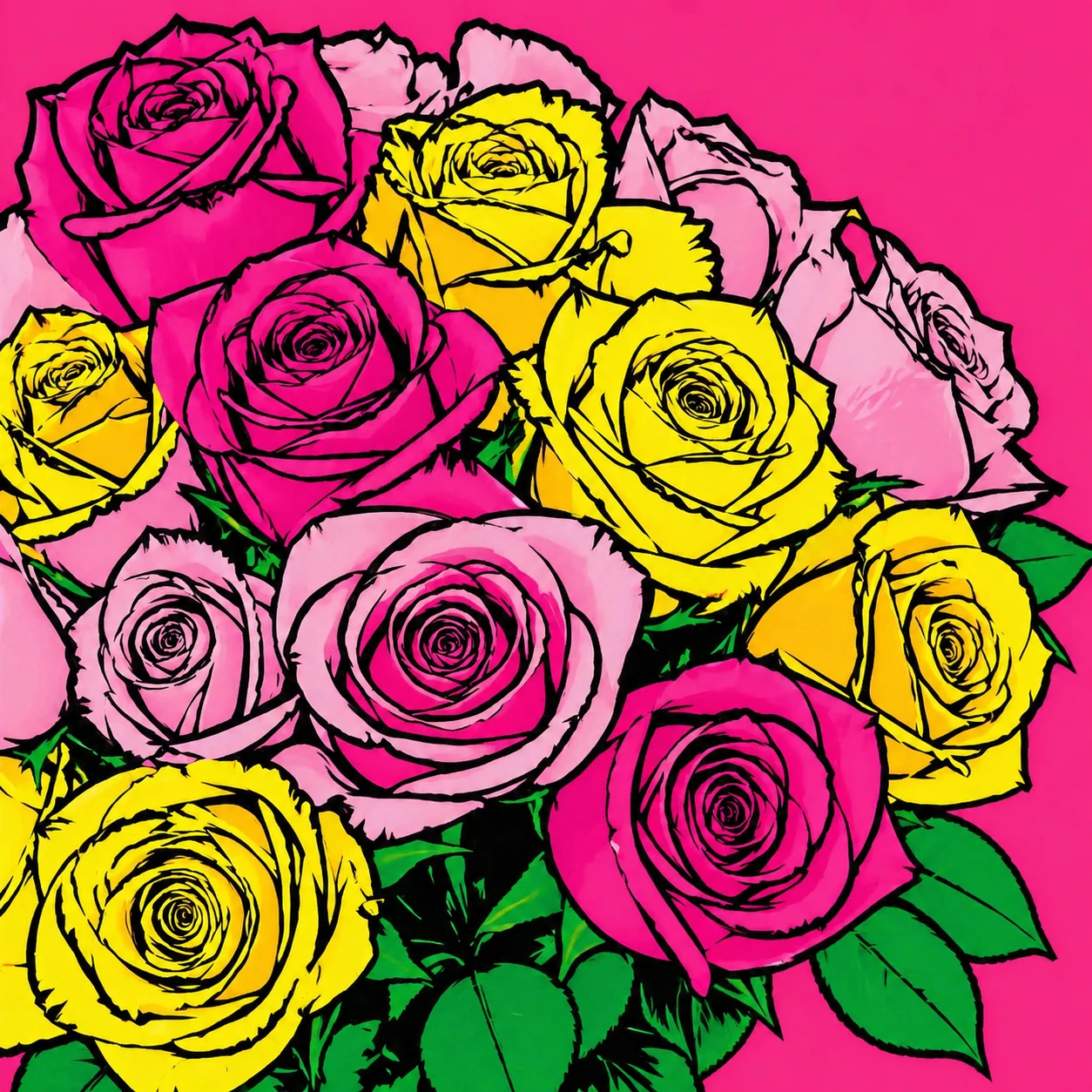
transform this photo into a vibrant pop art style, bold flat colors, thick black outlines, Andy Warhol inspired graphic art aesthetic — GPT Image 2
GPT Image 2

transform this photo into a vibrant pop art style, bold flat colors, thick black outlines, Andy Warh…
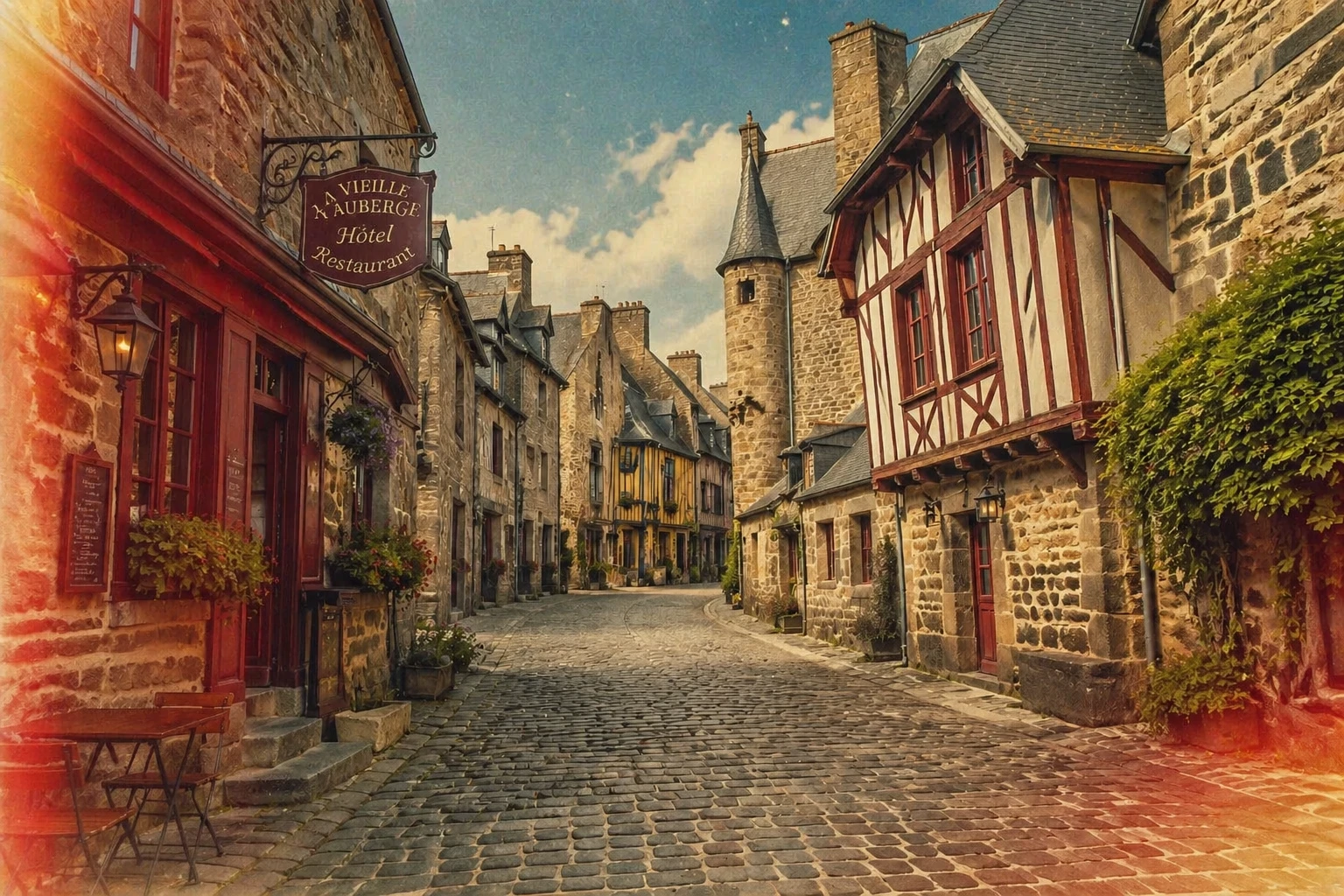
transform this photo into a vintage film photography style, add grain, desaturated nostalgic tones, light leaks, 1970s Kodachrome color palette — GPT Image 2
GPT Image 2

transform this photo into a vintage film photography style, add grain, desaturated nostalgic tones, …
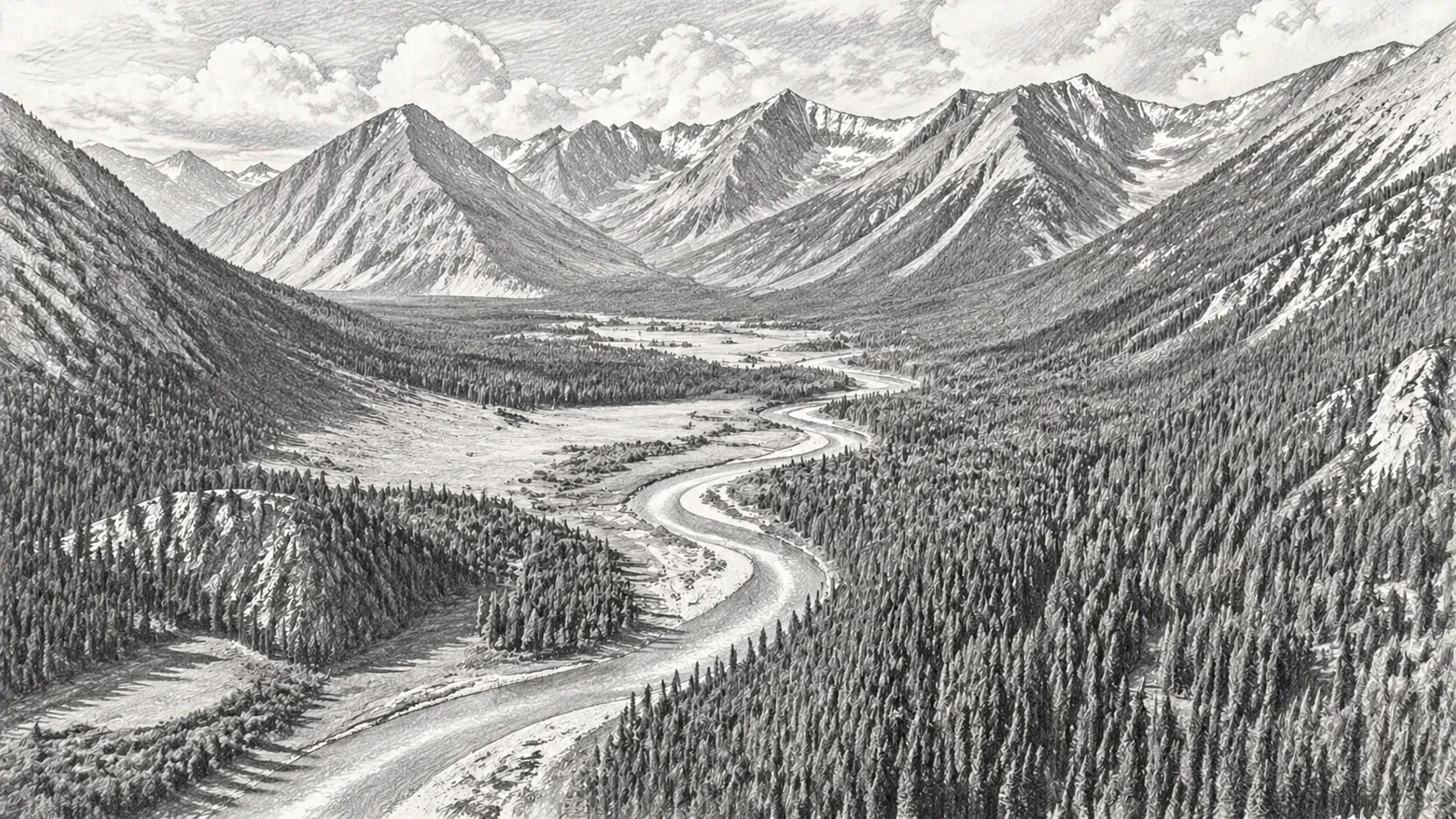
transform this photo into a detailed pencil sketch drawing with fine cross-hatching, graphite shading, realistic pencil texture on white paper — GPT Image 2
GPT Image 2

transform this photo into a detailed pencil sketch drawing with fine cross-hatching, graphite shadin…
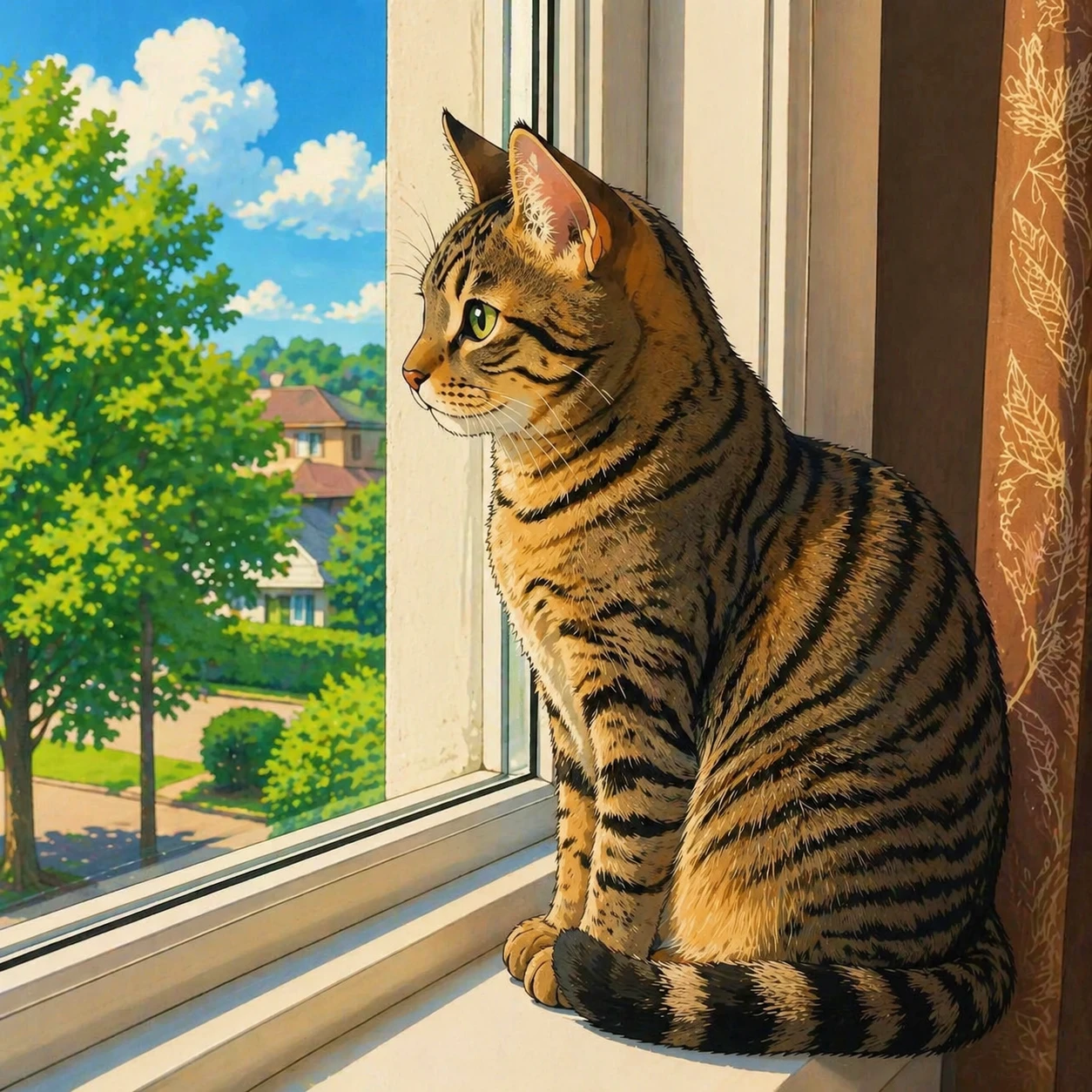
transform this photo into a Japanese anime illustration style, clean line art, vibrant anime colors, expressive eyes, Studio Ghibli inspired — GPT Image 2
GPT Image 2

transform this photo into a Japanese anime illustration style, clean line art, vibrant anime colors,…
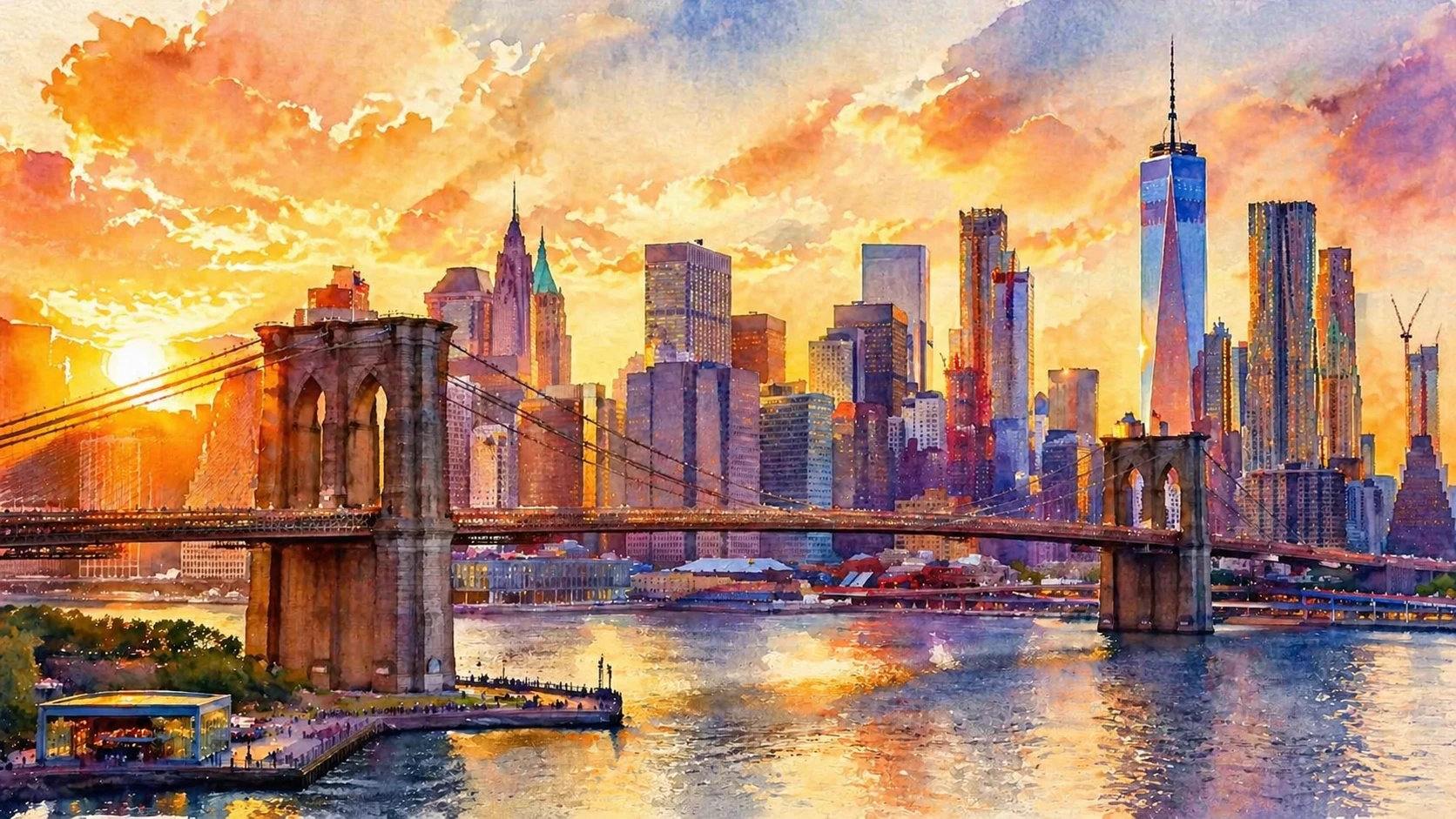
transform this photo into a watercolor painting style with soft bleeding edges, luminous transparent washes of color, impressionistic style — GPT Image 2
GPT Image 2

transform this photo into a watercolor painting style with soft bleeding edges, luminous transparent…

기능

6가지 예술 스타일

유화, 수채화, 애니메이션, 연필 스케치, 코믹/팝 아트, 픽셀 아트 — 한 곳에서 모두 만나보세요.

최대 2개의 참고 이미지

한 장의 사진을 업로드하거나 두 번째 이미지를 스타일 참고 이미지로 추가해 AI 변환을 가이드하세요.

빠른 결과

AI가 고품질 예술 결과물을 몇 초 만에 변환합니다.

사용자 정의 출력 크기

원본 사진 크기에 맞게 출력 크기를 선택하거나, AI가 자동으로 일치시킬 수 있습니다.

여러 스타일 시도

재생성 버튼을 사용하면 업로드한 사진을 유지하면서 다른 스타일을 시도할 수 있습니다.

실패 시 자동 환불

변환이 성공했을 때만 크레딧이 청구됩니다. 실패한 작업은 자동으로 환불됩니다.

작동 방식

1

사진 업로드

사진을 변환하고 싶은 초상화, 반려동물 사진, 풍경 또는 기타 이미지를 선택하세요.

2

아트 스타일 선택

유화, 수채화, 애니메이션, 스케치, 코믹, 픽셀 아트 중에서 고르세요.

3

아트워크 다운로드

AI가 몇 초 만에 당신의 스타일화된 이미지를 생성합니다. 고품질 WebP 형식으로 다운로드하세요.

사용 사례

초상화 → 유화 반려동물 사진 → 애니메이션 풍경 → 수채화 프로필 사진 → 만화 여행 사진 → 스케치 결혼 사진 → 그림 음식 사진 → 팝 아트 사진 → 픽셀 아트

자주 묻는 질문

어떤 사진 유형이 가장 잘 작동하나요?
초상화, 반려동물 사진, 풍경, 정물 사진 모두 훌륭한 결과를 냅니다. 명확한 주제와 좋은 조명을 가진 사진이 가장 인상적인 변화를 줍니다.
같은 사진에 여러 스타일을 시도할 수 있나요?
네 — 생성이 완료된 후, Regenerate 버튼을 클릭하면 사진이 여전히 로드된 상태로 폼으로 돌아갑니다. 다른 스타일을 선택하고 다시 생성하세요. 재업로드 없이.
최대 사진 크기는 얼마인가요?
사진은 처리 전에 가장 긴 변이 1024픽셀을 초과하지 않도록 자동으로 크기 조정됩니다. 출력 크기는 Output Size 컨트롤을 사용해 추가로 사용자 지정할 수 있습니다.
스타일 전환에 얼마나 많은 크레딧이 드나요?
변환당 모델에 따라 시작 가격 5 크레딧부터 (FLUX: 5, GPT Image 2: 10, Nano Banana 2: 20). 생성에 실패하면 크레딧이 자동 환불됩니다.