AI 가상 피팅

자신의 사진과 의류 아이템을 업로드하세요 — AI가 즉시 옷을 입혀줍니다. 피팅룸 없이 상의, 드레스, 재킷 등 시도해보세요.

클릭 또는 드래그 1–2 이미지를 여기에

JPEG, PNG, WebP — 자동 변환, 최대 1280px

이미지 1: 당신의 사진 · 이미지 2: 의류 아이템

5

커뮤니티 쇼케이스

이 도구로 생성된 실제 결과.

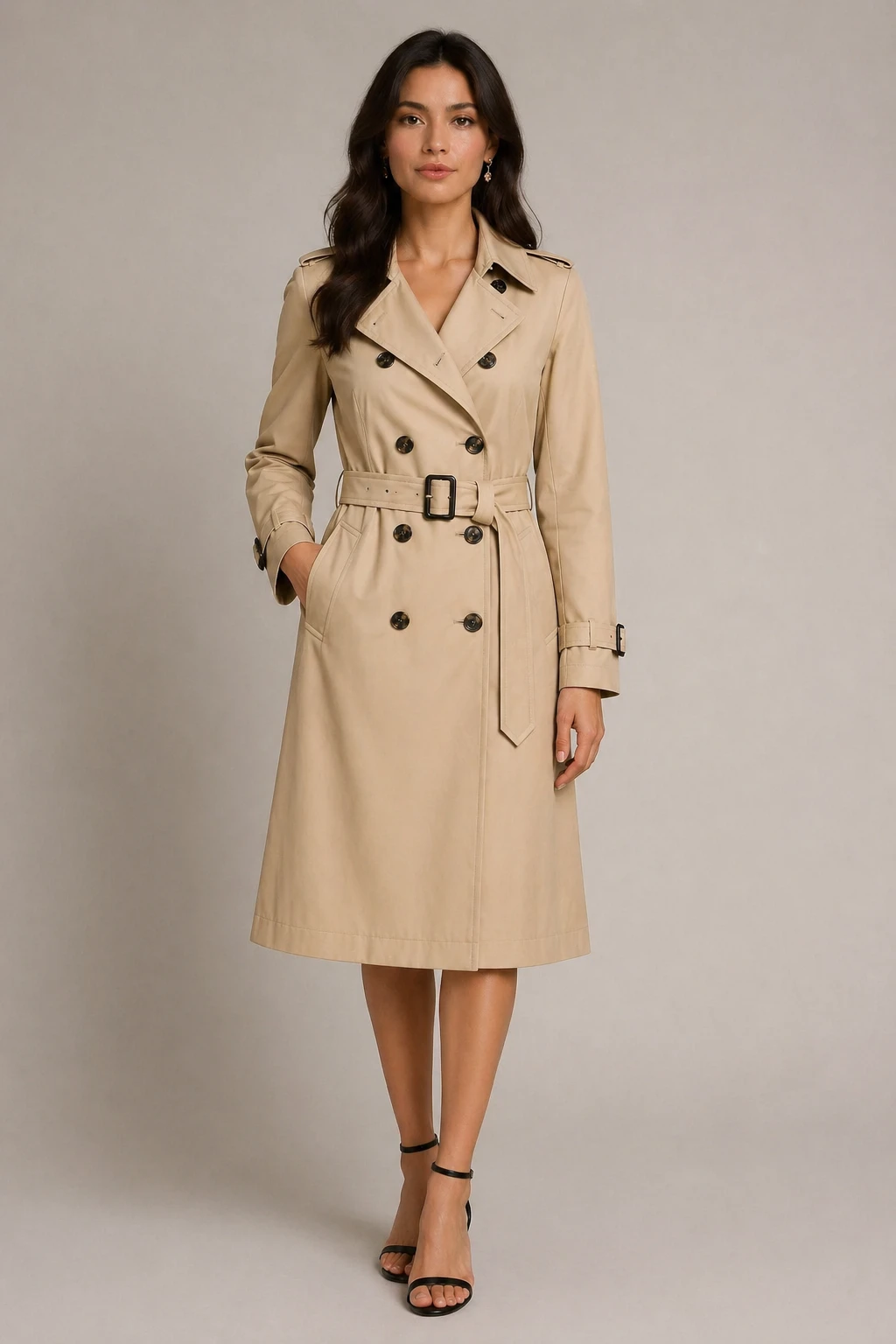
virtual try-on fashion editorial style: dress the person in the first image with the clothing from the second image, chic fashion look, preserve face  — GPT Image 2
GPT Image 2

virtual try-on fashion editorial style: dress the person in the first image with the clothing from t…
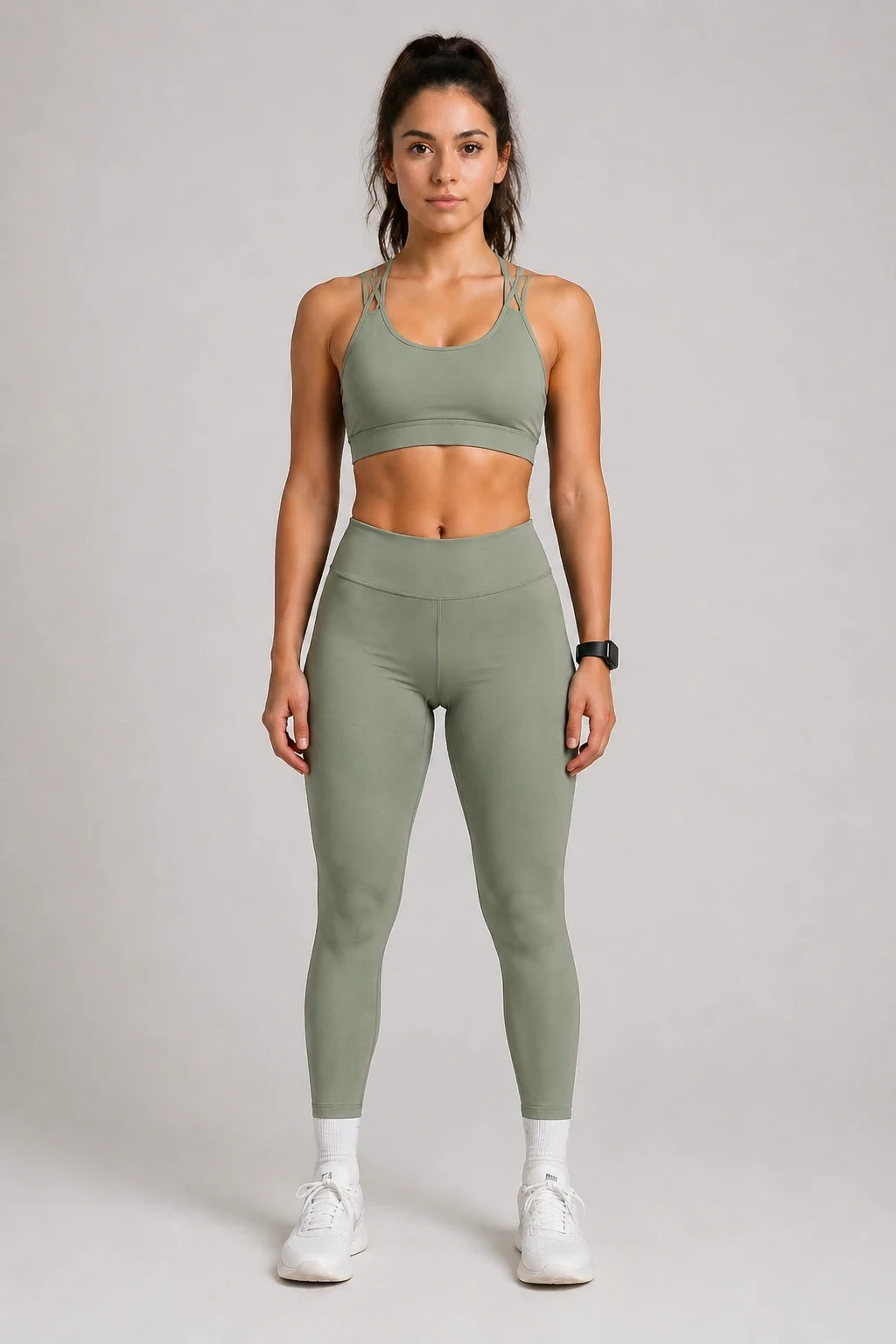
virtual try-on: dress the person in the first image with the clothing from the second image, sporty lifestyle look, natural fit, preserve face and pos — GPT Image 2
GPT Image 2

virtual try-on: dress the person in the first image with the clothing from the second image, sporty …
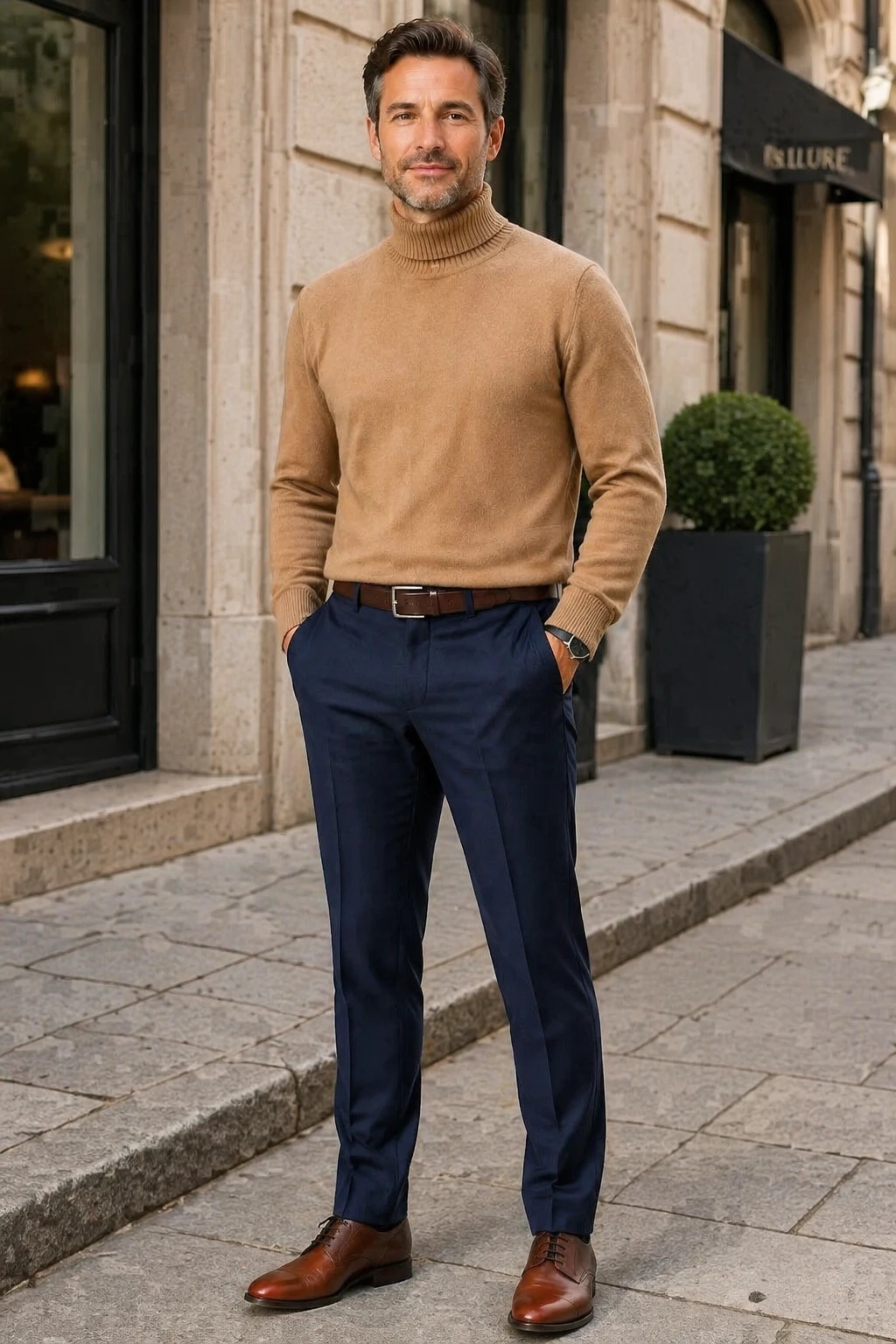
virtual try-on casual street style: dress the person in the first image with the clothing from the second image, sophisticated casual look, preserve f — GPT Image 2
GPT Image 2

virtual try-on casual street style: dress the person in the first image with the clothing from the s…
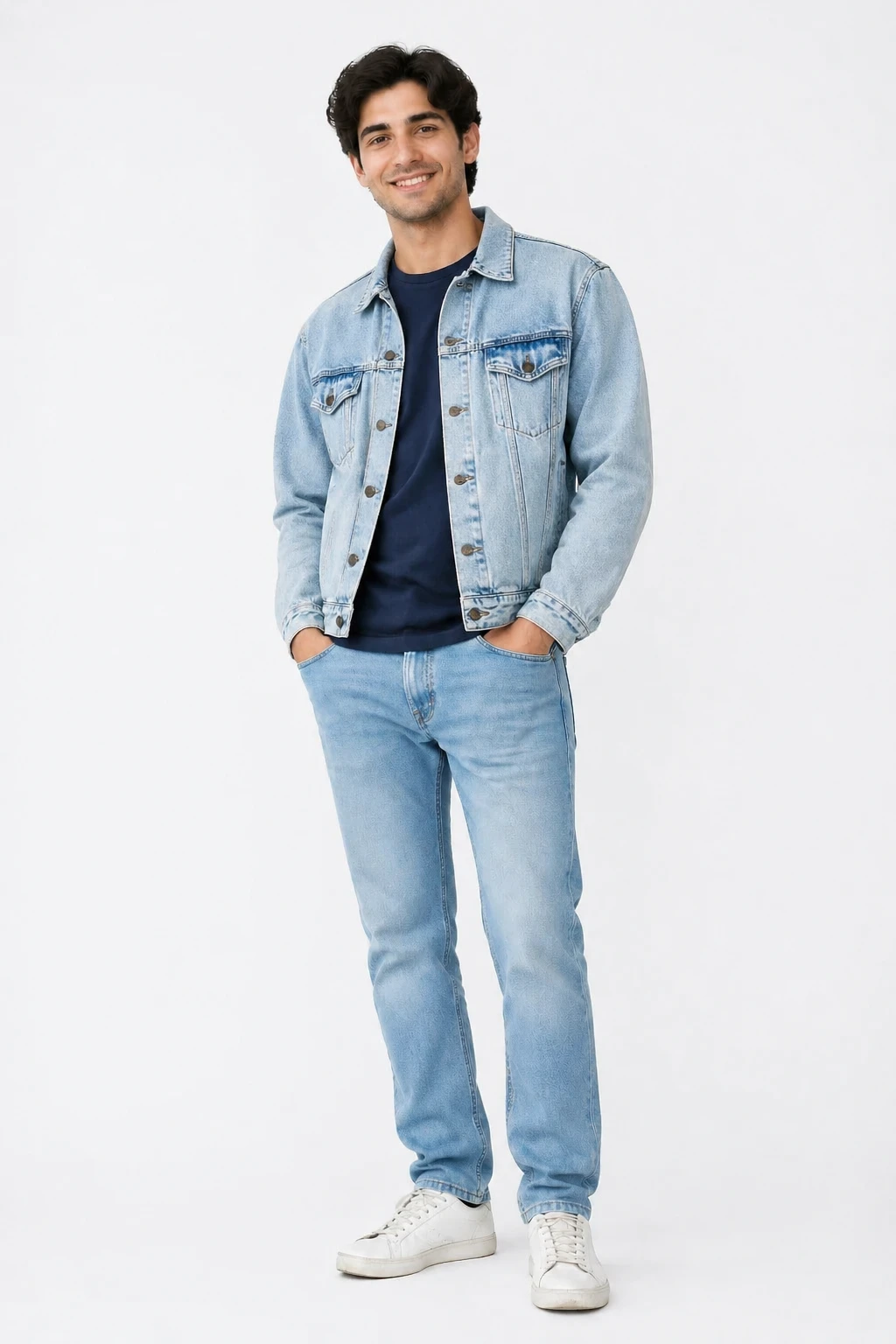
virtual try-on casual street style: dress the person in the first image with the clothing from the second image, natural street fashion look, preserve — GPT Image 2
GPT Image 2

virtual try-on casual street style: dress the person in the first image with the clothing from the s…
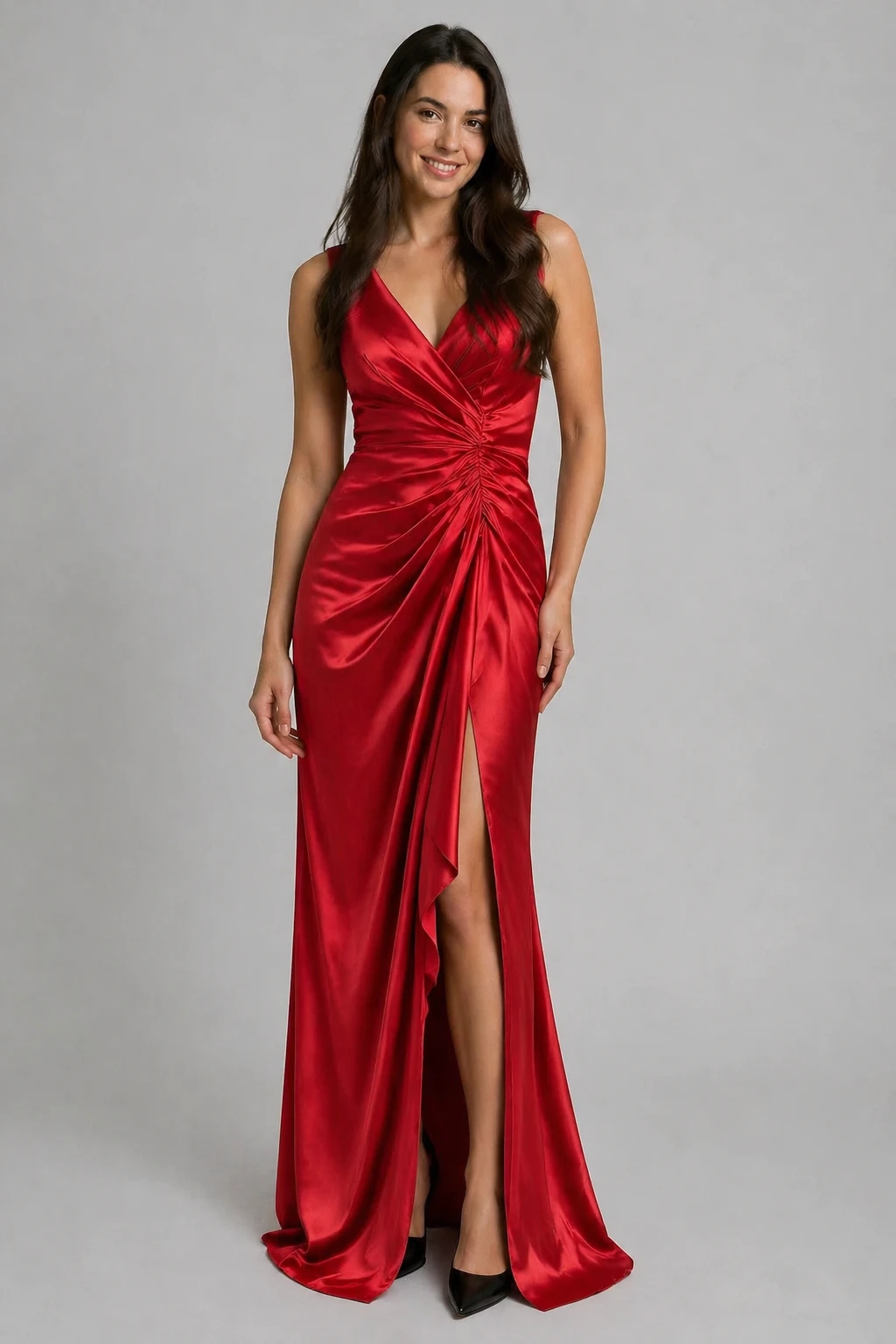
virtual try-on: dress the person in the first image with the clothing from the second image, preserve the person's face and pose, natural elegant look — GPT Image 2
GPT Image 2

virtual try-on: dress the person in the first image with the clothing from the second image, preserv…
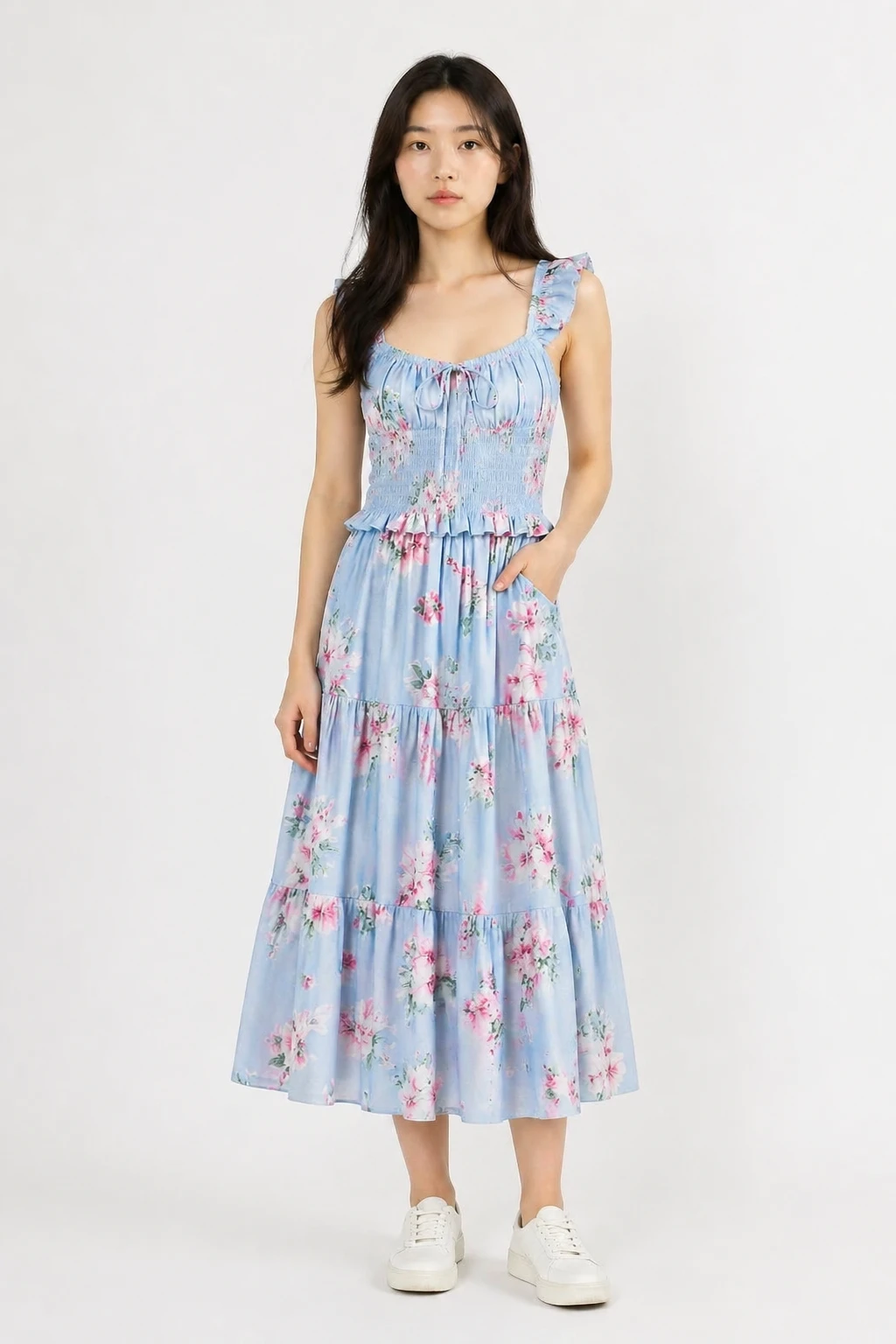
virtual try-on: dress the person in the first image with the clothing from the second image, natural realistic fit, preserve the person's face body an — GPT Image 2
GPT Image 2

virtual try-on: dress the person in the first image with the clothing from the second image, natural…

기능

모든 옷

상의, 원피스, 재킷, 코트, 수트 등과 호환됩니다. 옷 사진만 업로드하면 됩니다.

당신의 정체성을 그대로 유지

AI는 얼굴, 몸매, 포즈를 그대로 보존하며, 옷만 변화합니다.

다중 스타일 프리셋

자연스러운 착용감, 패션 에디토리얼, 캐주얼 스트리트, 스튜디오 룩 중에서 선택해 분위기에 맞춰 보세요.

여러 의상을 시도해 보세요

재생성 기능을 사용해 사진은 그대로 두고 다른 옷 사진을 교체하거나, 다른 스타일 프리셋을 시도해 보세요.

사용자 정의 출력 크기

출력 크기는 기본적으로 사진의 크기에 맞춰집니다. 필요 시 사이즈 컨트롤로 조정하세요.

실패 시 자동 환불

성공한 결과에 대해서만 크레딧이 부과됩니다. 실패한 작업은 자동으로 환불됩니다.

작동 방식

1

사진 업로드

첫 번째 이미지로 초상화 또는 전신 사진을 추가하세요.

2

옷 사진 업로드

두 번째 이미지로 옷 사진을 추가하세요. 플랫 레이 또는 제품 샷이 가장 효과적입니다.

3

스타일을 선택하고 생성

룩 프리셋을 선택해 AI가 옷을 입히도록 하세요. 결과물을 즉시 다운로드할 수 있습니다.

사용 사례

구매 전에 옷을 체험해보세요 온라인 쇼핑 가상 착용 패션 의상 계획 드레스 리허설 사진 소셜 미디어 패션 콘텐츠 선물용 의상 시각화 의상 정리 이커머스 제품 모델링

자주 묻는 질문

자신의 사진은 어떤 종류를 업로드해야 할까요?
전면을 바라보는 초상 사진이나 상체가 명확히 보이는 전신 사진이 가장 효과적입니다. 좋은 조명과 단순한 배경이 결과를 향상시킵니다.
가장 좋은 옷 사진은 어떤 것인가요?
평면 레이아웃 제품 사진, 단색 배경에 놓인 옷 사진, 마네키니 사진 등 모두 잘 맞습니다. 옷이 많이 가려진 이미지는 피하세요.
내 얼굴이 바뀔까요?
아니요. AI는 얼굴, 몸, 포즈를 그대로 유지하도록 지시받았습니다. 옷만 교체됩니다.
같은 사진에서 다른 옷을 입어볼 수 있을까요?
네 — 생성 후 재생성 버튼을 클릭하면 사진이 그대로 유지됩니다. 옷 이미지만 교체하고 다시 생성하면 됩니다. 다시 사진을 업로드할 필요가 없습니다.
한 번 착용에 필요한 크레딧은 몇 개인가요?
한 번 착용에 5 크레딧이 소요됩니다. 생성이 실패하면 크레딧이 자동으로 환불됩니다.