
KI Virtual Try-On
Laden Sie Ihr Foto und ein Kleidungsstück hoch – KI zieht Sie sofort in das Outfit. Probieren Sie Oberteile, Kleider, Jacken und mehr ohne Umkleideraum aus.
Klicken oder ziehen 1–2 Bilder hierher
JPEG, PNG, WebP — automatisch konvertiert, max. 1280px
Bild 1: Ihr Foto · Bild 2: das Kleidungsstück
Verarbeite...
Verarbeitung fehlgeschlagen
Community-Showcase
Echte Ergebnisse, die mit diesem Tool erstellt wurden.
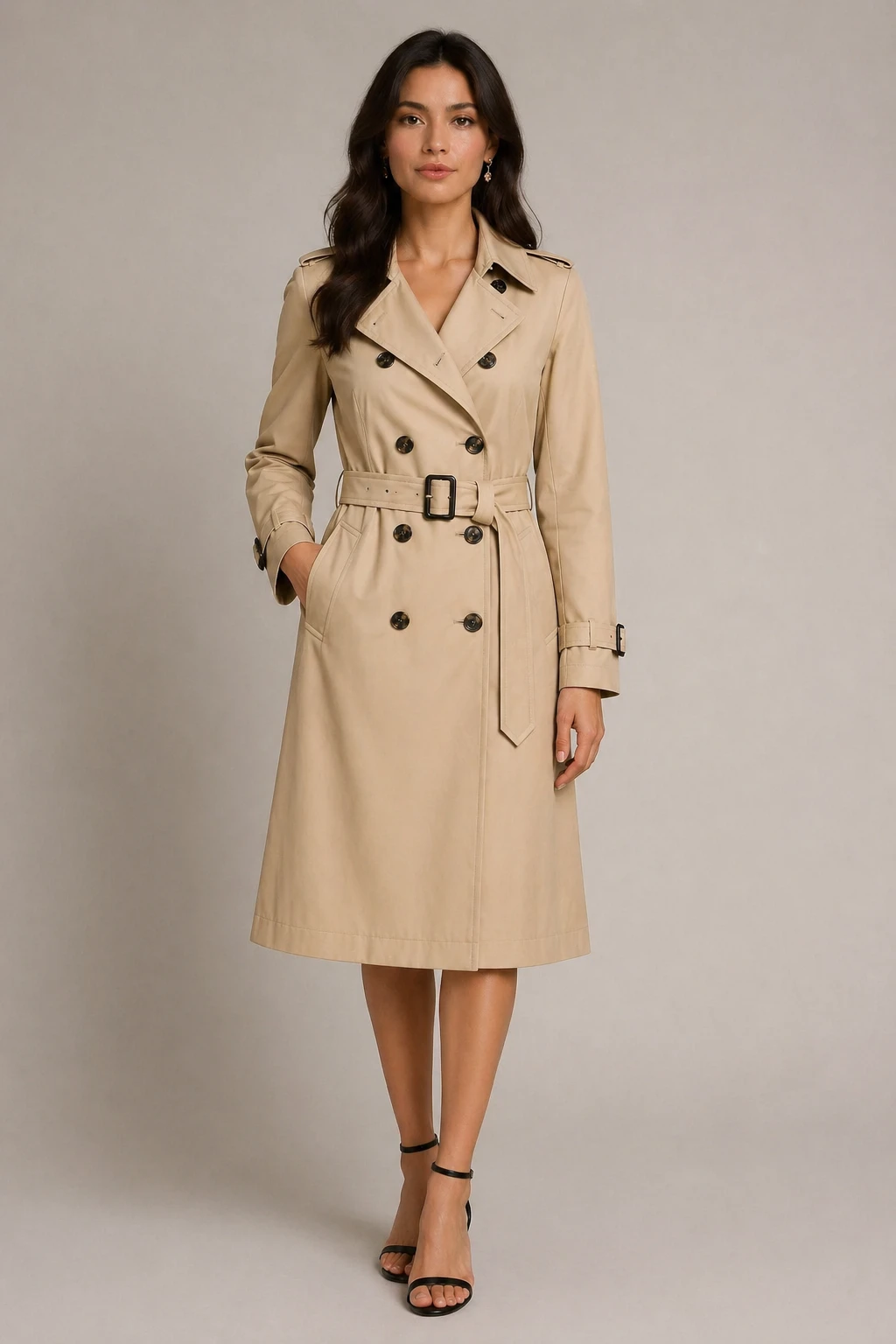
virtual try-on fashion editorial style: dress the person in the first image with the clothing from t…
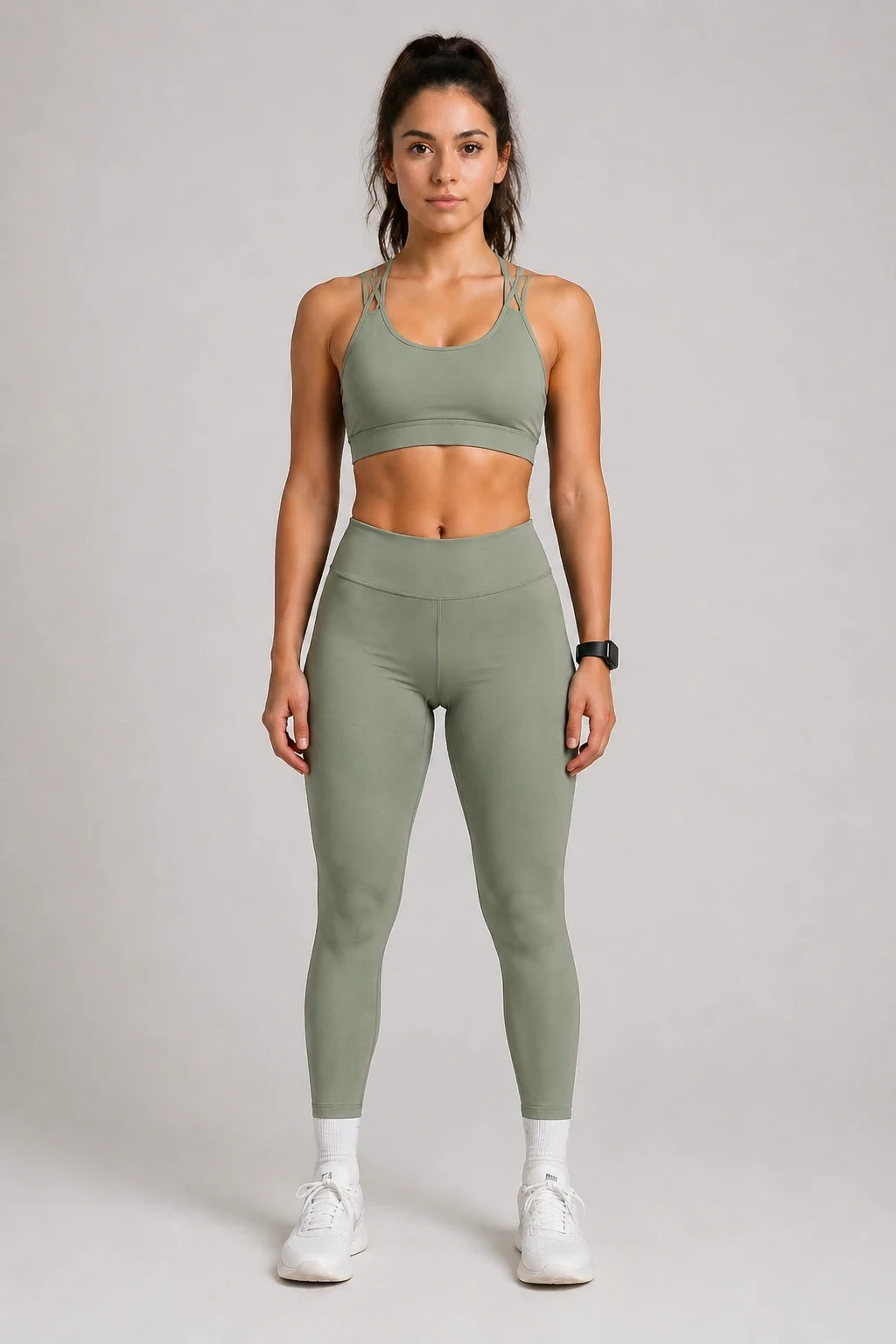
virtual try-on: dress the person in the first image with the clothing from the second image, sporty …
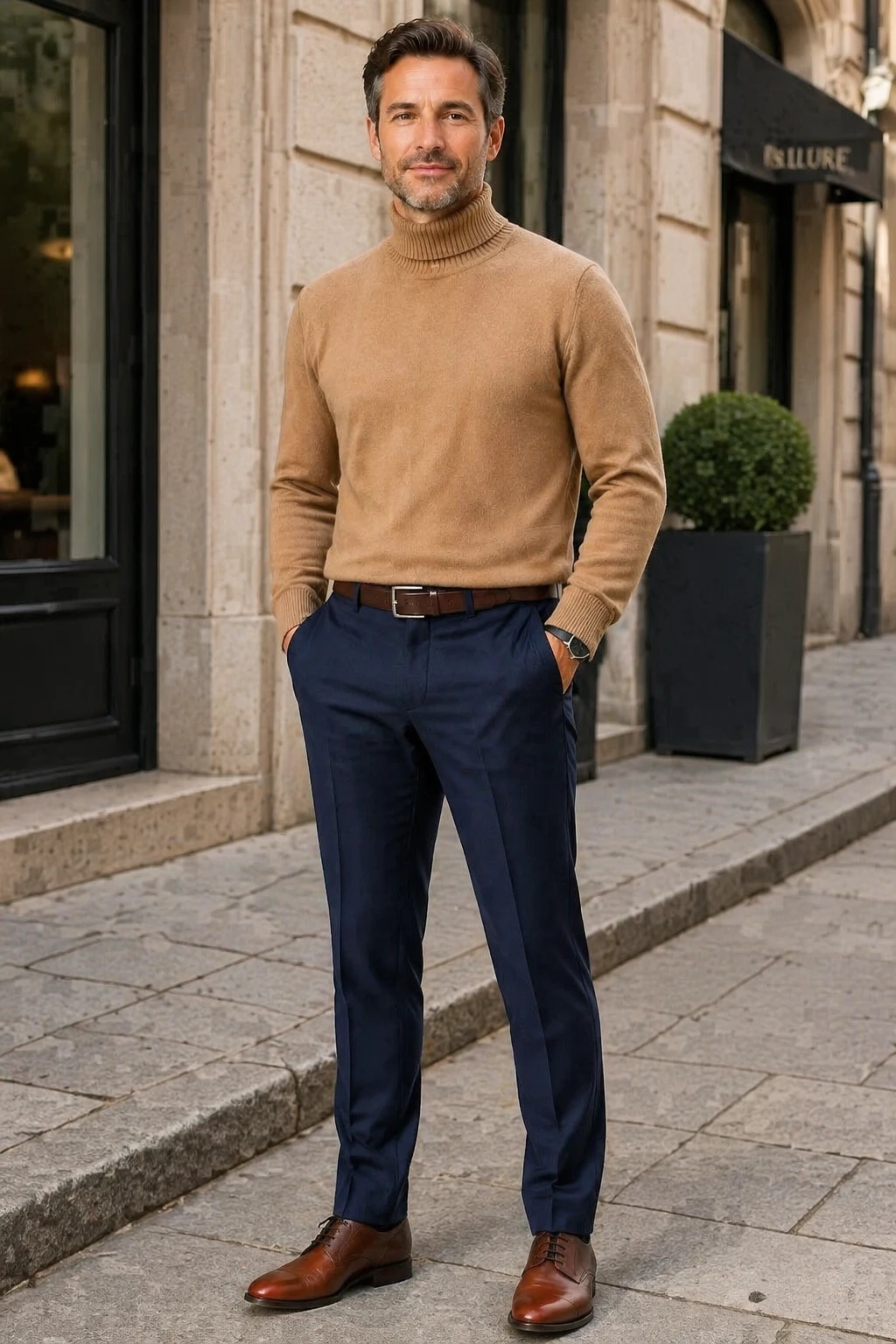
virtual try-on casual street style: dress the person in the first image with the clothing from the s…
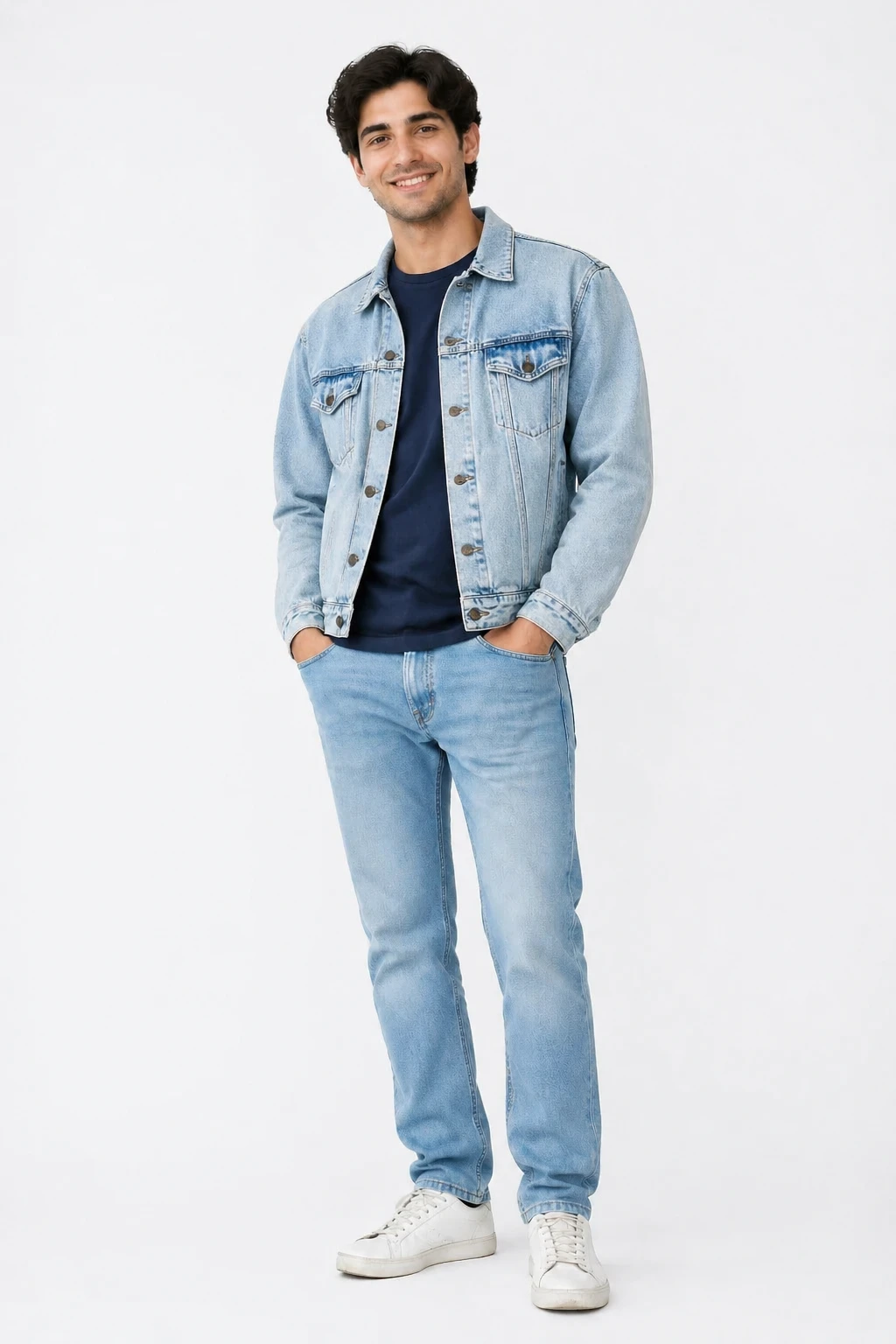
virtual try-on casual street style: dress the person in the first image with the clothing from the s…
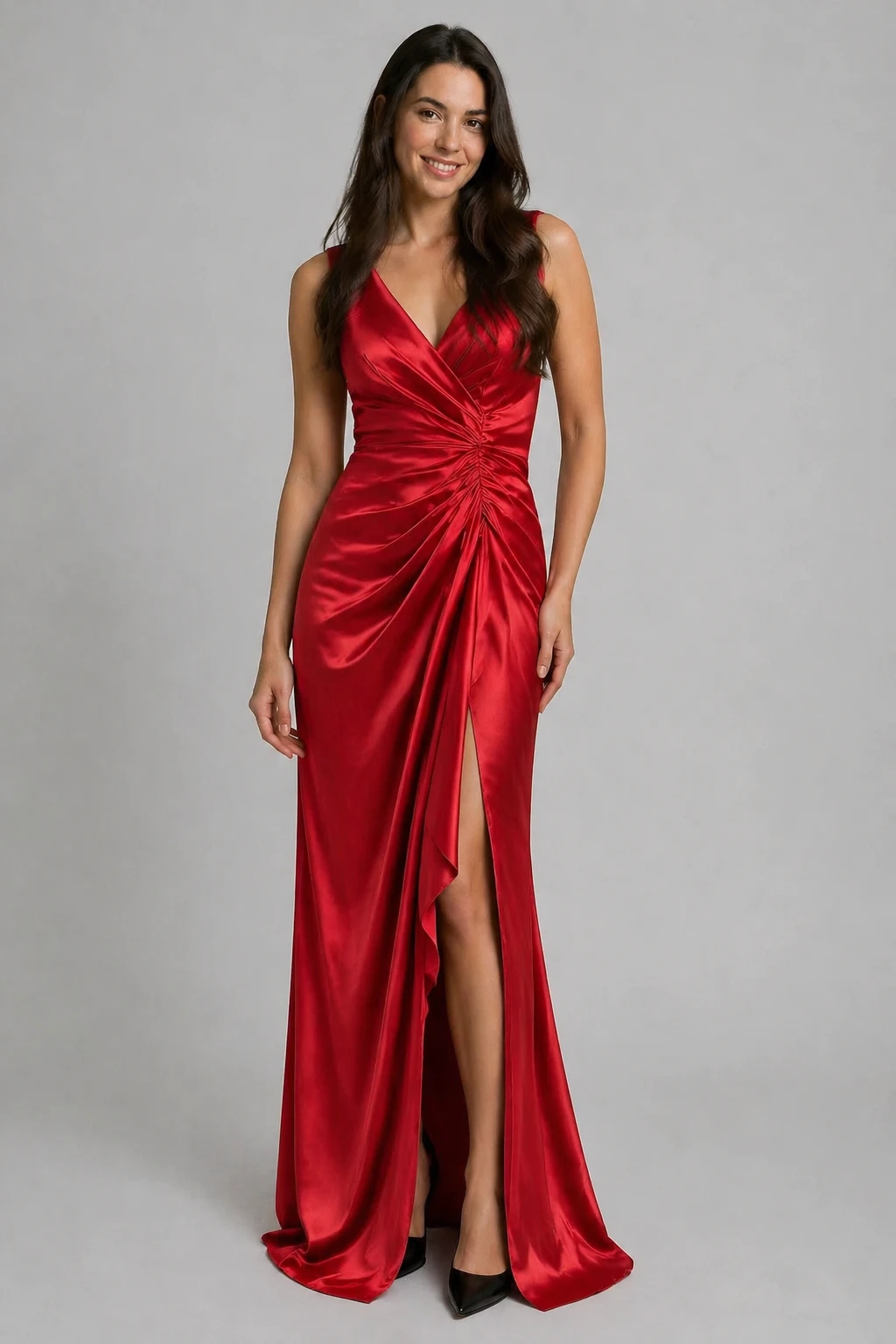
virtual try-on: dress the person in the first image with the clothing from the second image, preserv…
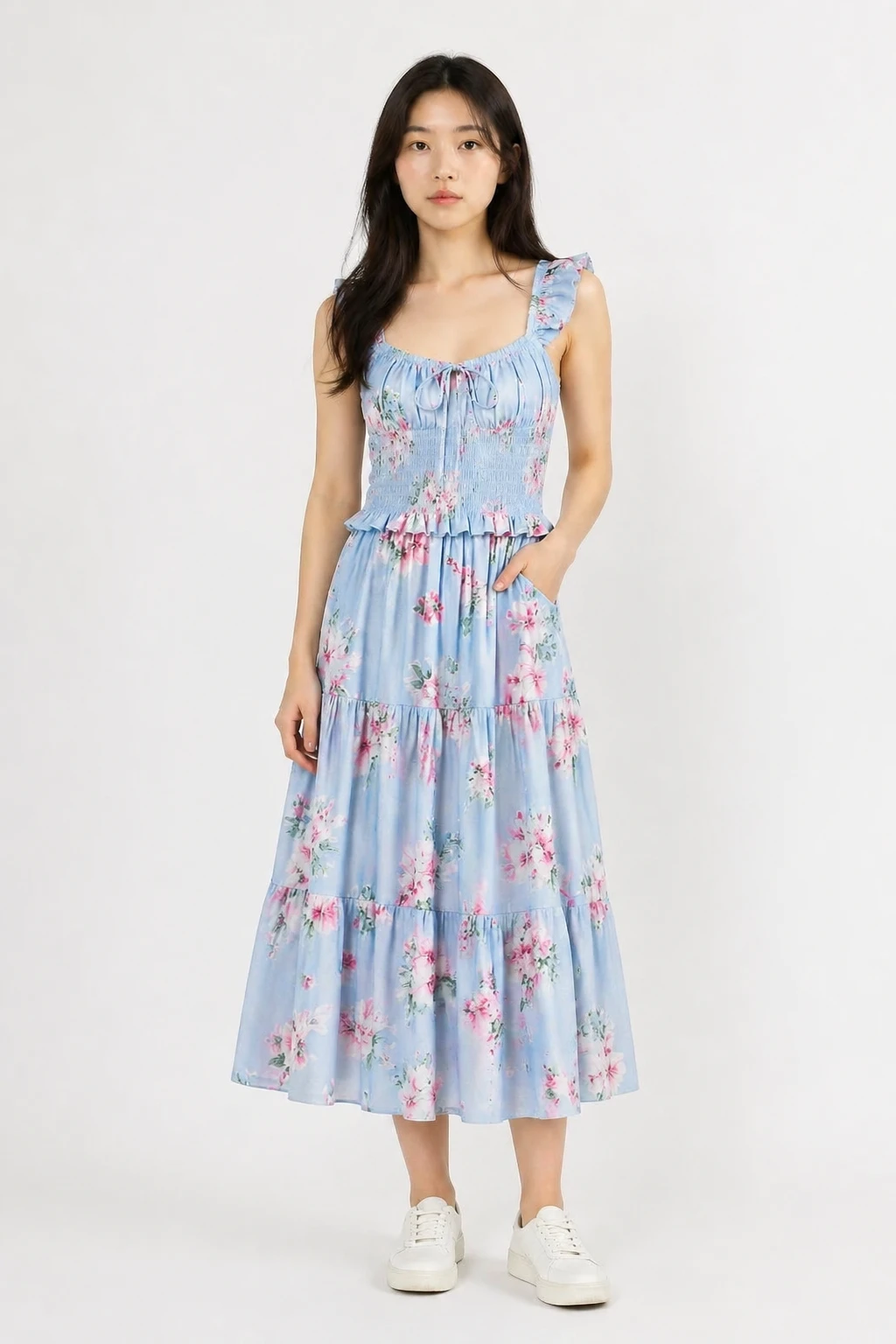
virtual try-on: dress the person in the first image with the clothing from the second image, natural…
Funktionen
Jedes Kleidungsstück
Funktioniert mit Oberteilen, Kleidern, Jacken, Mänteln, Anzügen und mehr. Laden Sie einfach ein Foto des Kleidungsstücks hoch.
Bewahrt Ihre Identität
Die KI behält Ihr Gesicht, Ihre Körperform und Ihre Pose bei – nur die Kleidung verändert sich.
Mehrere Stil-Vorlagen
Wählen Sie aus natürlichem Fit, Mode-Editorial, Lässiger Street und Studio-Look, um Ihre Stimmung zu treffen.
Mehrere Outfits ausprobieren
Verwenden Sie Regenerieren, um Ihr Foto beizubehalten und ein anderes Bild des Kleidungsstücks einzufügen, oder probieren Sie einen anderen Stil.
Benutzerdefinierte Ausgabegröße
Die Ausgabegröße ist standardmäßig auf die Dimensionen Ihres Fotos eingestellt. Passen Sie sie bei Bedarf mit den Größensteuerungen an.
Automatische Rückerstattung bei Misserfolg
Credits werden nur für erfolgreiche Ergebnisse berechnet. Fehlgeschlagene Aufträge werden automatisch erstattet.
So funktioniert's
Laden Sie Ihr Foto hoch
Fügen Sie Ihr Porträt- oder Ganzkörperfoto als erstes Bild hinzu.
Kleidungsstück hochladen
Fügen Sie das Foto des Kleidungsstücks als zweites Bild hinzu. Ein Flachaufnahmieren oder Produktfoto ist am besten geeignet.
Wählen Sie einen Stil & generieren
Wählen Sie eine Look-Vorlage und lassen Sie die KI Sie im Outfit erscheinen. Laden Sie das Ergebnis sofort herunter.