
OG Image Generator

Generate stunning Open Graph images for your website, app, and social media previews.

5

Community Showcase

Real results created with this tool.

OG image for a pet adoption platform "AdoptMe", joyful golden retriever looking at camera against warm yellow background, friendly and heartwarming — GPT Image 2
GPT Image 2

OG image for a pet adoption platform "AdoptMe", joyful golden retriever looking at camera against warm yellow background…

OG image for a developer documentation site "DocsHub", clean sans-serif typography mockup on soft gray, code snippet style decorative elements — GPT Image 2
GPT Image 2

OG image for a developer documentation site "DocsHub", clean sans-serif typography mockup on soft gray, code snippet sty…
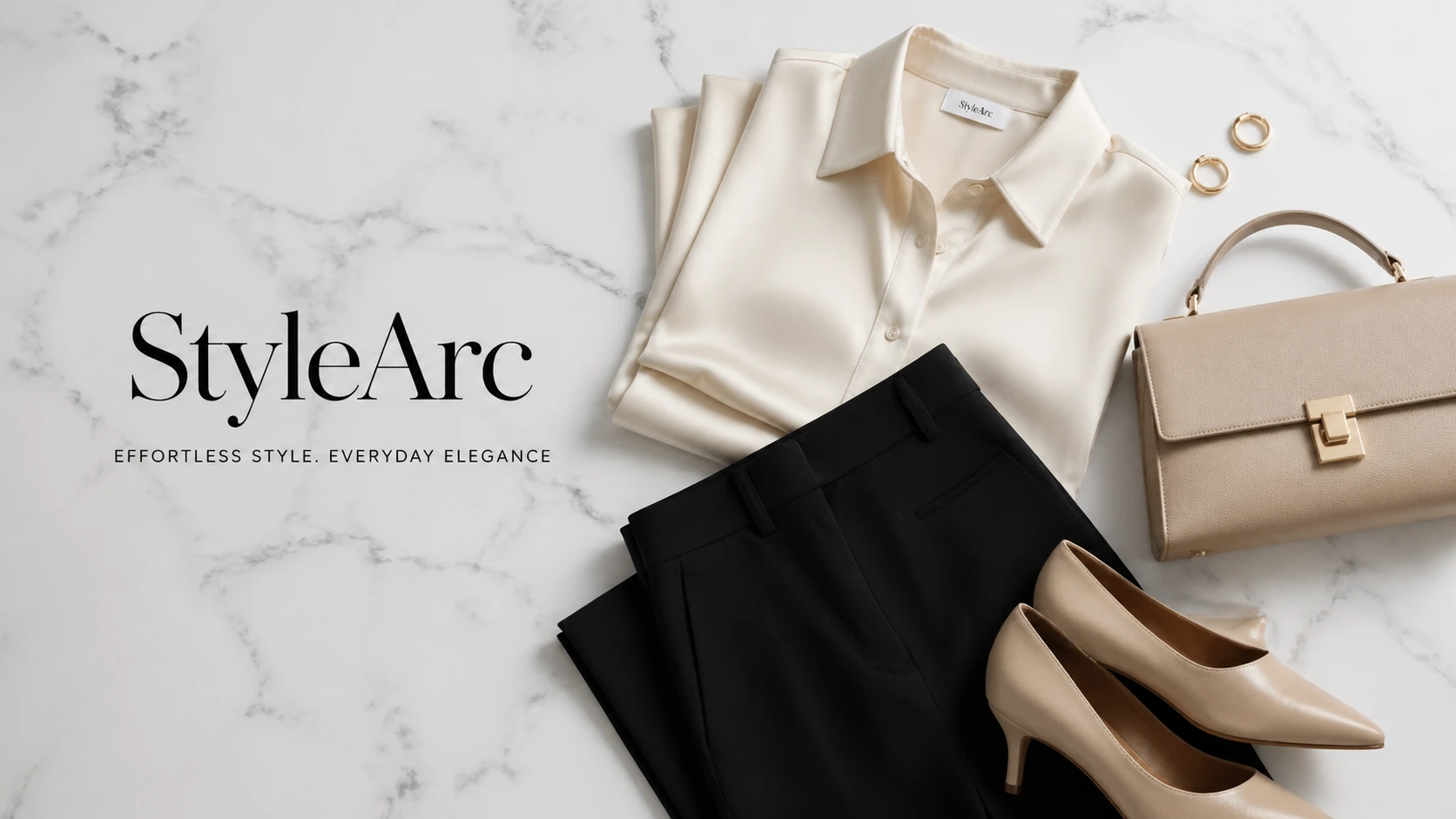
OG image for an e-commerce fashion brand "StyleArc", elegant editorial flat lay of minimalist clothing on white marble, luxury fashion aesthetic — GPT Image 2
GPT Image 2

OG image for an e-commerce fashion brand "StyleArc", elegant editorial flat lay of minimalist clothing on white marble, …

OG image for a mental health platform "Serenity", pastel watercolor wash with gentle abstract human silhouette, calming lavender and peach tones — GPT Image 2
GPT Image 2

OG image for a mental health platform "Serenity", pastel watercolor wash with gentle abstract human silhouette, calming …

OG image for a crypto analytics dashboard "ChainLens", abstract blockchain network visualization, deep space blue with glowing gold nodes, premium dat — GPT Image 2
GPT Image 2

OG image for a crypto analytics dashboard "ChainLens", abstract blockchain network visualization, deep space blue with g…

OG image for a travel booking platform "WanderRoute", split panorama of iconic global landmarks, soft gradient sky, clean white text area at bottom — GPT Image 2
GPT Image 2

OG image for a travel booking platform "WanderRoute", split panorama of iconic global landmarks, soft gradient sky, clea…

OG image for a food delivery startup "QuickBite", vibrant flat-design illustration of diverse food items arranged in a circle, bright orange brand col — GPT Image 2
GPT Image 2

OG image for a food delivery startup "QuickBite", vibrant flat-design illustration of diverse food items arranged in a c…

OG image for an online coding course platform "DevLaunch", abstract circuit board pattern in neon green on dark, bold headline space, hacker aesthetic — GPT Image 2
GPT Image 2

OG image for an online coding course platform "DevLaunch", abstract circuit board pattern in neon green on dark, bold he…

Features

Platform-Optimized Sizes

Built-in presets for Facebook, Twitter, LinkedIn, and more. Pick a preset and fine-tune with sliders.

Direct Prompt Generation

Describe your site or page mood and the AI generates a matching OG image straight from your words.

Brand-Aligned Visuals

Describe your brand colors and mood — the AI creates images that match your identity.

Multiple Variants

Generate up to 4 unique designs so you always have the best option to choose from.

How It Works

1

Describe Your Site

Enter your website or page description, brand colors, and desired mood.

2

Generate Your Image

AI creates your OG image directly from your description. Check community examples for proven prompt styles.

3

Download & Deploy

Download your OG images and add them to your site's meta tags immediately.

Use Cases

Website meta og:image Blog post previews Twitter / X cards LinkedIn articles Facebook link previews Newsletter headers Product landing pages App store screenshots

FAQ

What is an OG image?
An Open Graph (OG) image is the preview image shown when your page is shared on social media platforms like Facebook, Twitter, or LinkedIn. The recommended size is 1200×640 pixels.
Which size should I use?
All platform presets (OG/Facebook, Twitter Card, LinkedIn) use 1200×640 — a universally compatible landscape size. You can also generate a 1024×1024 square for other use cases.
Can I use these images on my website?
Yes, all generated images are yours to use freely including commercially. Download them and reference them in your HTML meta tags.
How do I add an OG image to my website?
Add <meta property='og:image' content='YOUR_IMAGE_URL' /> to your page's <head> section. Also add <meta name='twitter:image' content='YOUR_IMAGE_URL' /> for Twitter.